

Can a QR Code System Compete with Apple Tag? Comparing Features and Use Cases

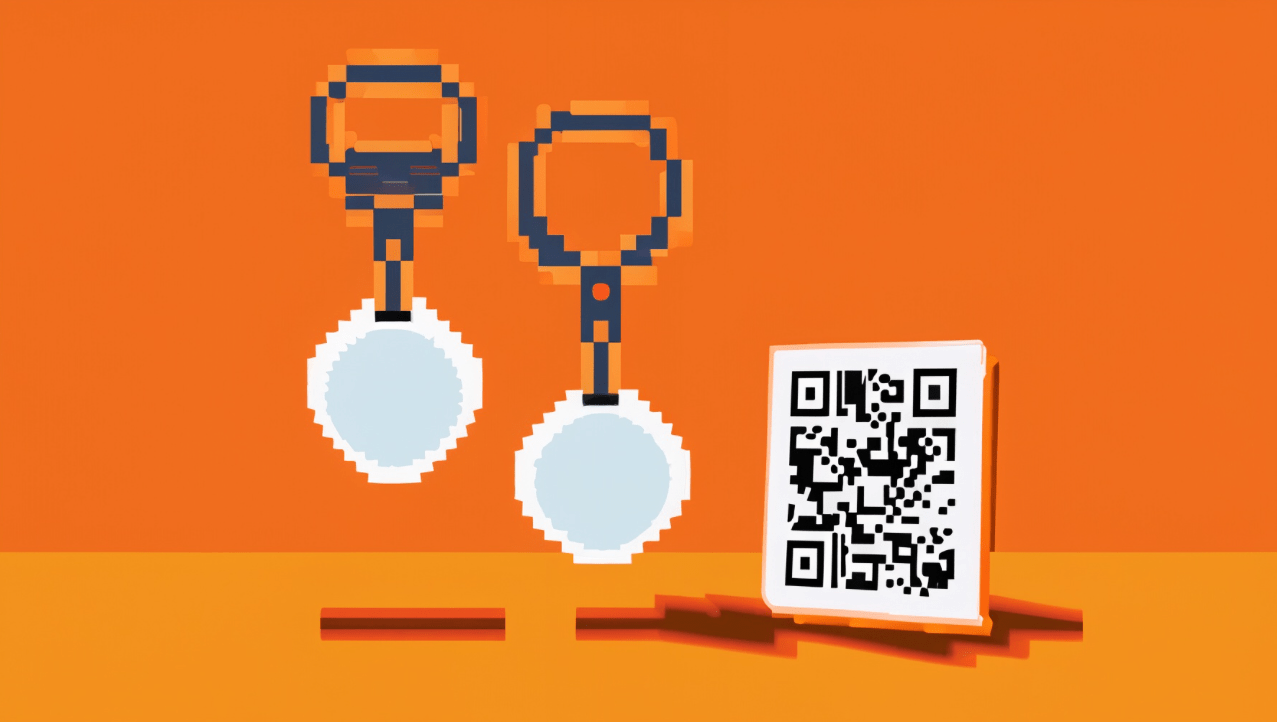
Apple Tag is a new product that allows users to track and locate their personal belongings using Bluetooth and ultra-wideband technology. It works with the Find My app on iOS devices and can be attached to keys, wallets, backpacks, and more. But how does it compare to a QR code system, such as Shelf, which is a cheaper and more widely available option for adding digital content to physical things? In this post, we will compare the features and use cases of Apple Tag and Shelf, and see which one is better suited for different scenarios.
What is an Apple Tag?
Apple Tag is a small device that can be attached to any item and paired with an iPhone or iPad. It uses Bluetooth and ultra-wideband technology to communicate with the Find My app, which can show the location of the tag on a map. Users can also make the tag play a sound or display a message on its screen if they are nearby.
Apple Tag has some advantages over other tracking devices, such as:
- It has a long battery life of up to a year, and the battery can be easily replaced by the user.
- It has a water-resistant design that can withstand splashes and rain.
- It has a built-in speaker that can emit a loud sound to help locate the tag.
- It has an ultra-wideband chip that can provide precise distance and direction information when used with compatible devices.
- It has a Lost Mode that can notify the user if the tag is found by someone else, and display a message or phone number on the tag’s screen.
Apple Tag also has some limitations, such as:
- It requires an iPhone or iPad with iOS 14.5 or later to set up and use.
- It is relatively expensive, costing $29 for one tag or $99 for four tags.
- It is not very customizable, as it only comes in white color and has limited engraving options.
- It is not very secure, as it can be easily removed or stolen by someone else.
What is Shelf?
Shelf is an easy-to-use asset management platform that enables you to log, track, and manage all of your physical assets in one place. With Shelf, you can effortlessly create product pages by simply taking a photo of an item and adding relevant tags and information.
Shelf uses QR codes to link your assets to web pages that showcase your brand story, product features, customer reviews, and more. You can generate unique, programmable QR code tags for all your assets using Shelf’s Sticker Studio. You can also scan QR codes on assets using your phone’s camera, making it quick and easy to check assets in and out.
Shelf has some advantages over other digital solutions, such as:
- It is low cost, as QR codes can be created and printed for free or at minimal cost.
- It is highly visible and easily recognizable, as QR codes are widely known by the public as a way to access web content.
- It is high compatible across devices, as most smartphones have native QR code scanning capabilities or can use third-party apps to scan them.
- It is flexible and dynamic, as QR codes can be updated or changed without reprinting them.

How do they compare?
Apple Tag and Shelf are both ways of adding a digital layer to physical things, but they have different features and use cases. Here are some scenarios where one might be better than the other:
- If you want to track and locate your personal belongings that are constantly moving or changing locations, Apple Tag is better than Shelf. Apple Tag can show you the exact location and direction of your items on a map, and make them play a sound or display a message if you are nearby. Shelf cannot do that, as it only updates the location of the item when it is scanned by a user.
- If you want to track and manage your assets that are stored in fixed locations, such as a warehouse or a stockroom, Shelf is better than Apple Tag.
- If you want to provide assembly or care instructions for your products, Shelf is better than Apple Tag. Shelf can link your customers to web pages that provide step-by-step guides or videos on how to assemble or care for their products.
The conclusion
Apple Tag and Shelf are both useful ways of adding digital content to physical things, but they have different features and use cases. Depending on your goals and needs, you might prefer one over the other.
Apple Tag is better for tracking and locating your personal belongings that are constantly moving or changing locations using Bluetooth and ultra-wideband technology. It works with the Find My app on iOS devices and can show you the exact location and direction of your items on a map.
Shelf is better for tracking and managing your assets that are stored in fixed locations using QR codes. It works with any smartphone camera app and can sync the last item scanned location on a map.
Which one do you think is more suitable for your scenario?
Ready to organize your assets?
Join thousands of teams who trust Shelf to manage their physical assets. Free forever, or try the Team plan free for 7 days.
Out in the field? Shelf Companion is free on iPhone & Android.
More from the blog

New: Shelf PWA (Progresive Web Application) live! (Learn how to use)
We are excited to announce the launch of the new Shelf progressive web app (PWA)! This PWA makes it easier than ever to access and use Shelf on your mobile devices.The Shelf PWA brings our powerful asset management software right to your home screen. Simply go to www.shelf.nu in your mobile browser, tap the "Add to Home Screen" prompt, and you'll have instant access to Shelf whenever you need it.

Photographers: Use shelf to track the contents of your hard drives
As a photographer, managing and keeping track of your physical assets, such as cameras, lenses, and memory cards, is crucial to maintaining a well-organized and efficient workflow. However, it's equally important to keep track of the content stored on your hard drives, as this can provide valuable insights into your digital asset collection.

What are Digital Twins and how can you use them for your business?
Digital twins are one of the most exciting and promising technologies in the era of digital transformation. They can help you optimize your products, processes, and systems, as well as unlock new opportunities for innovation and growth. But what exactly are digital twins and how can you use them for your business?