Sublocations — organize locations into hierarchies
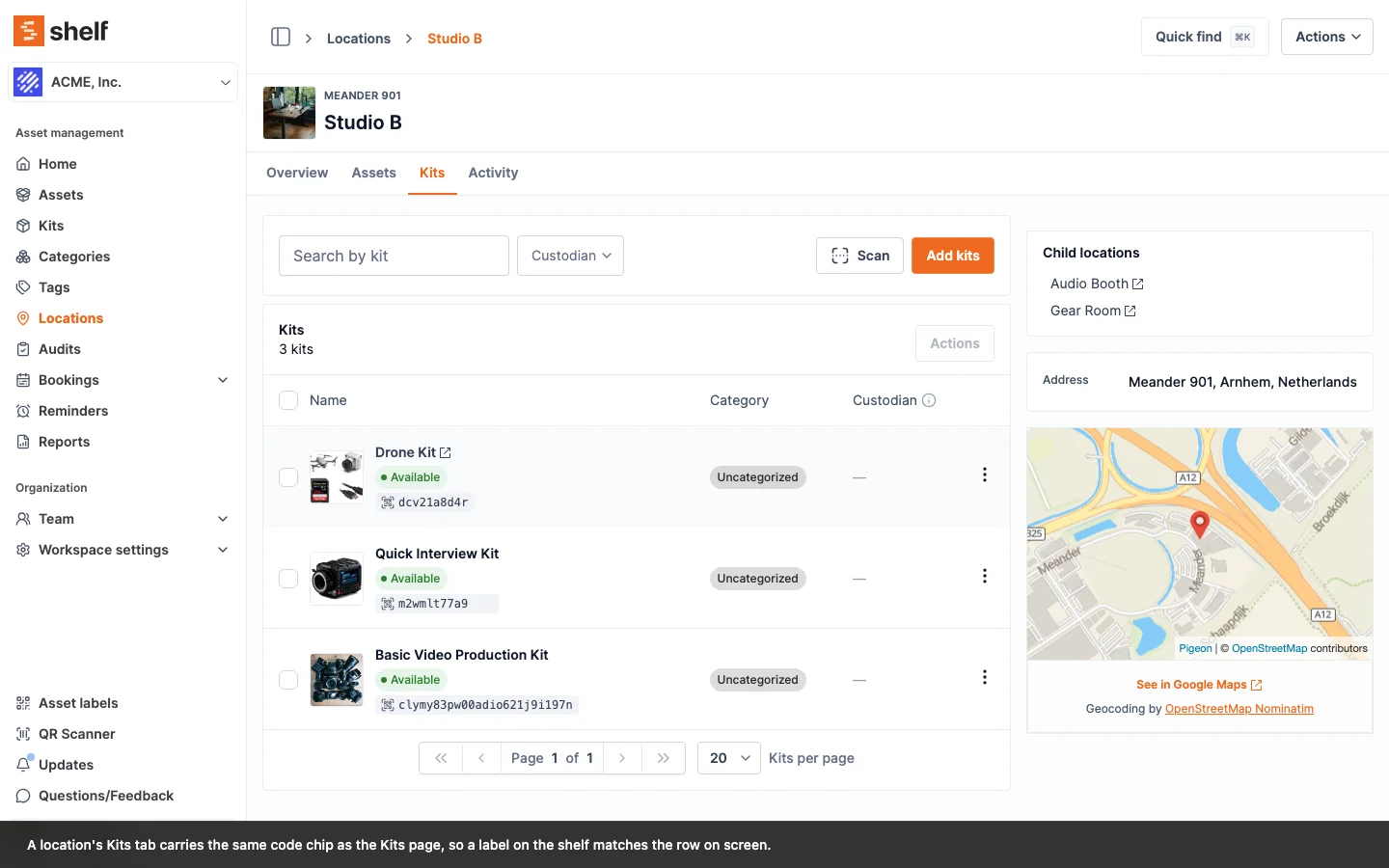
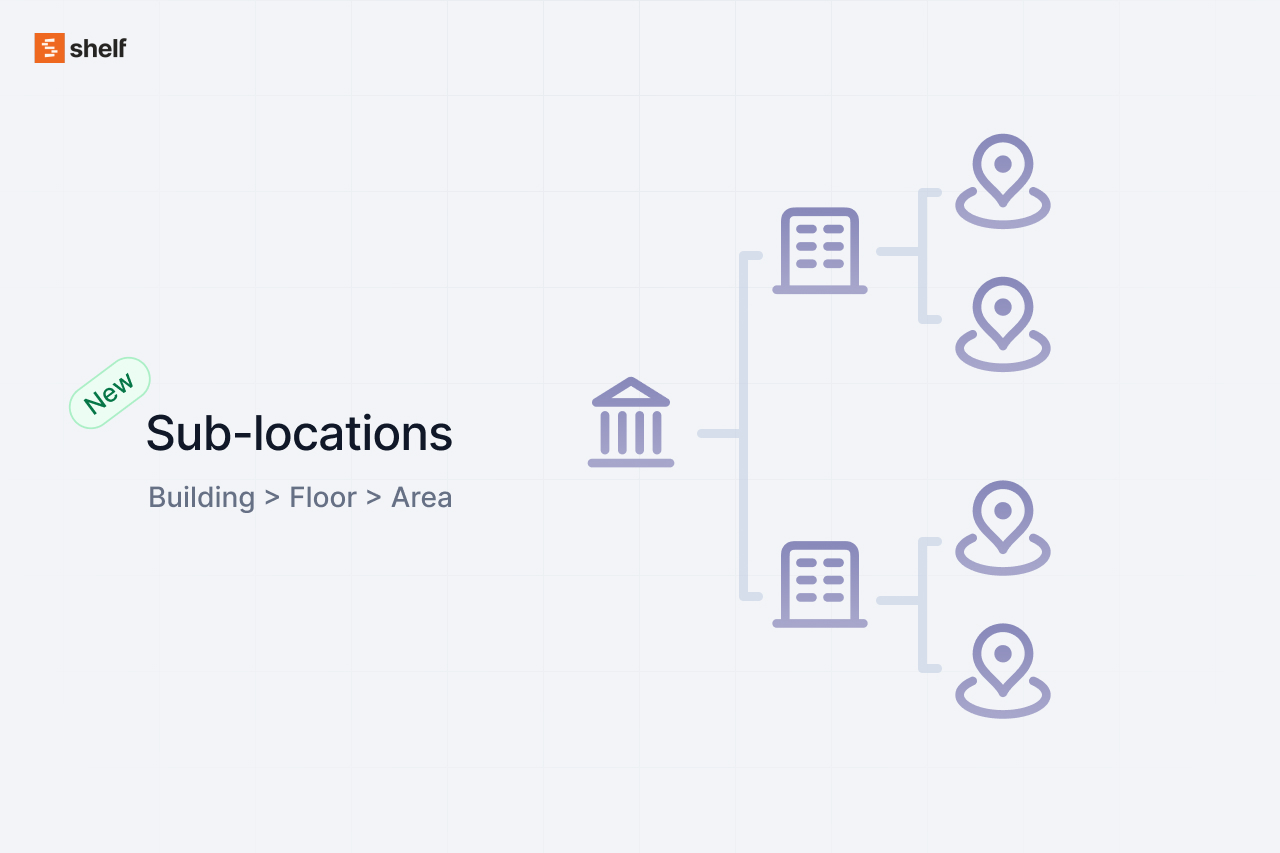
Establish parent/child location structures (Building → Floor → Room) with breadcrumb navigation. Assets remain linked to specific nodes in your location tree.
A timeline of every feature, improvement, and milestone since day one.

Establish parent/child location structures (Building → Floor → Room) with breadcrumb navigation. Assets remain linked to specific nodes in your location tree.

WCAG 2.1 AA compliance improvements including skip links, keyboard-reorderable columns, and improved screen-reader support across the platform.

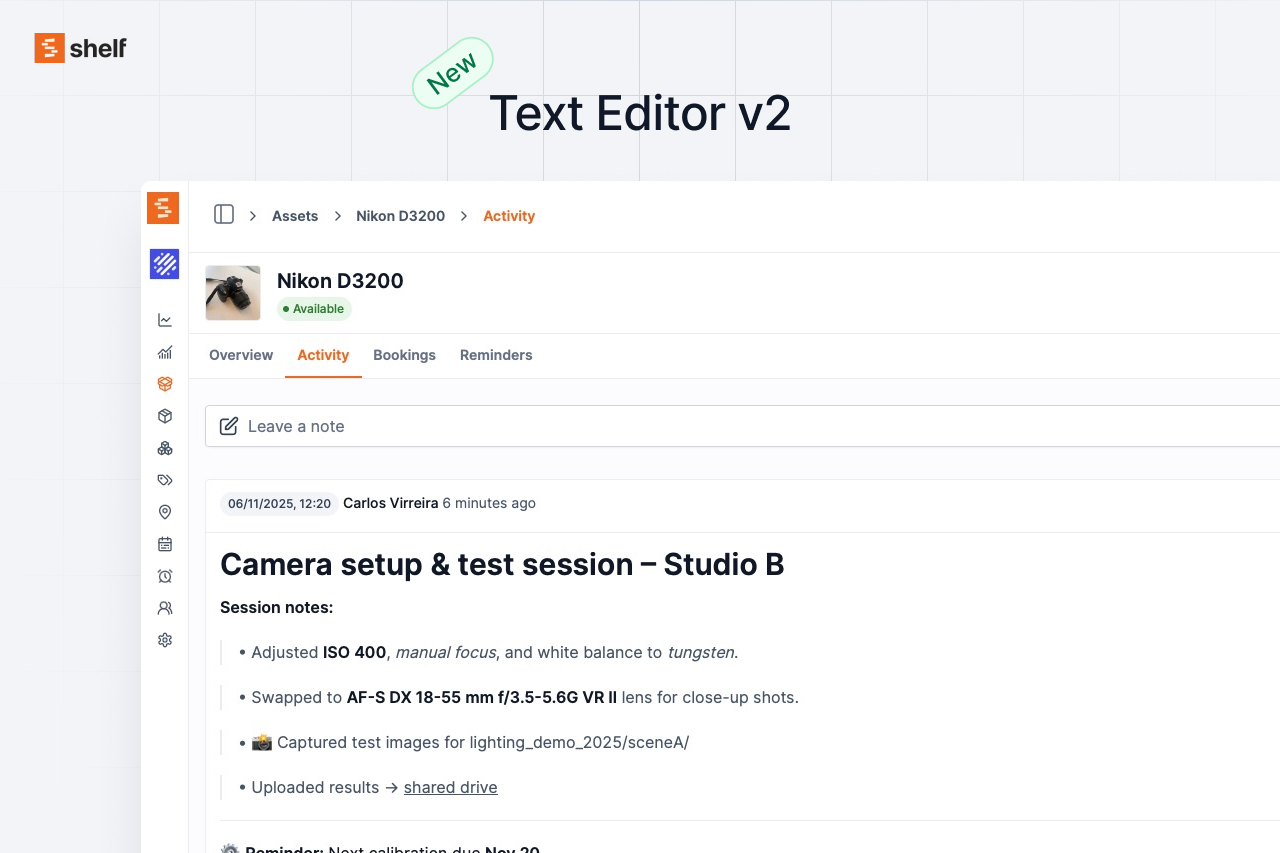
ProseMirror-powered rich text editor with slash commands, formatting toolbar, and keyboard shortcuts for a smoother writing experience.

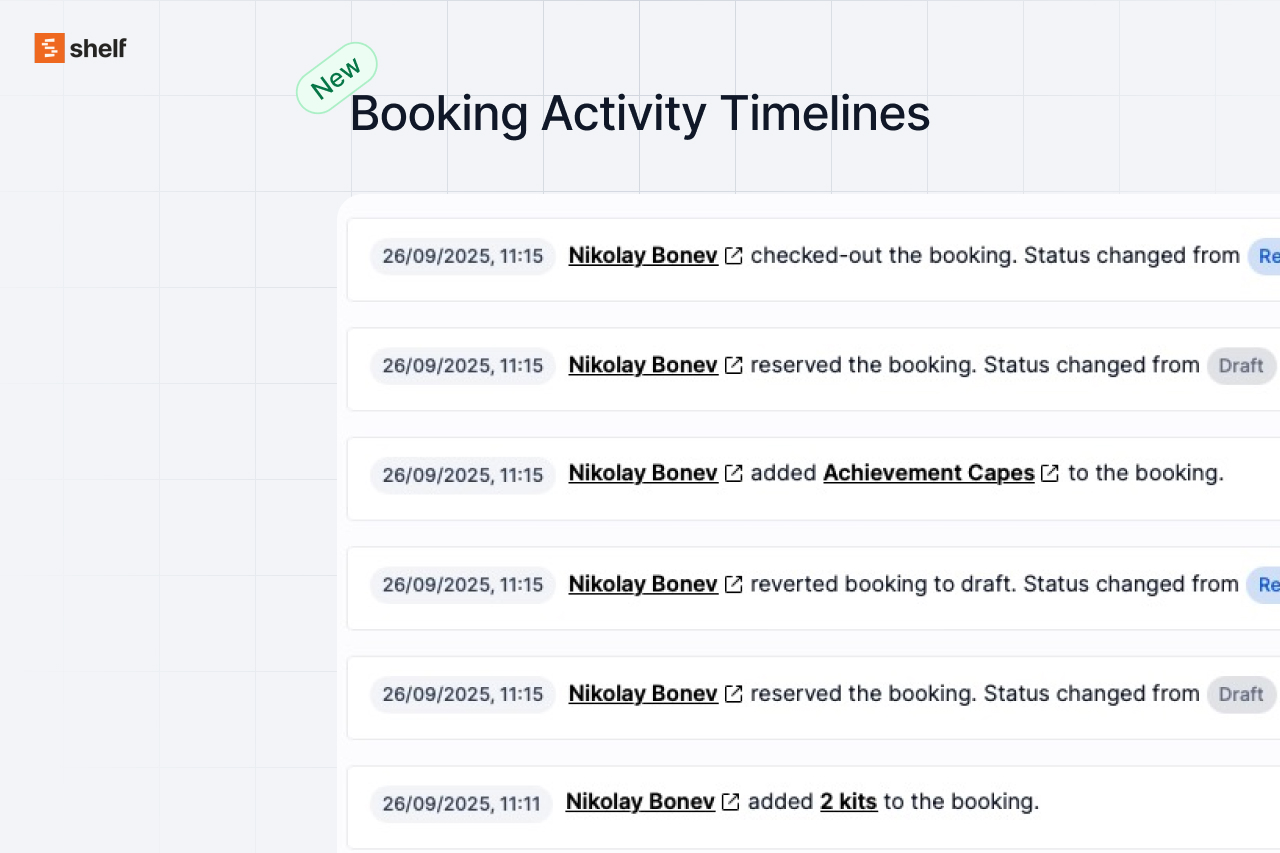
Full timeline of notes, edits, and status changes for every booking. Includes Markdown support and automatic milestone logging.

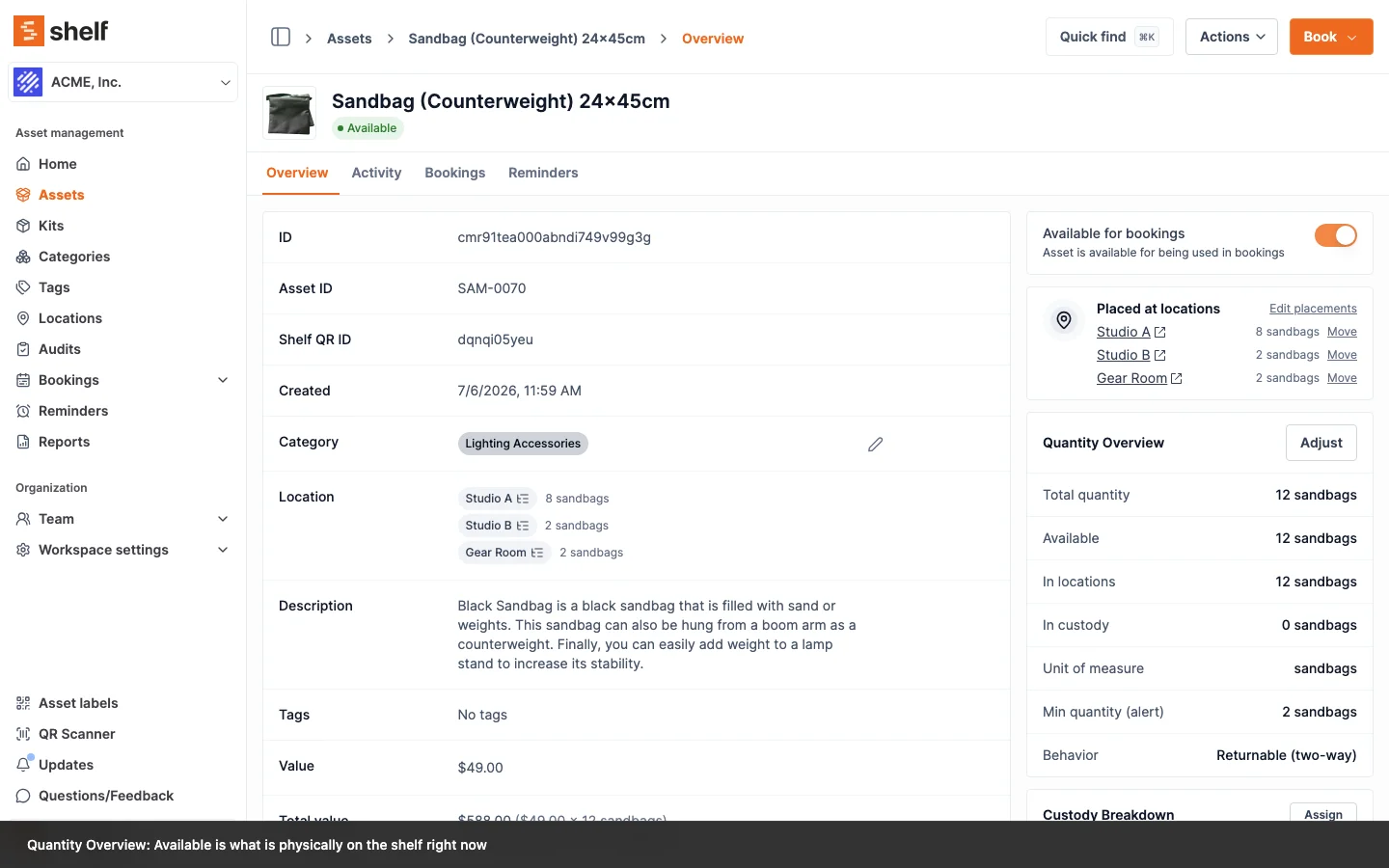
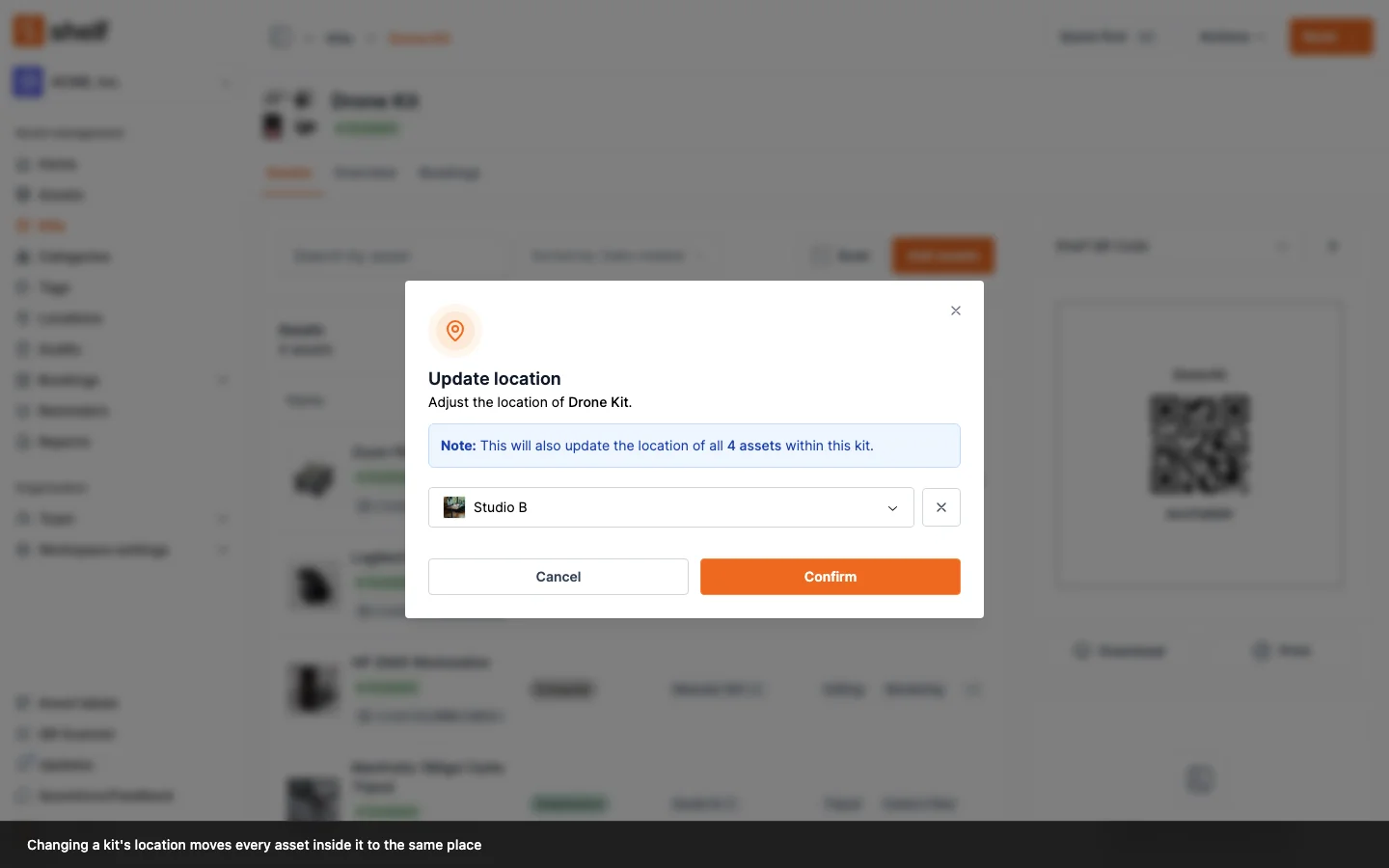
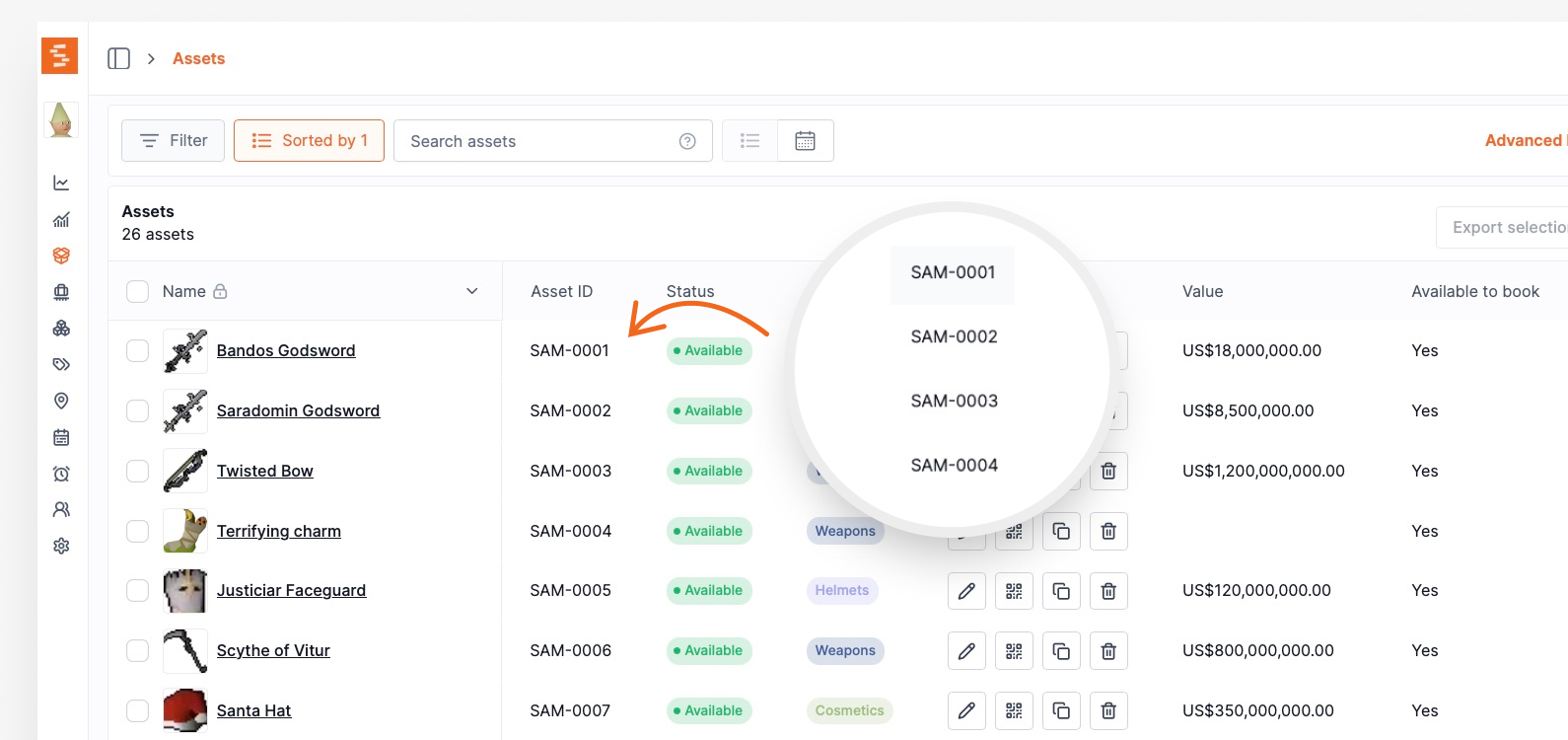
Assets now receive memorable identifiers like SAM-0001. Kit locations auto-sync contained assets for cleaner organization.

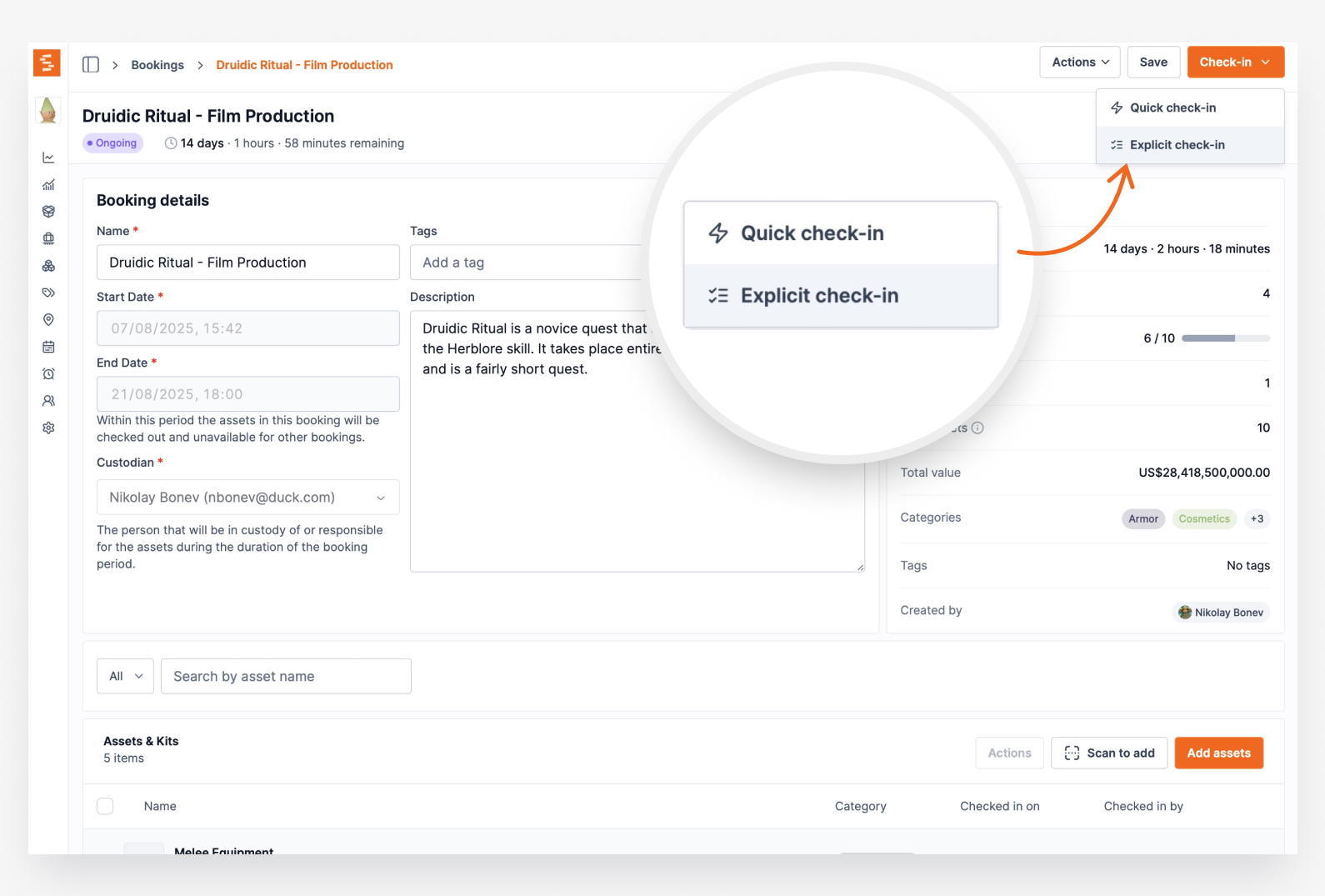
Process incomplete asset returns using Quick Check-in, Explicit Check-in, or Bulk Selection methods — no more all-or-nothing returns.

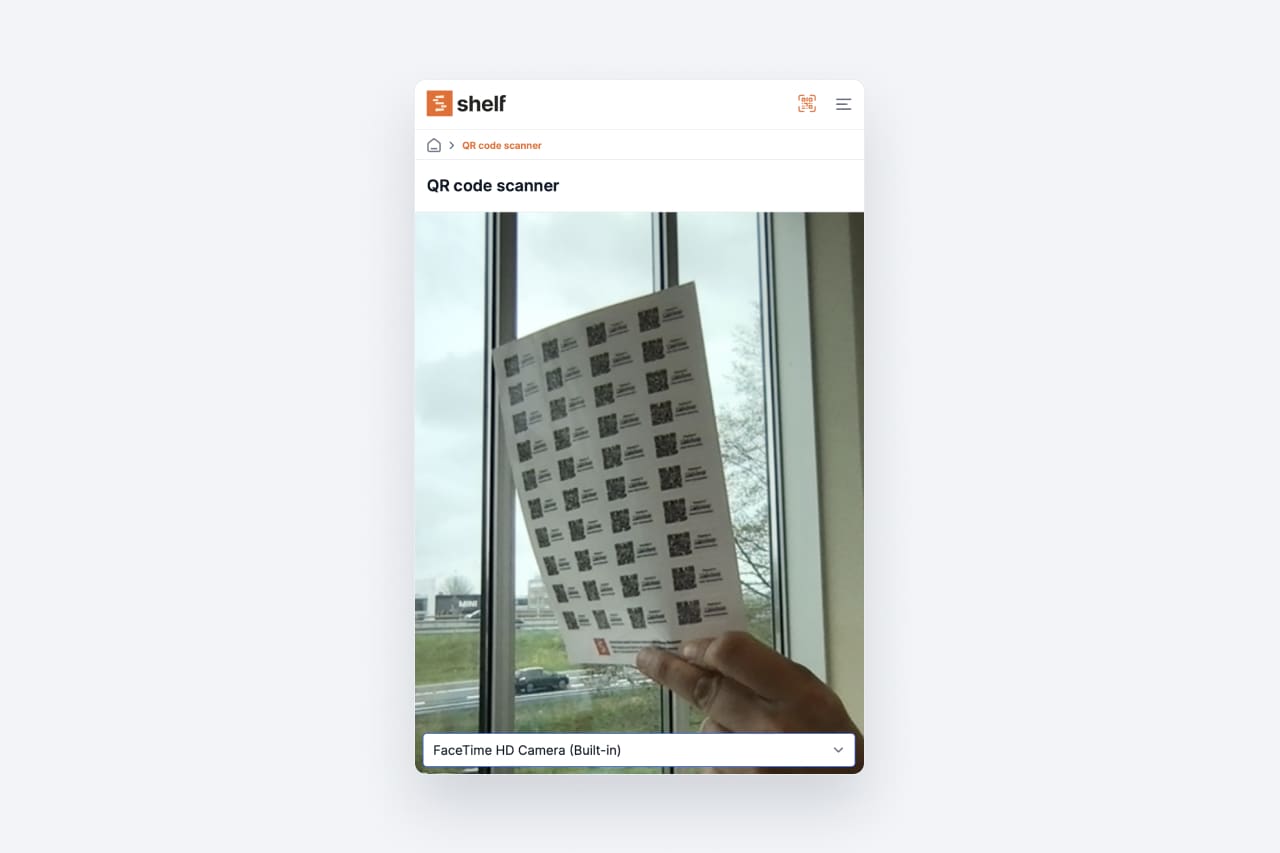
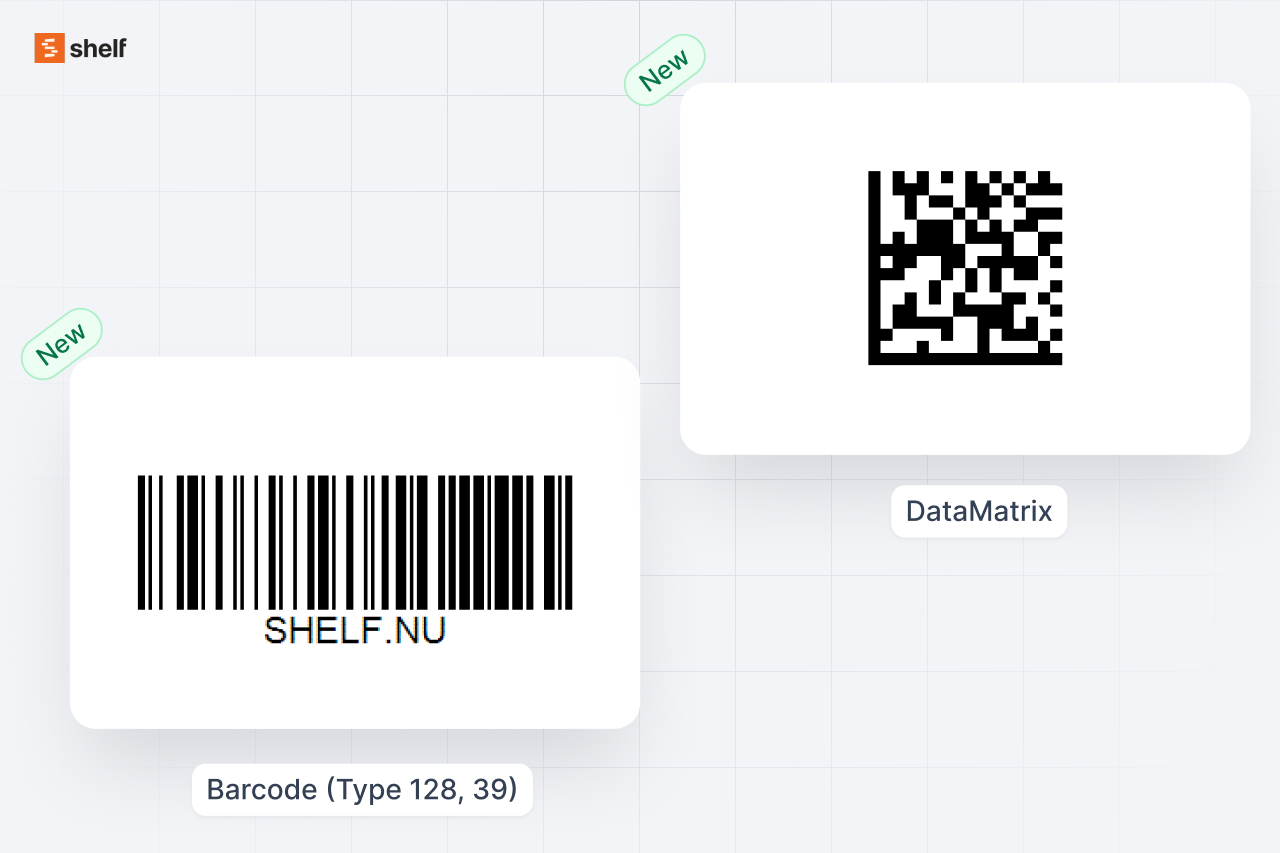
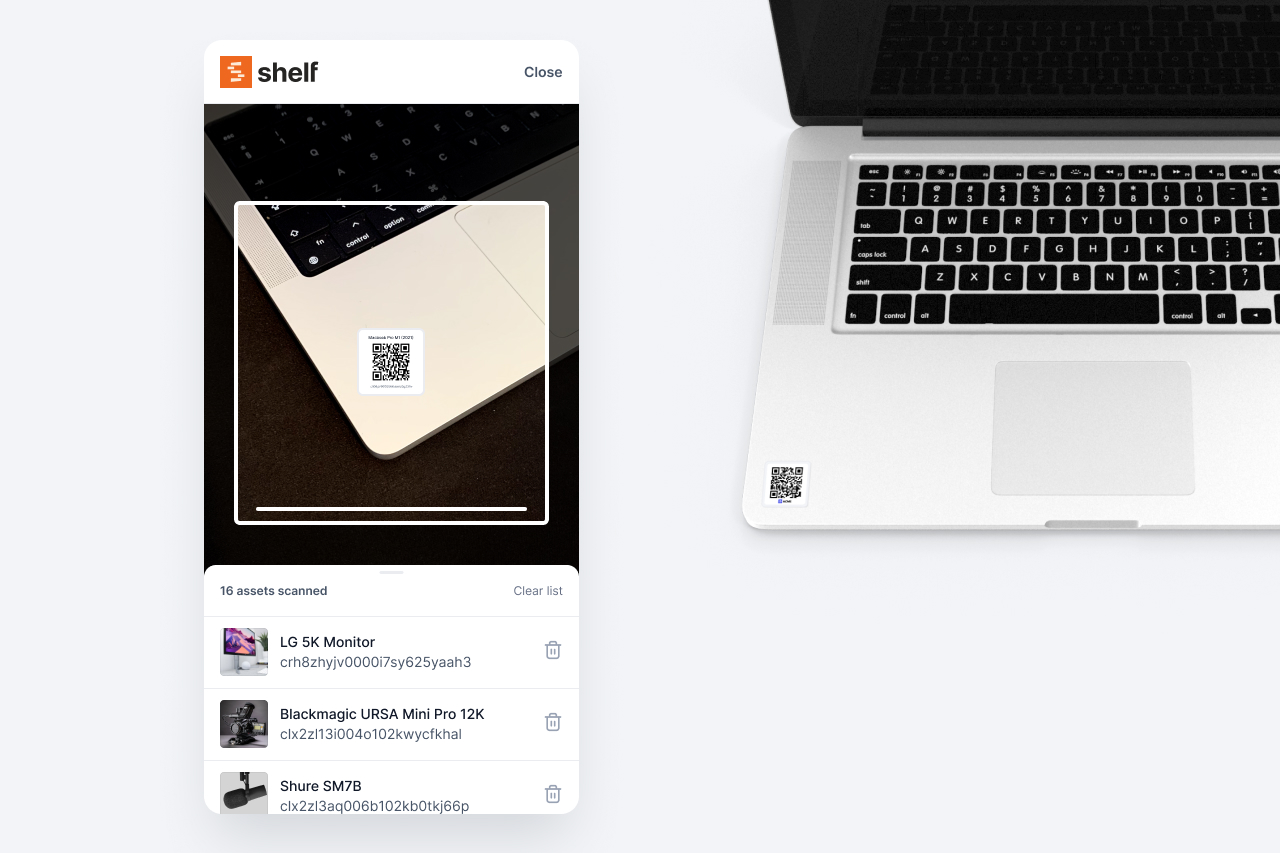
Support for DataMatrix, Code 128, and Code 39 barcodes alongside QR codes. Scan any standard barcode format to manage your assets.
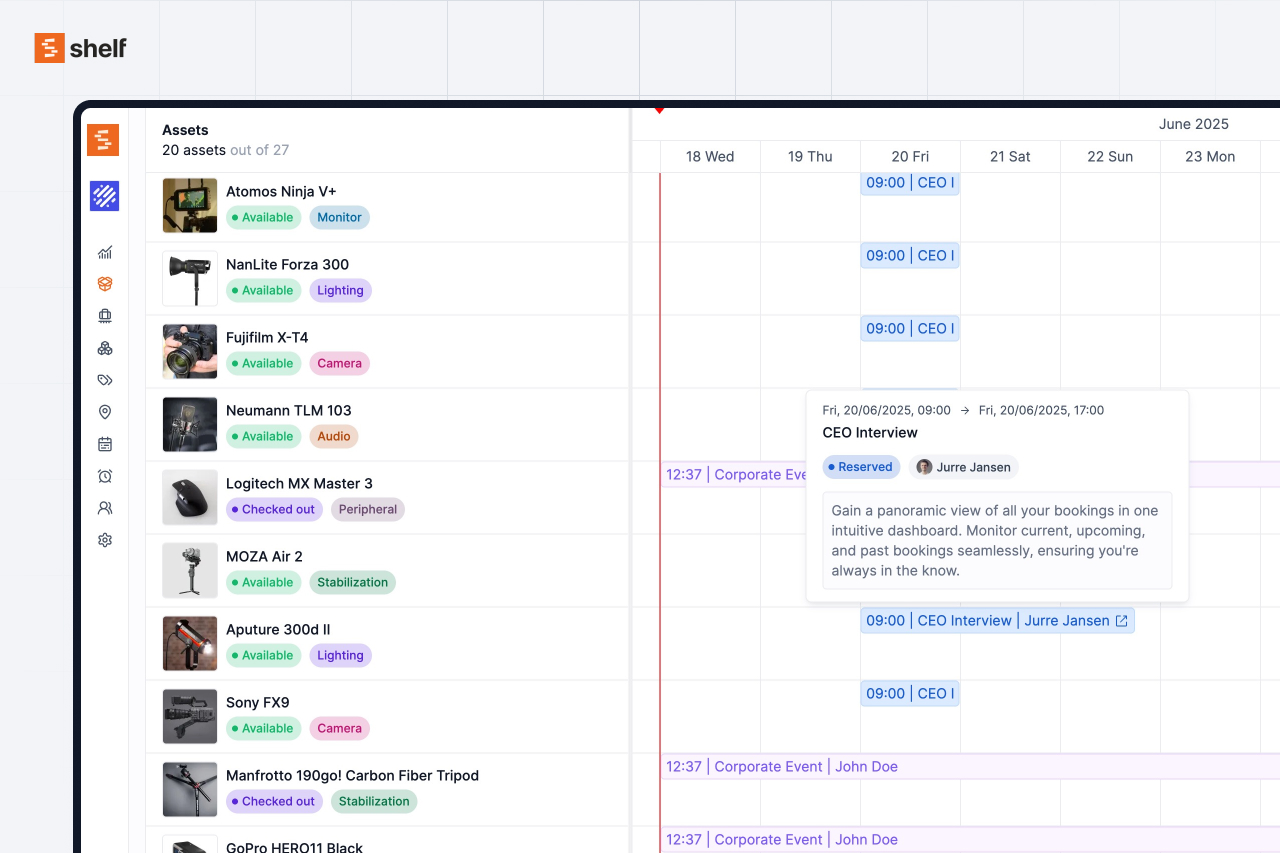
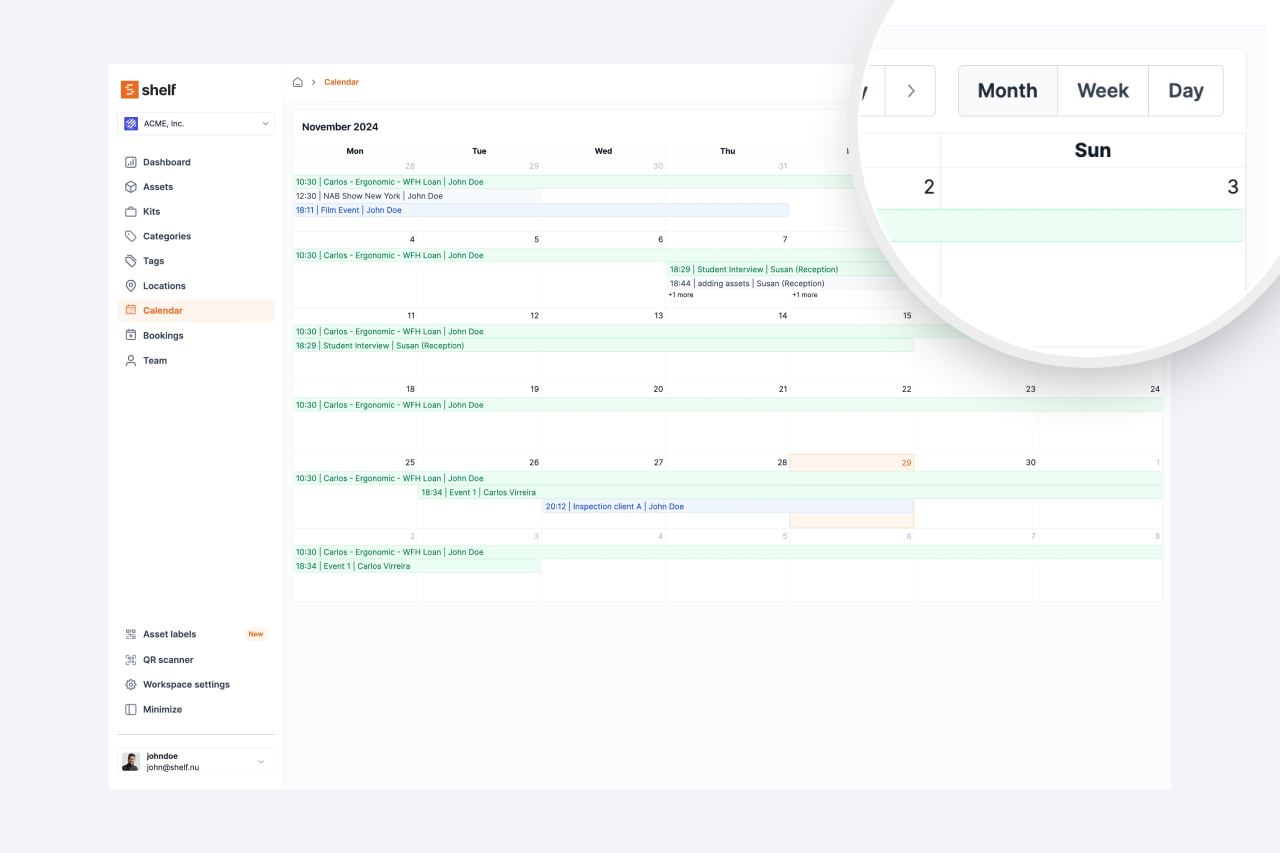
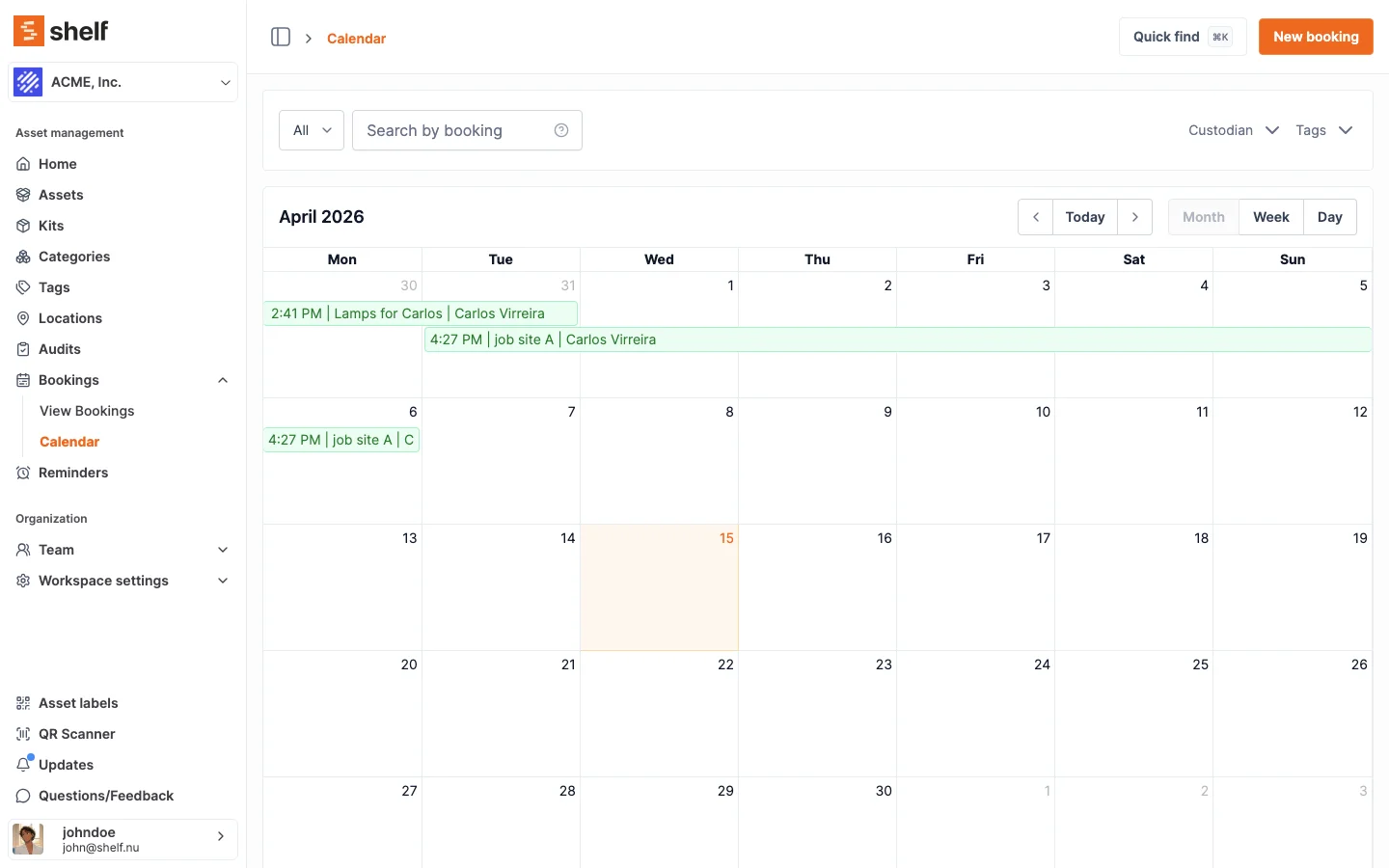
Calendar integration showing booking timelines and real-time asset availability status. See at a glance what's free and what's reserved.
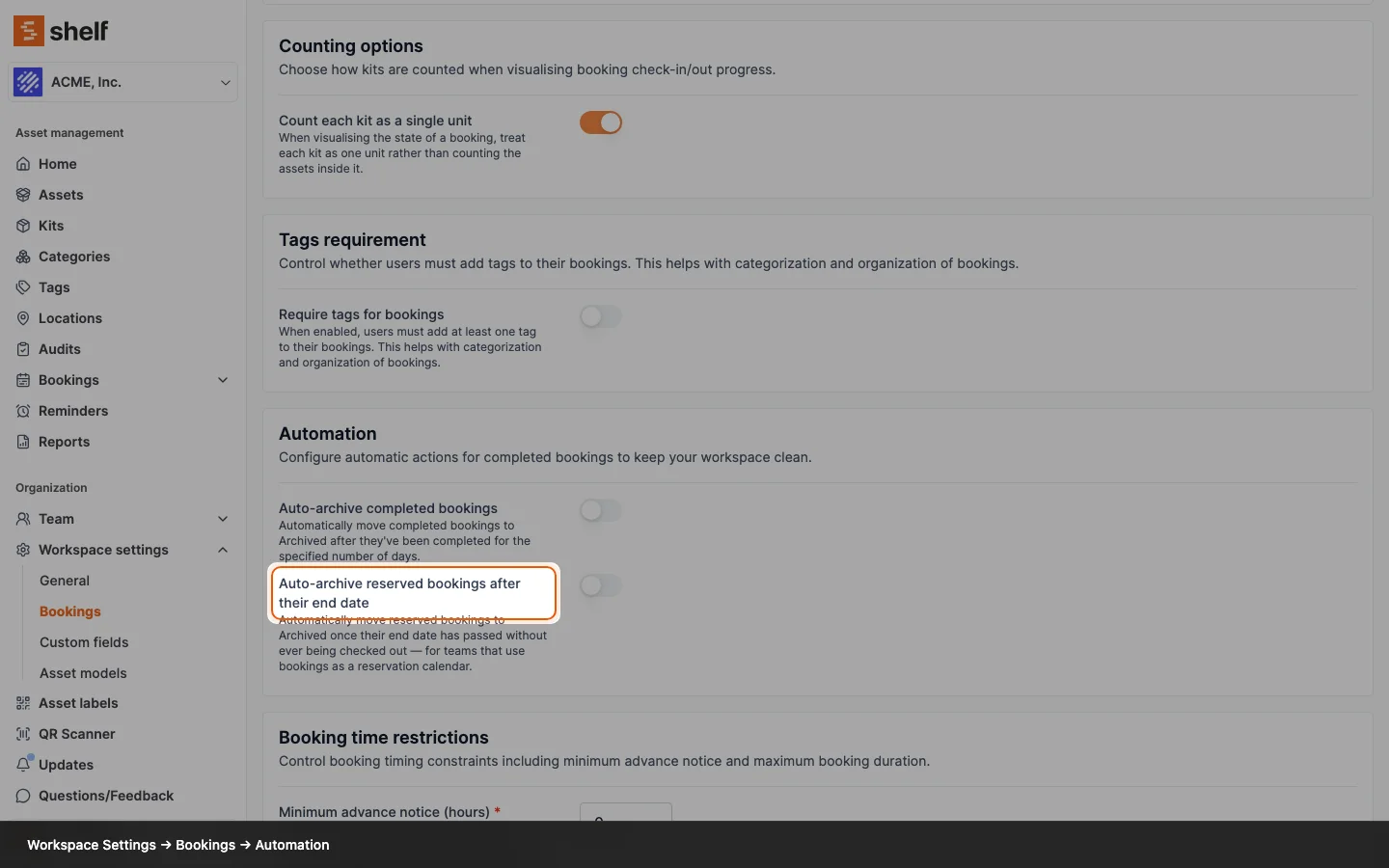
Admins can now configure visibility settings for Self Service and Base users, controlling what they can see regarding custody and bookings.

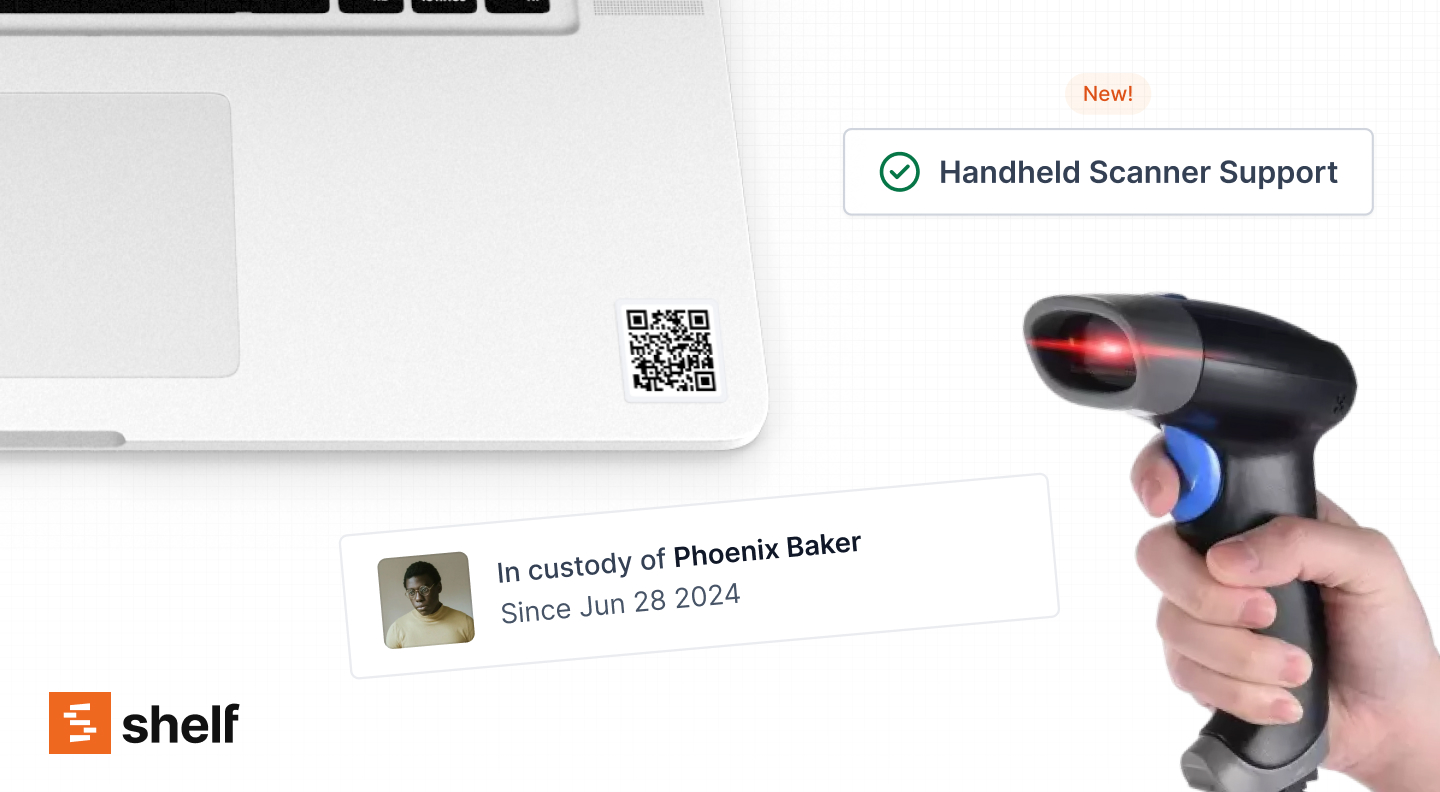
Handheld and wireless barcode scanner support for desktop. Process assets faster with hardware scanners connected to your computer.

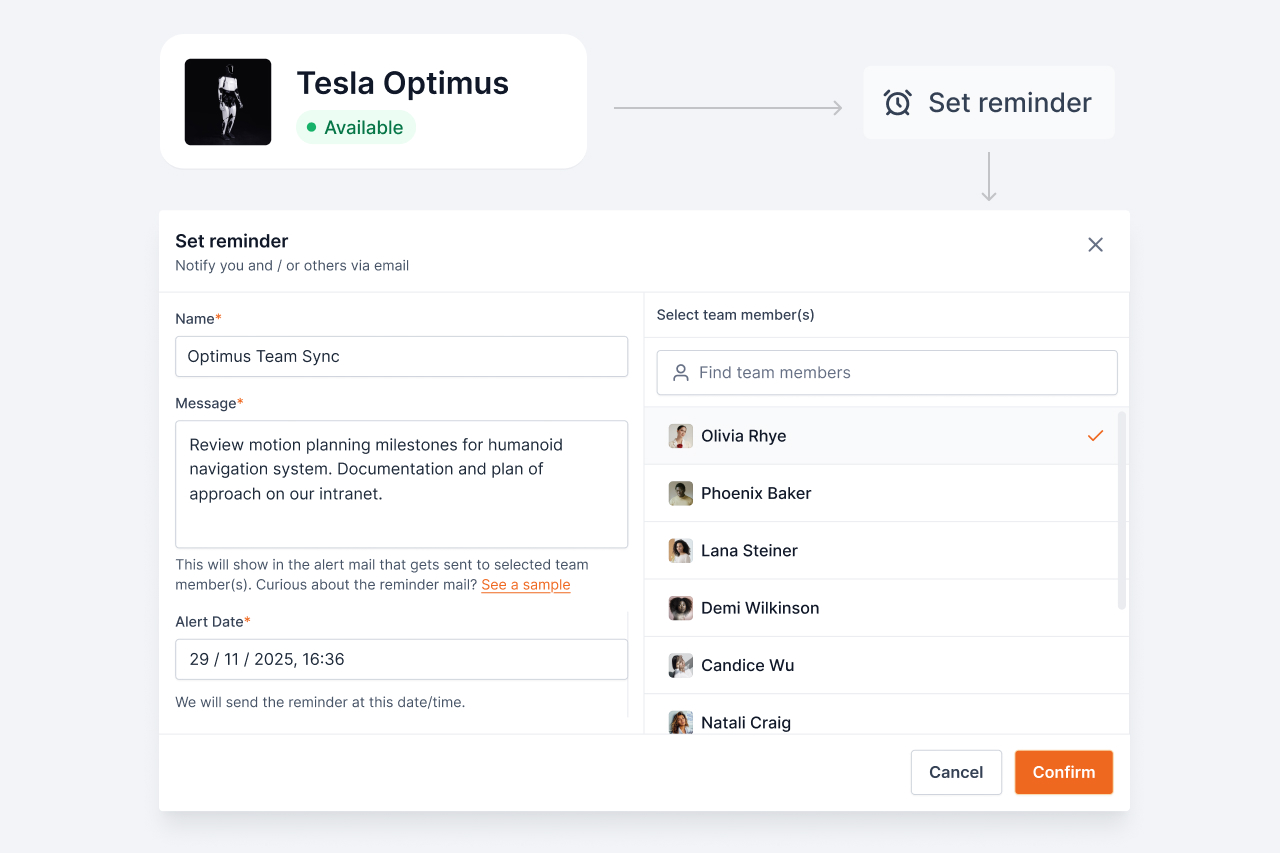
Set custom alerts for maintenance, inspections, and contract renewals. Get email notifications so you never miss an important deadline.

Month, Week, and Day view options with booking color coding and inline comments. Navigate your schedule the way that works best for you.

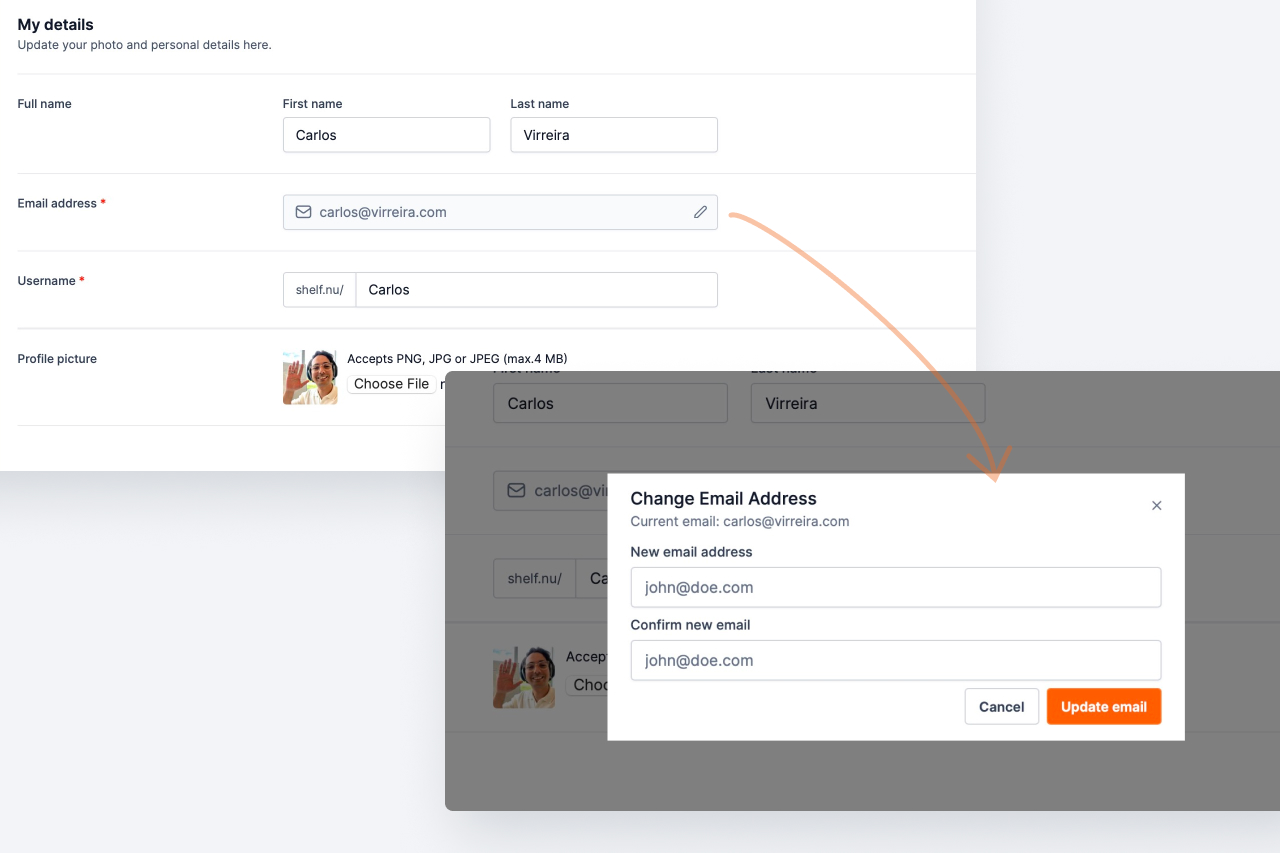
You can now modify your account email address directly from your settings. Simple and straightforward account management.

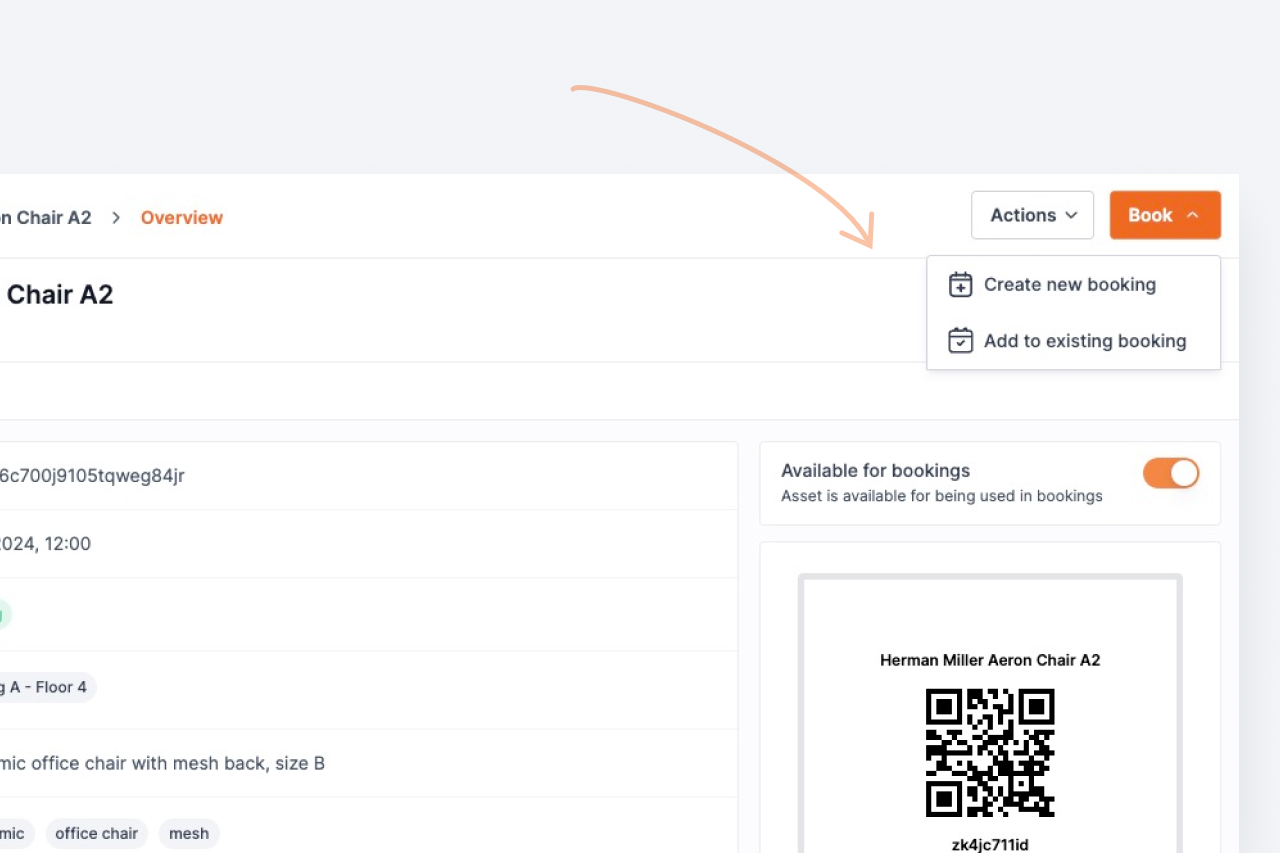
Create or append assets to bookings directly from asset detail pages. No more navigating back and forth between screens.

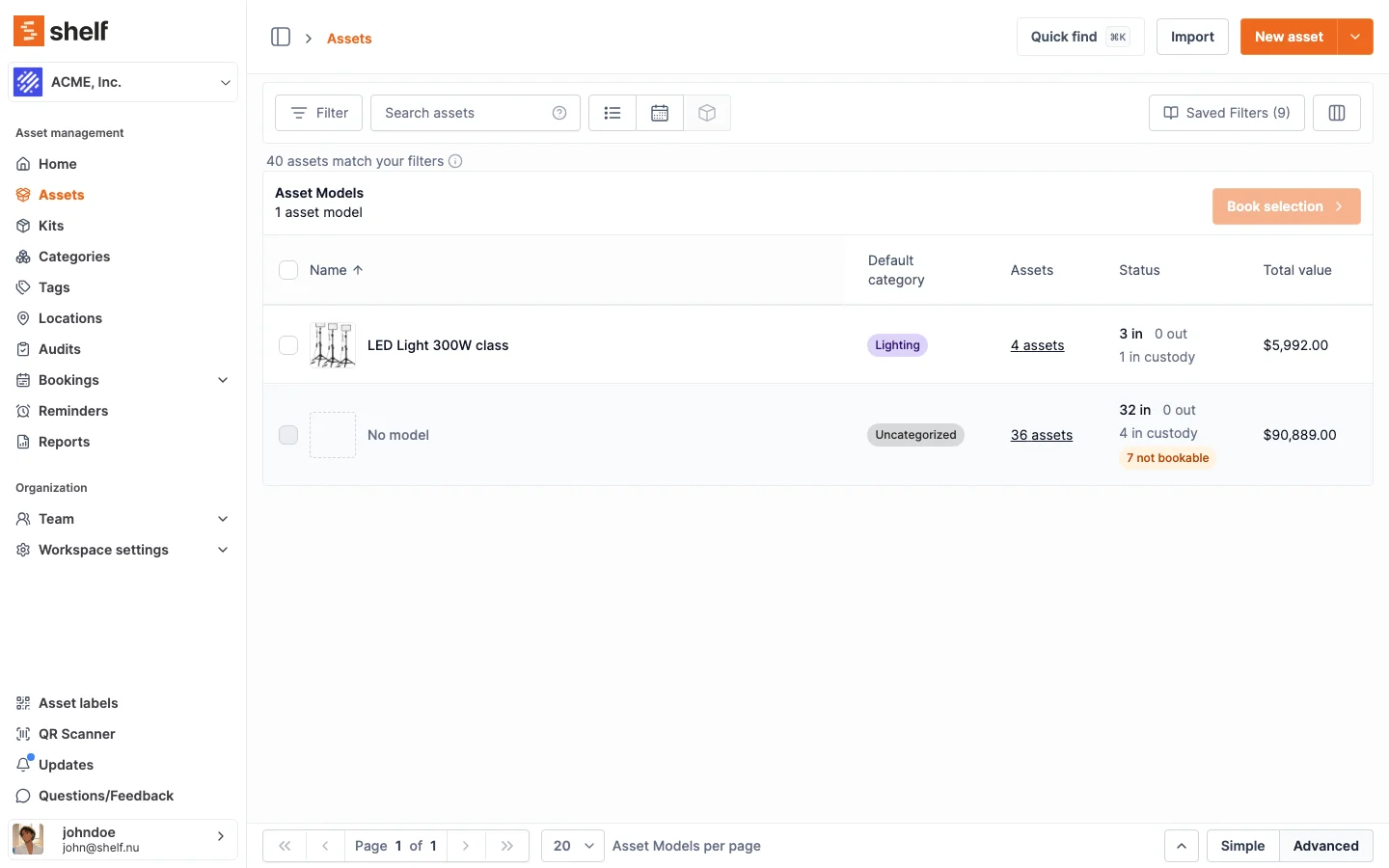
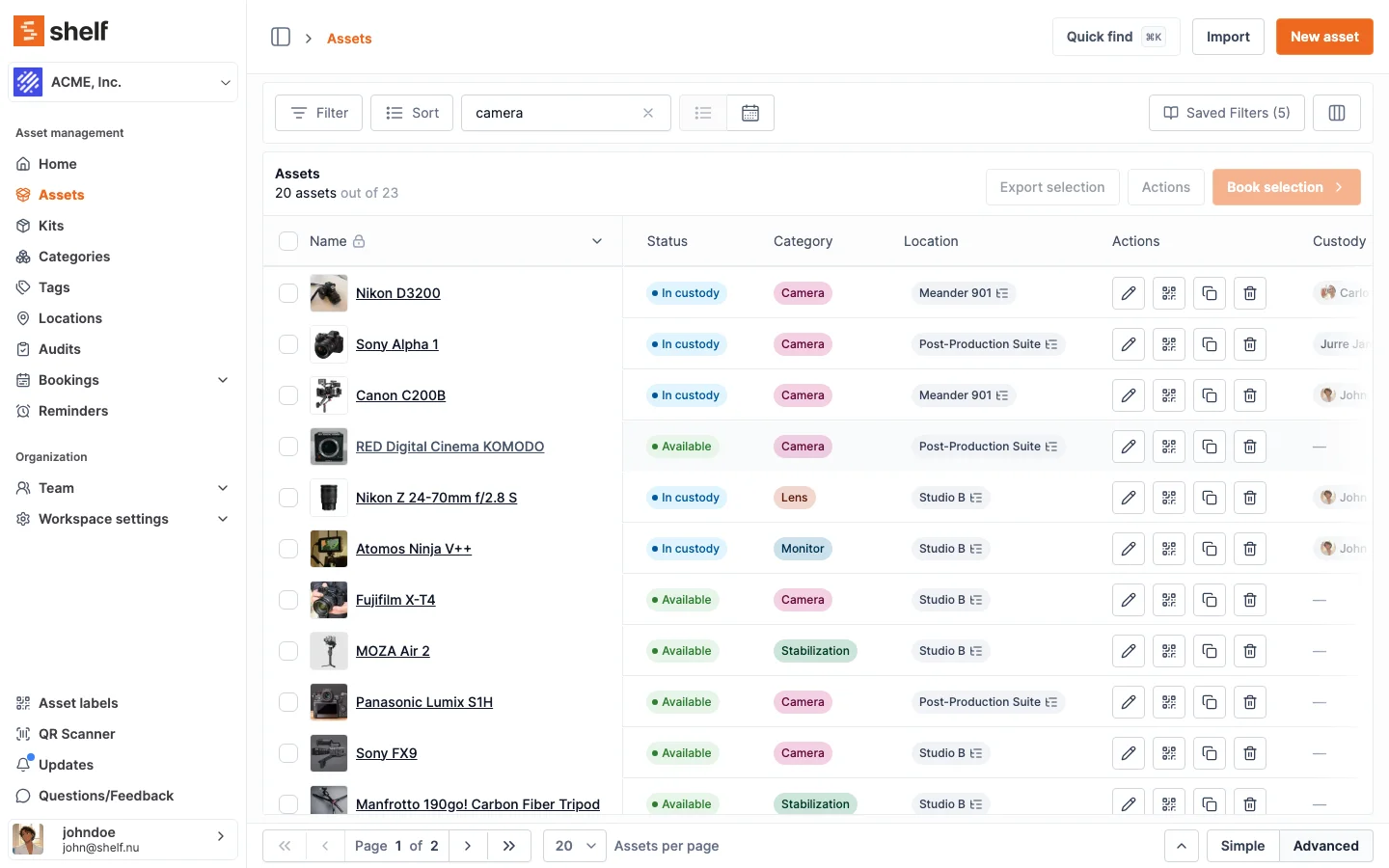
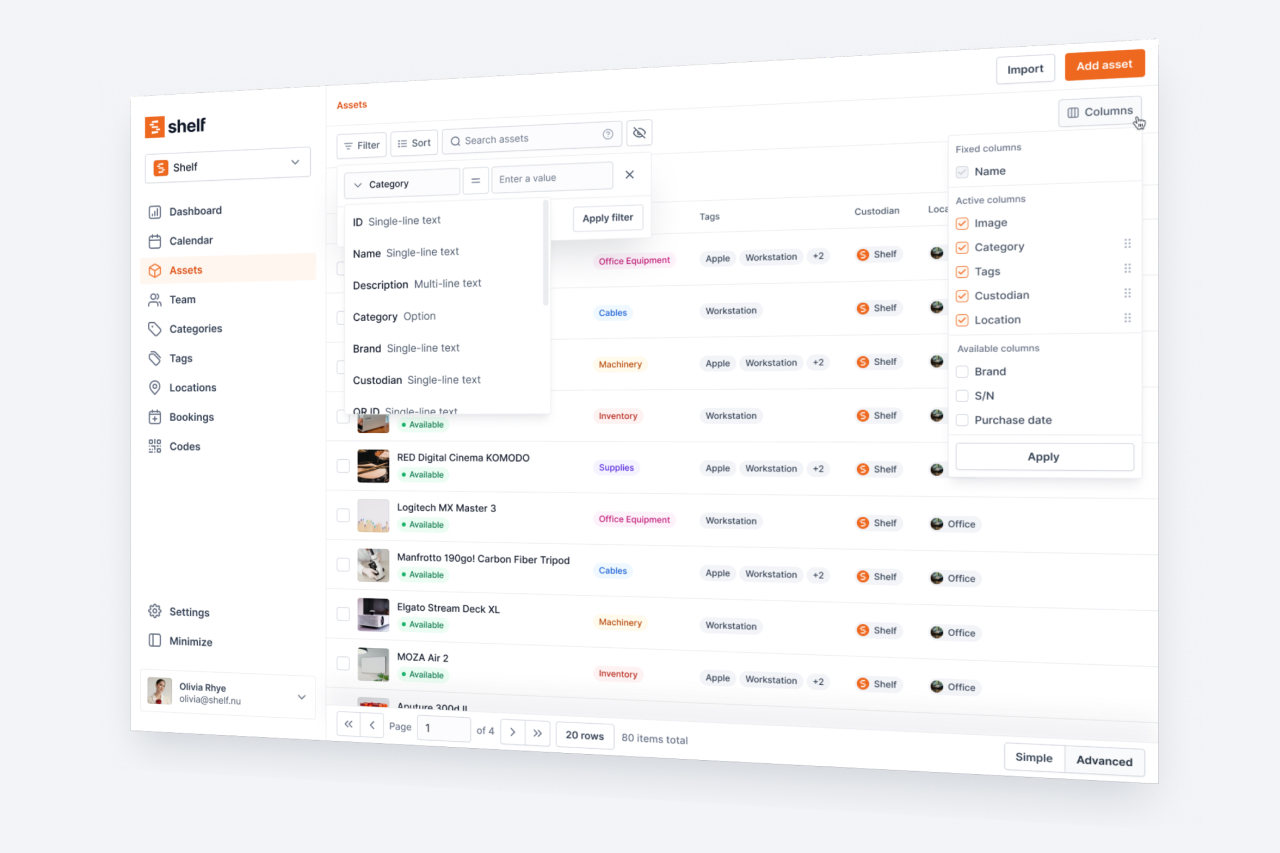
Comprehensive asset viewing with powerful filtering, sorting, and management capabilities. Find exactly what you need, fast.

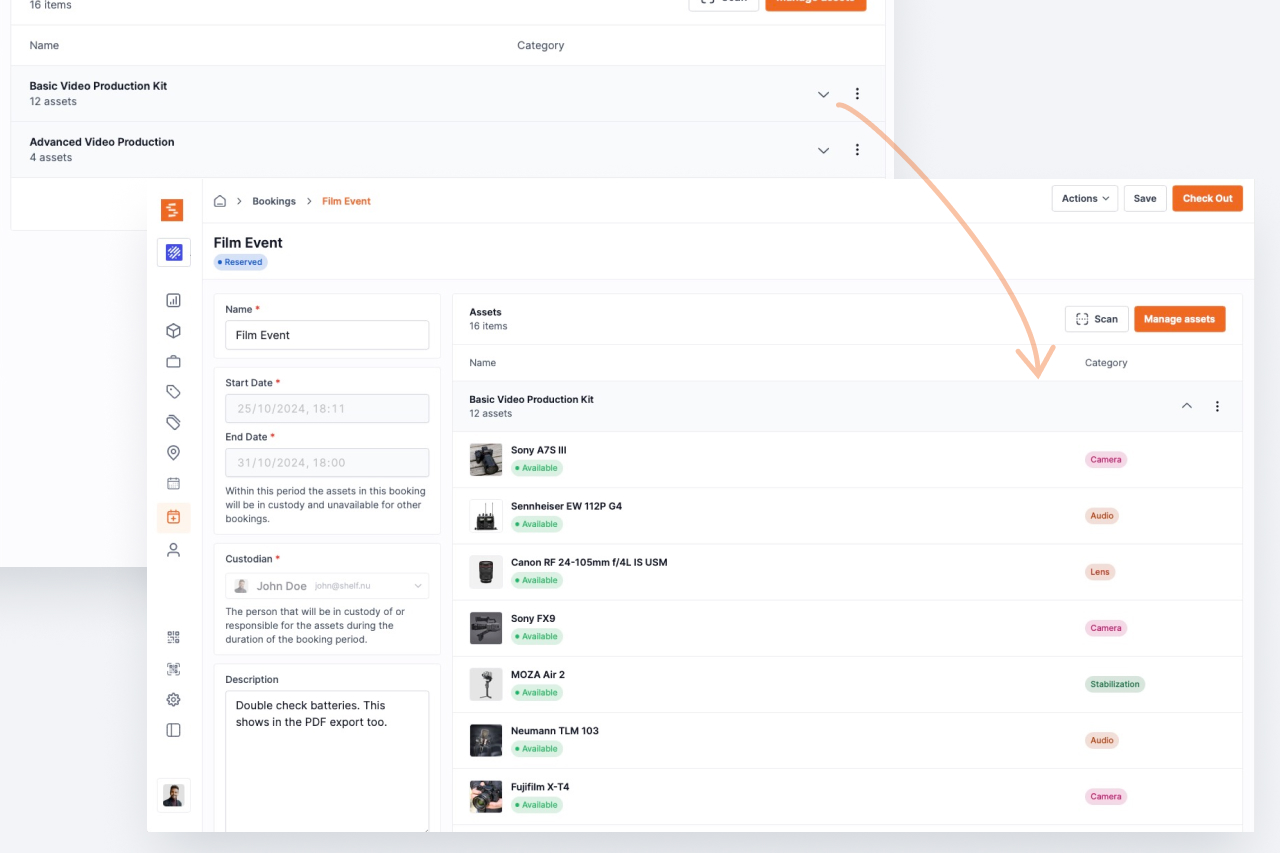
Collapsible kit display on booking pages. Keep your booking views clean while still having full access to kit contents when you need them.

Access your entire asset database on the go. Scan QR codes, manage assets, and handle check-outs right from your phone.

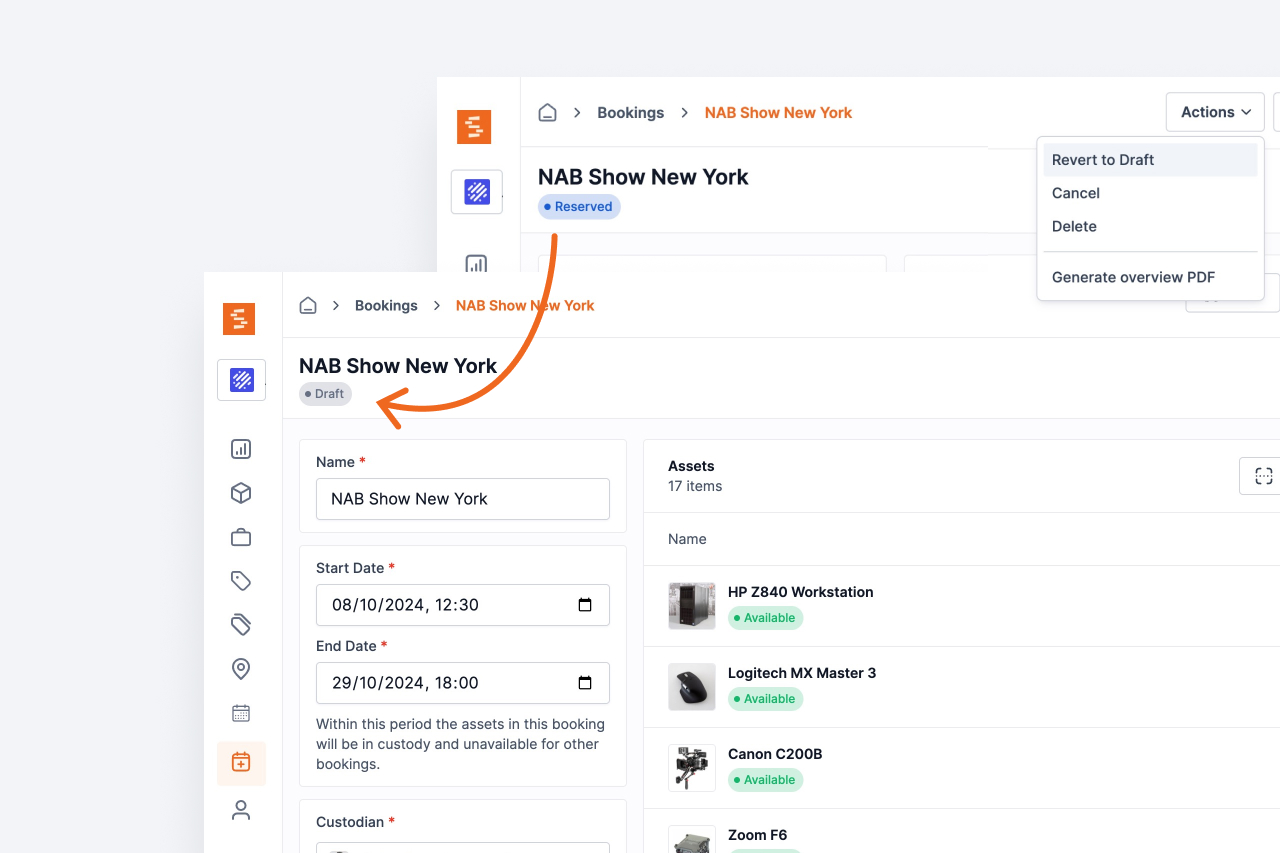
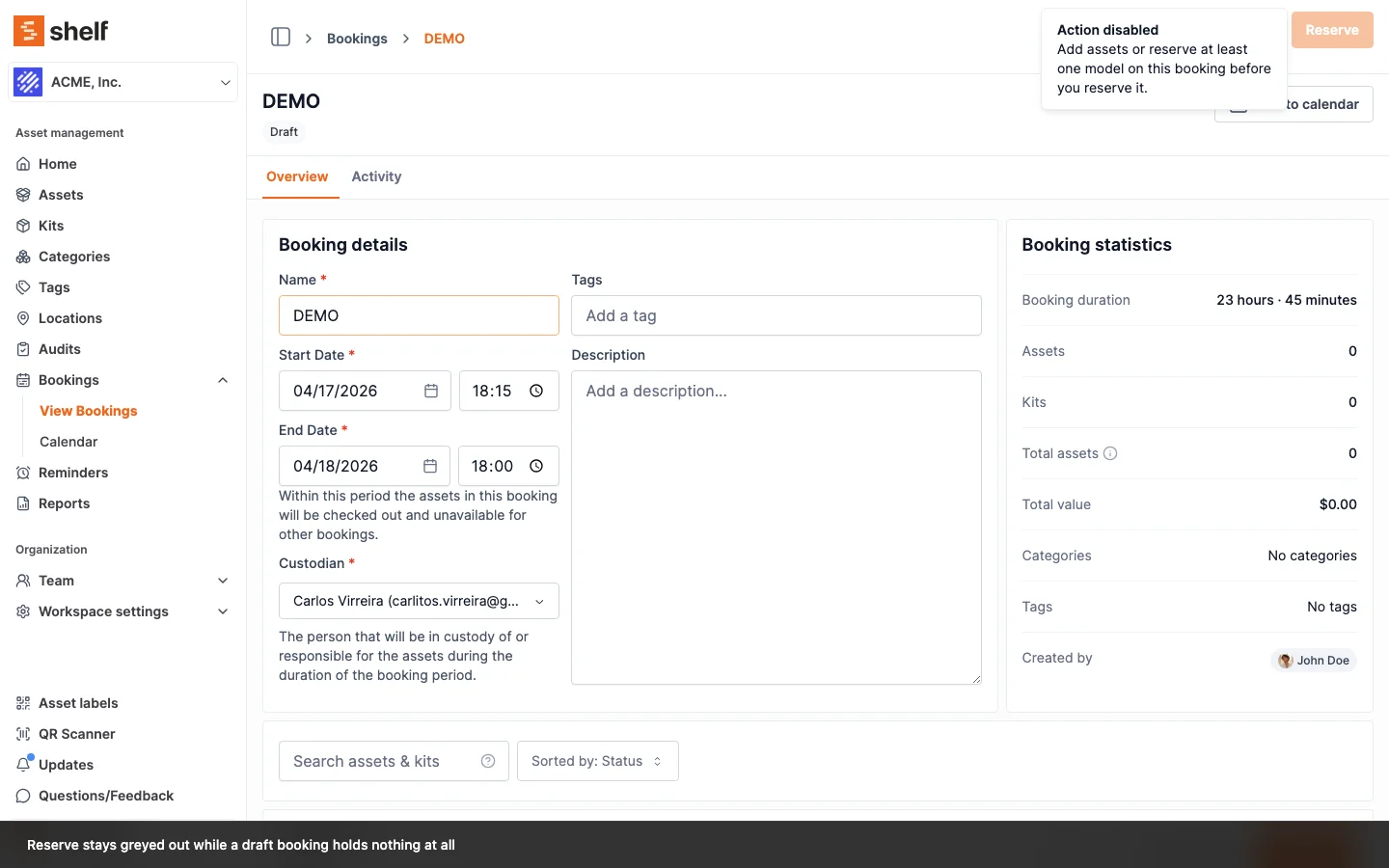
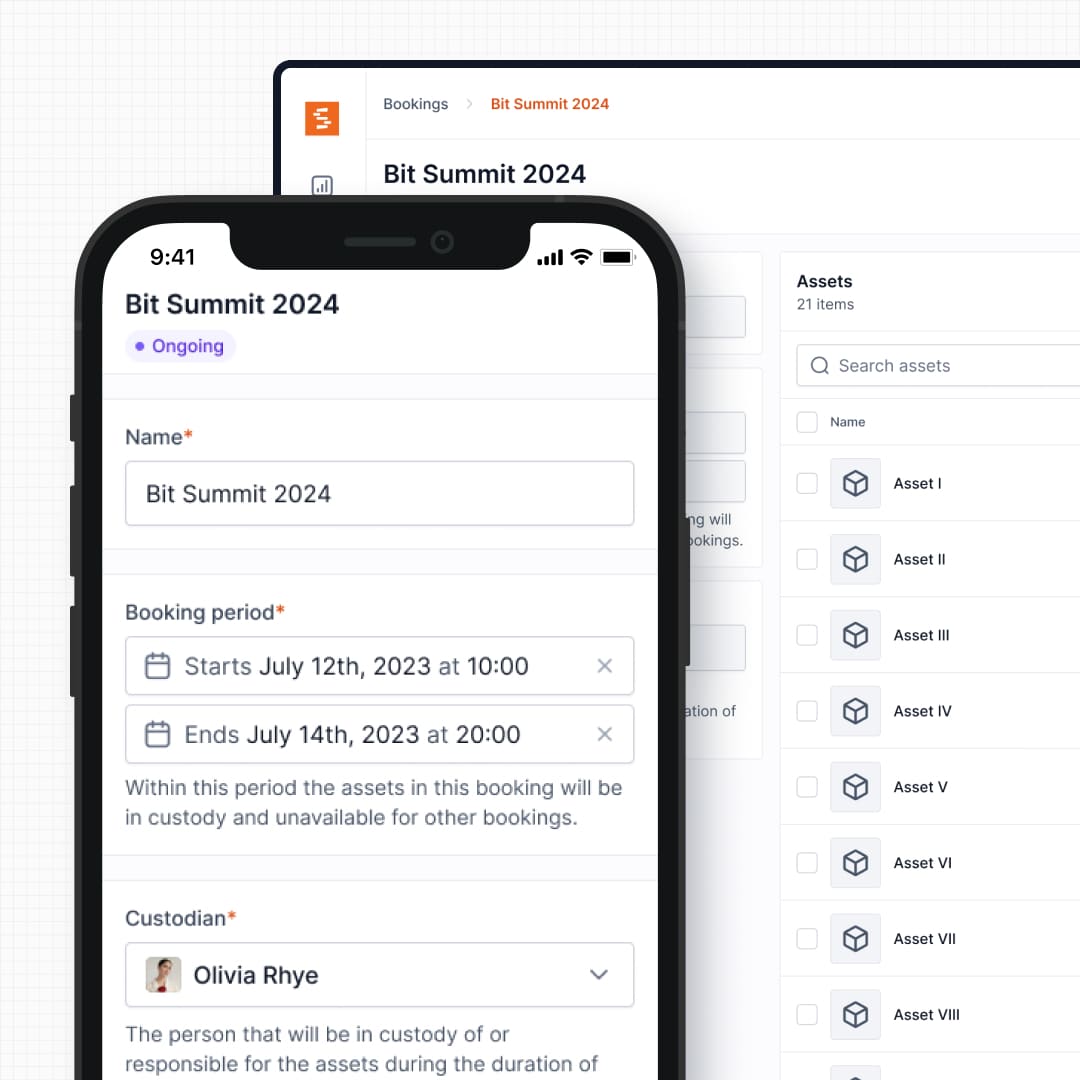
Need to make changes to a reservation? Revert it back to draft status to modify details before confirming again.

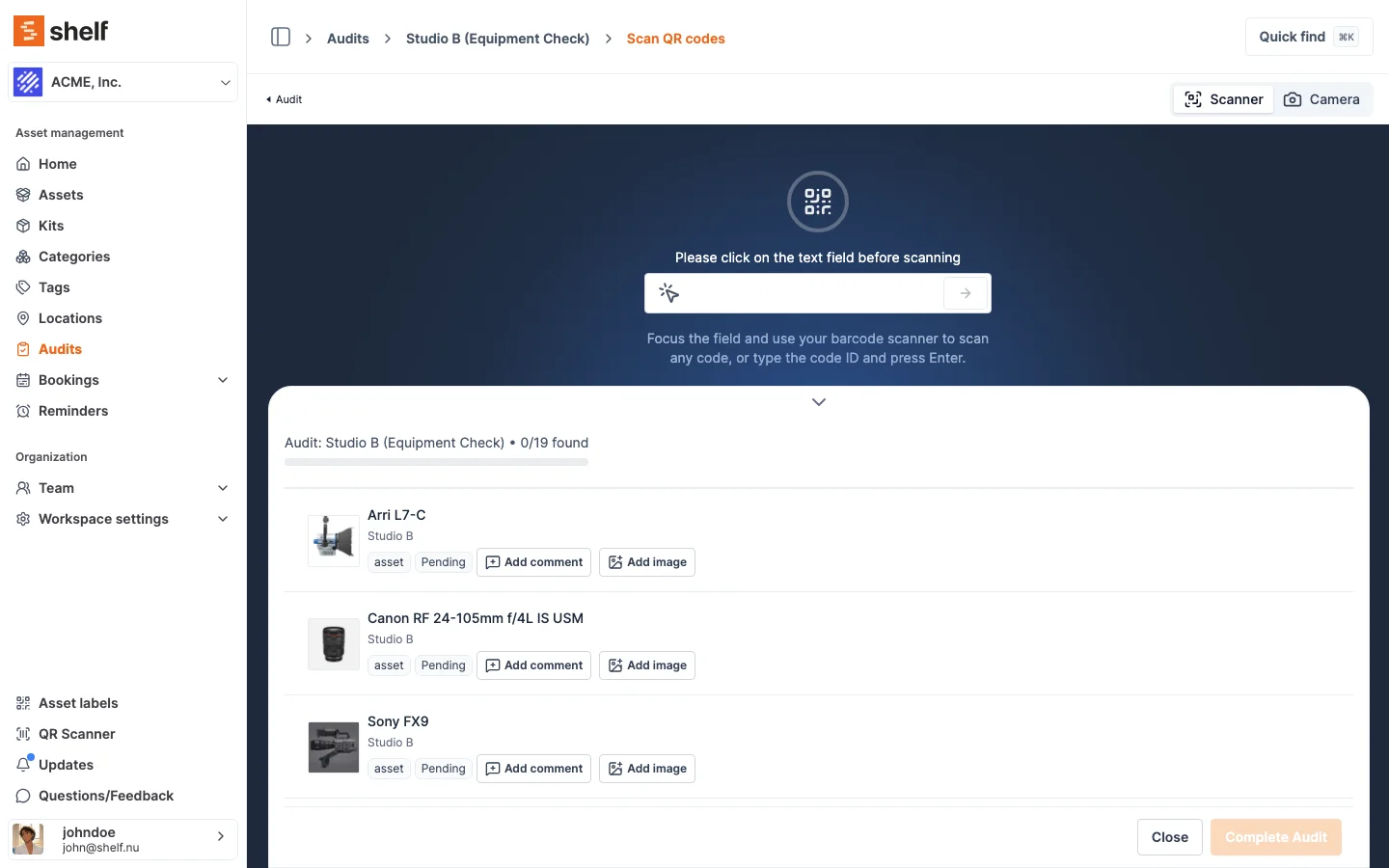
Scan QR codes to rapidly add items to bookings. Speed up your booking workflow by pointing and scanning instead of searching and clicking.

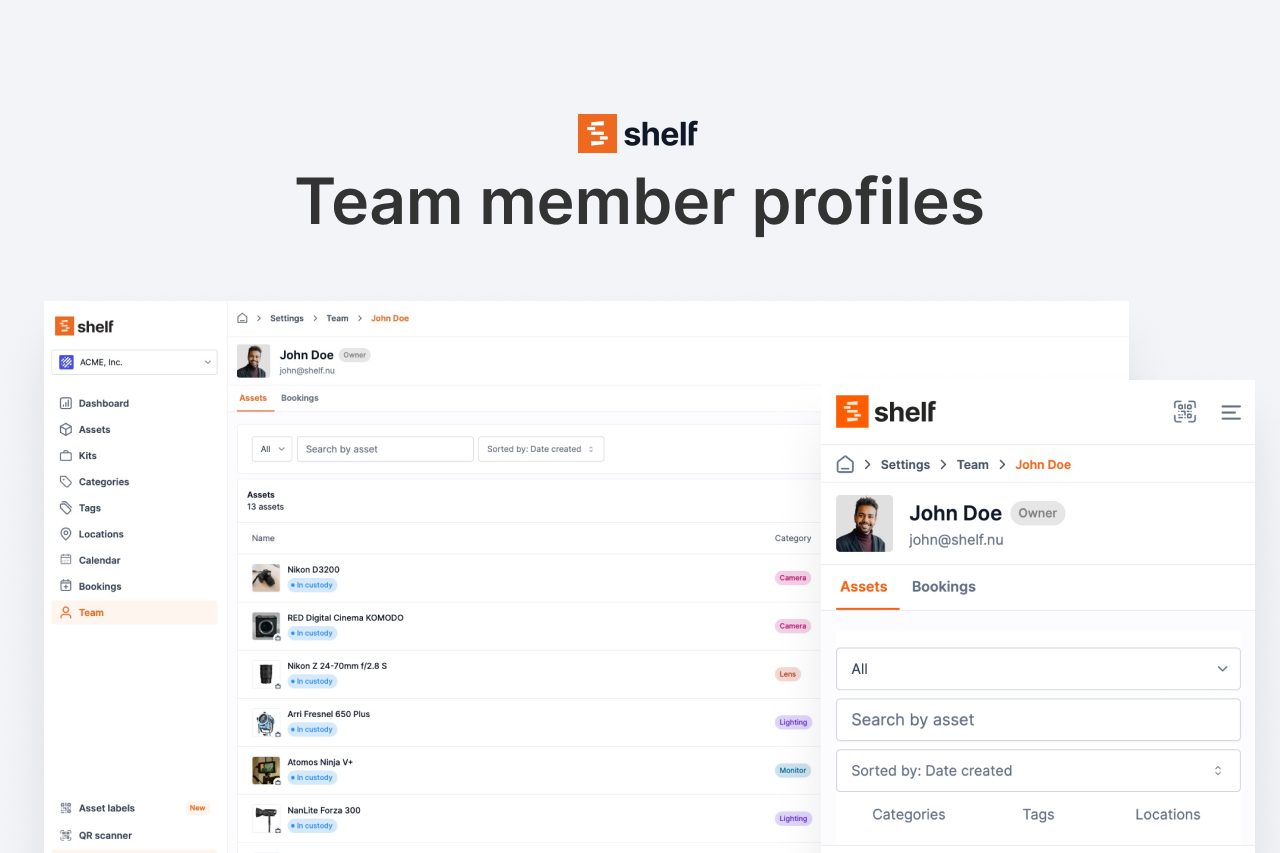
New sidebar team section showing member assets and booking history. See what each team member has checked out at a glance.

Refined user roles with BASE replacing the previous Self Service tier. More granular control over what team members can see and do.

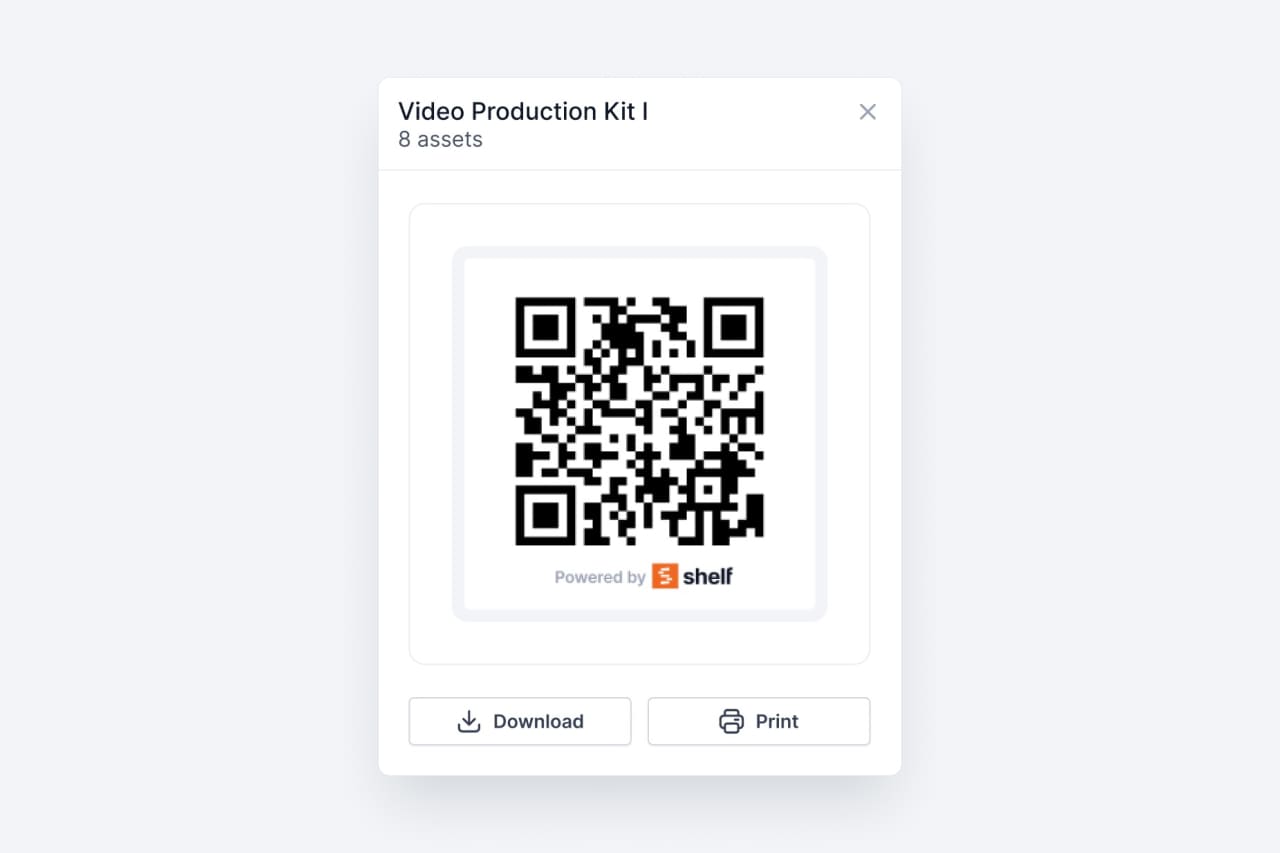
Generate QR codes for your kits to enable quick linking and tracking. Scan a single code to access an entire kit's contents.

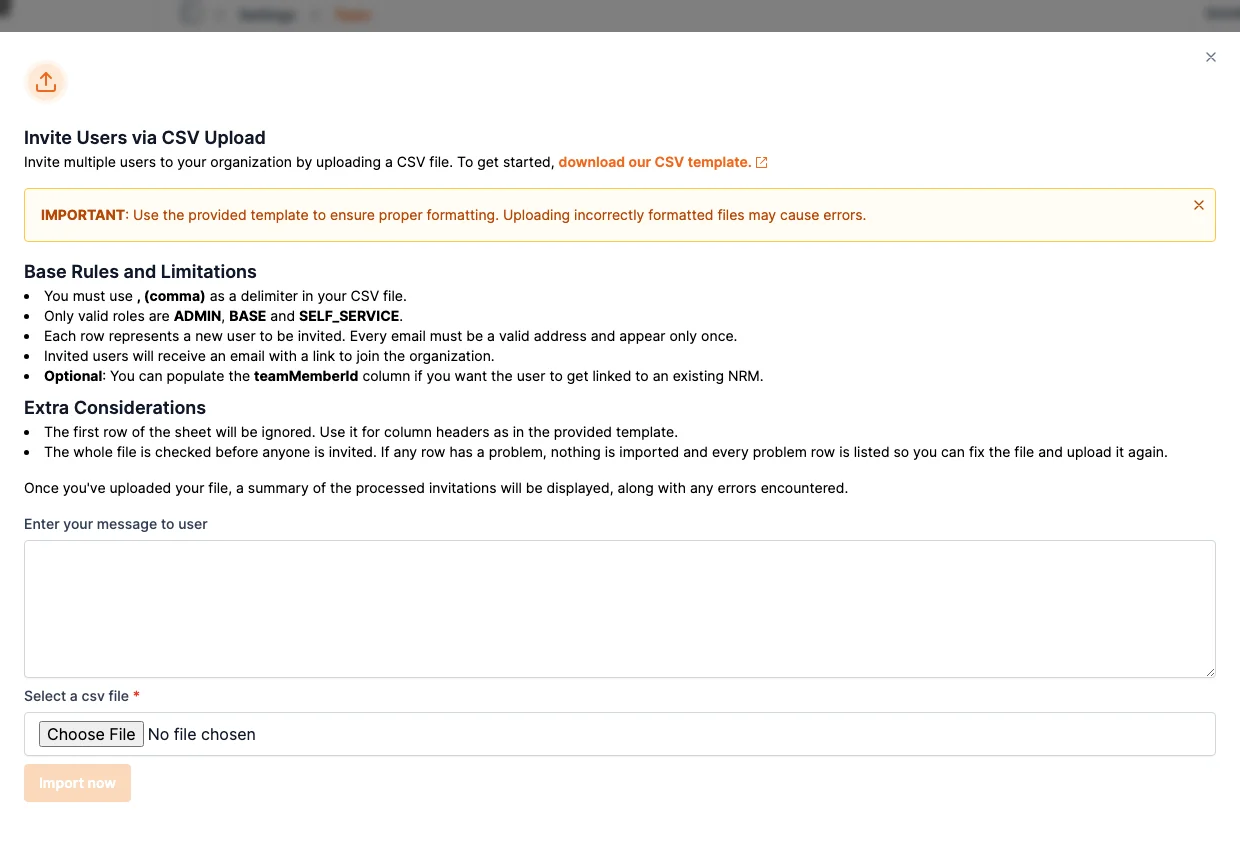
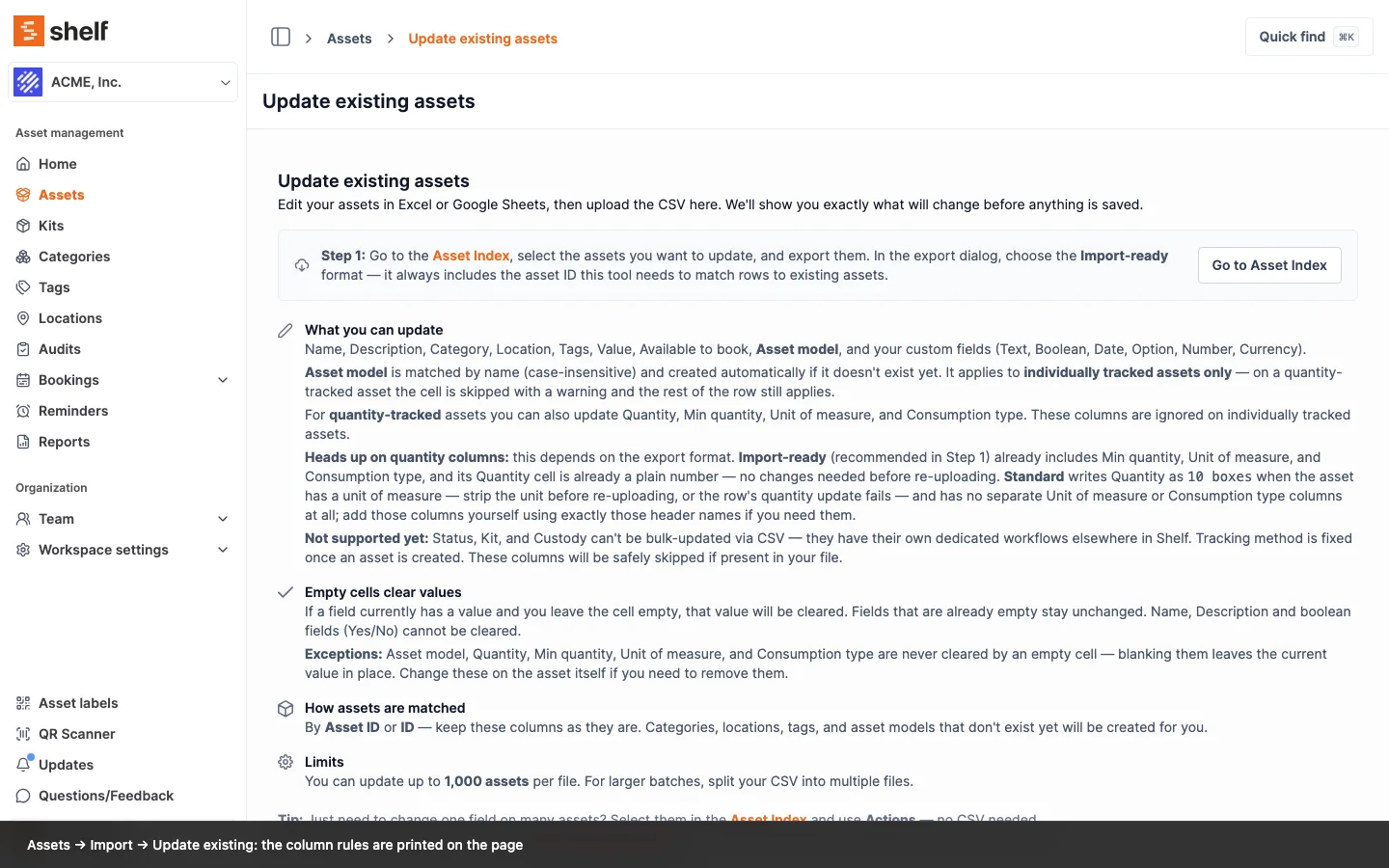
Support for both comma and semicolon delimiters. Categories and tags are auto-created during import for a smoother bulk onboarding experience.

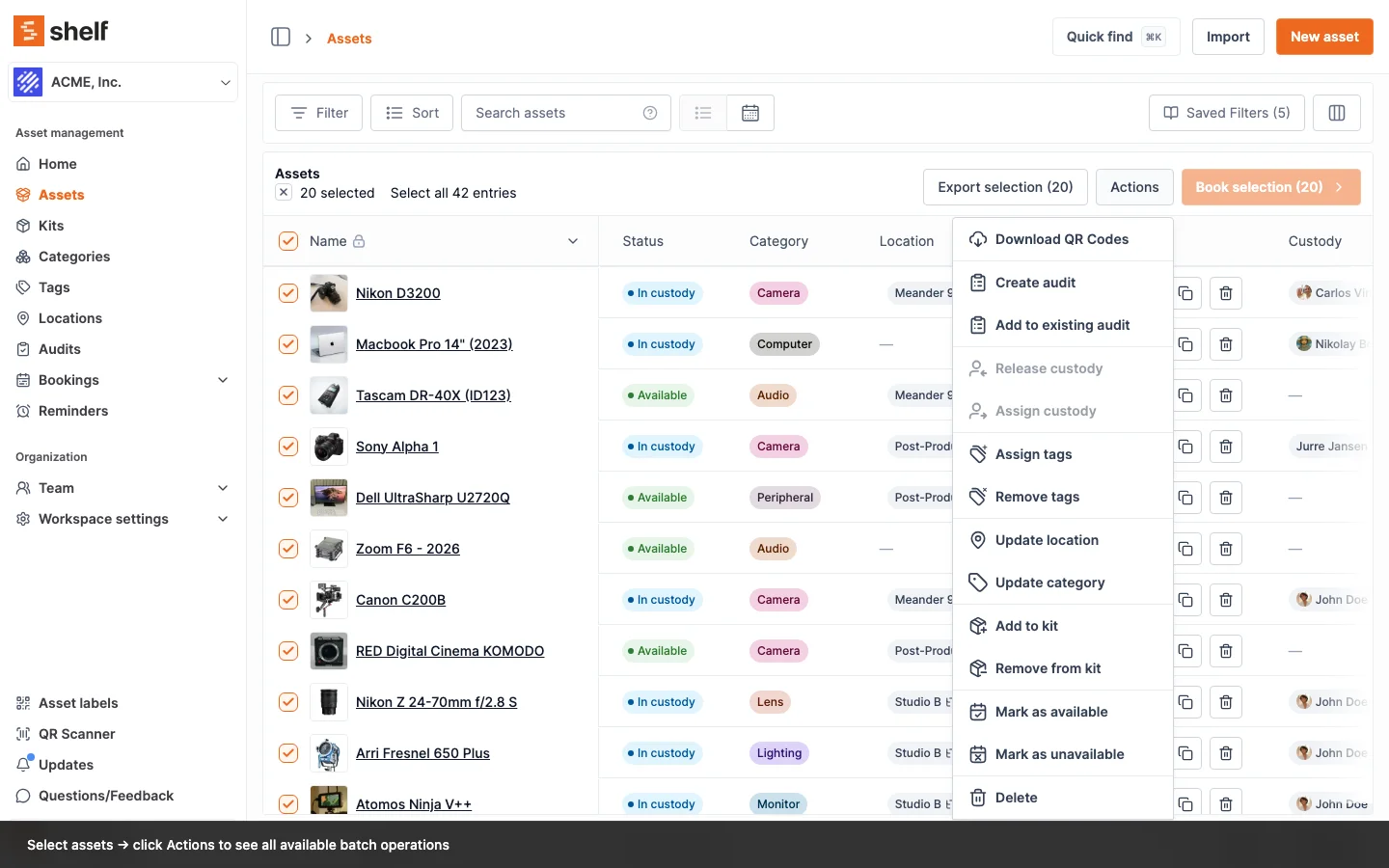
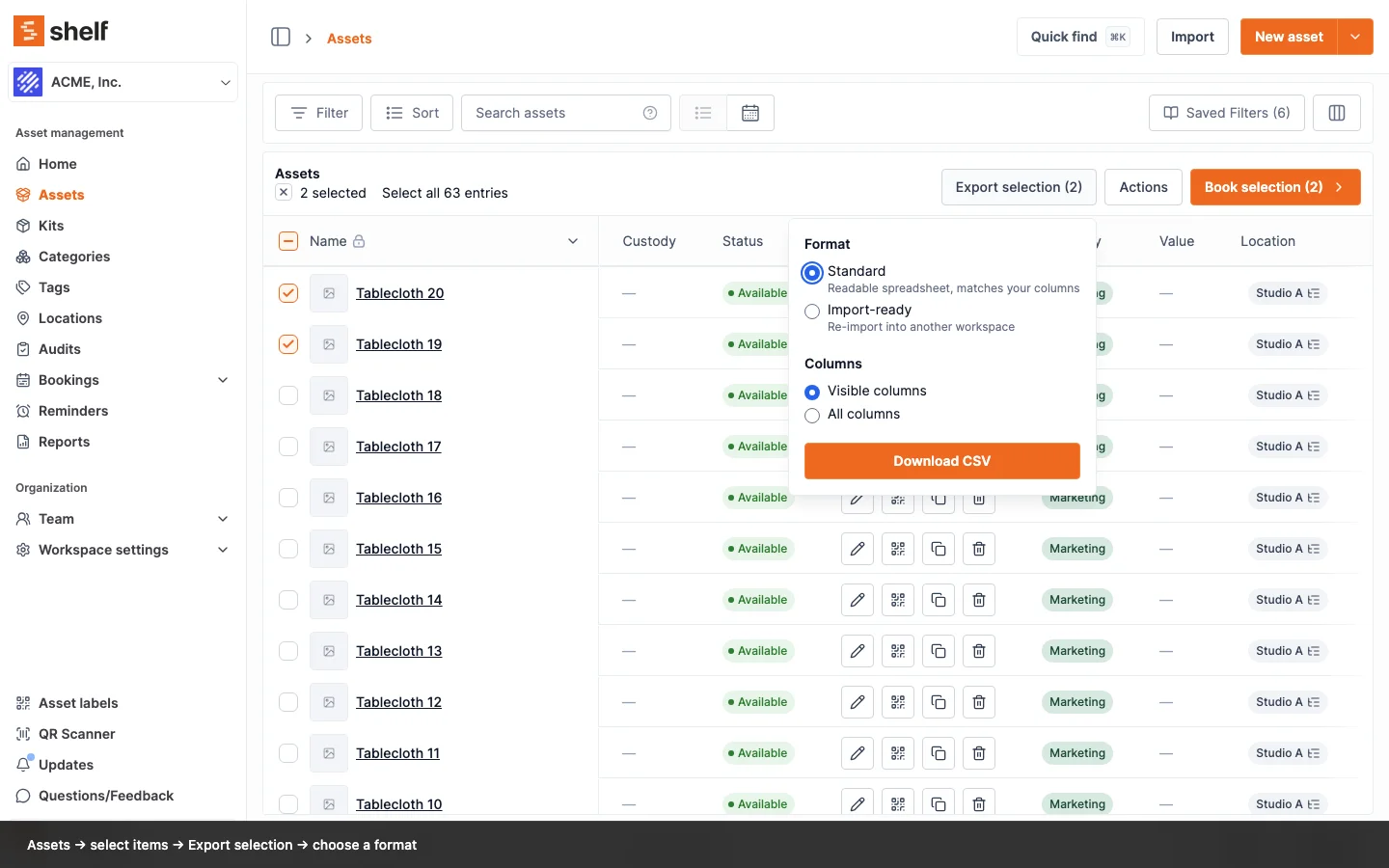
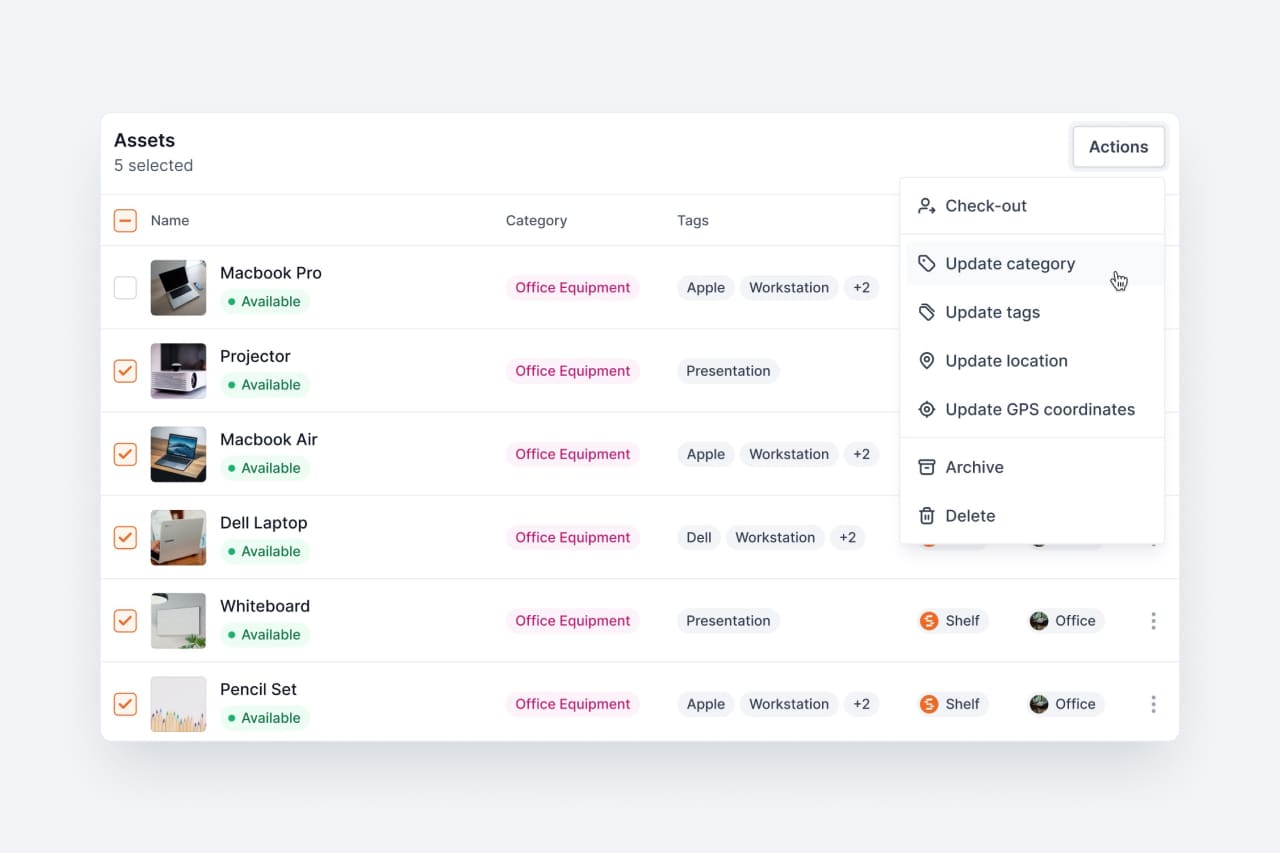
Select multiple assets at once and perform batch operations like check out, relocate, categorize, or delete. Manage inventory at scale.

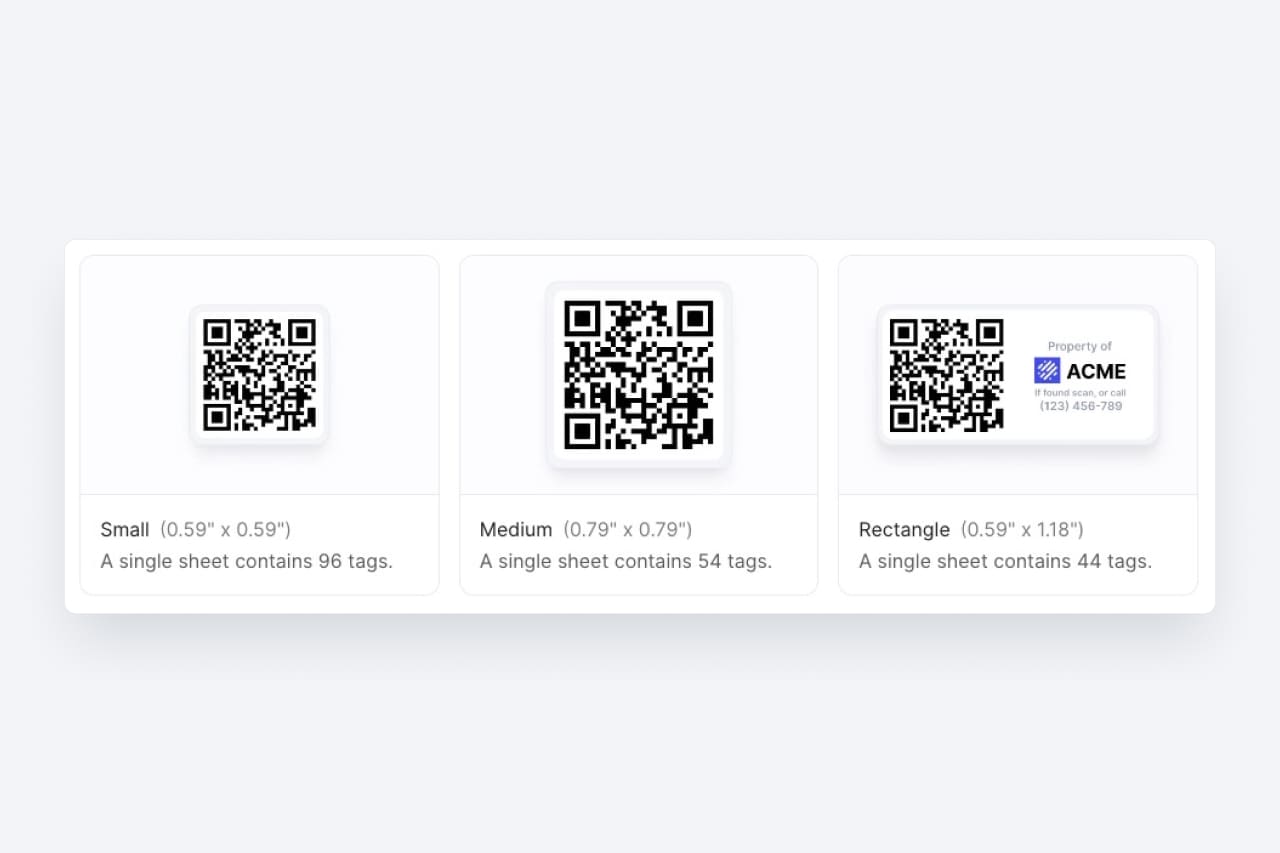
Rugged, laminated QR labels available in small, medium, and rectangular sizes. Professional-grade tags built to last.

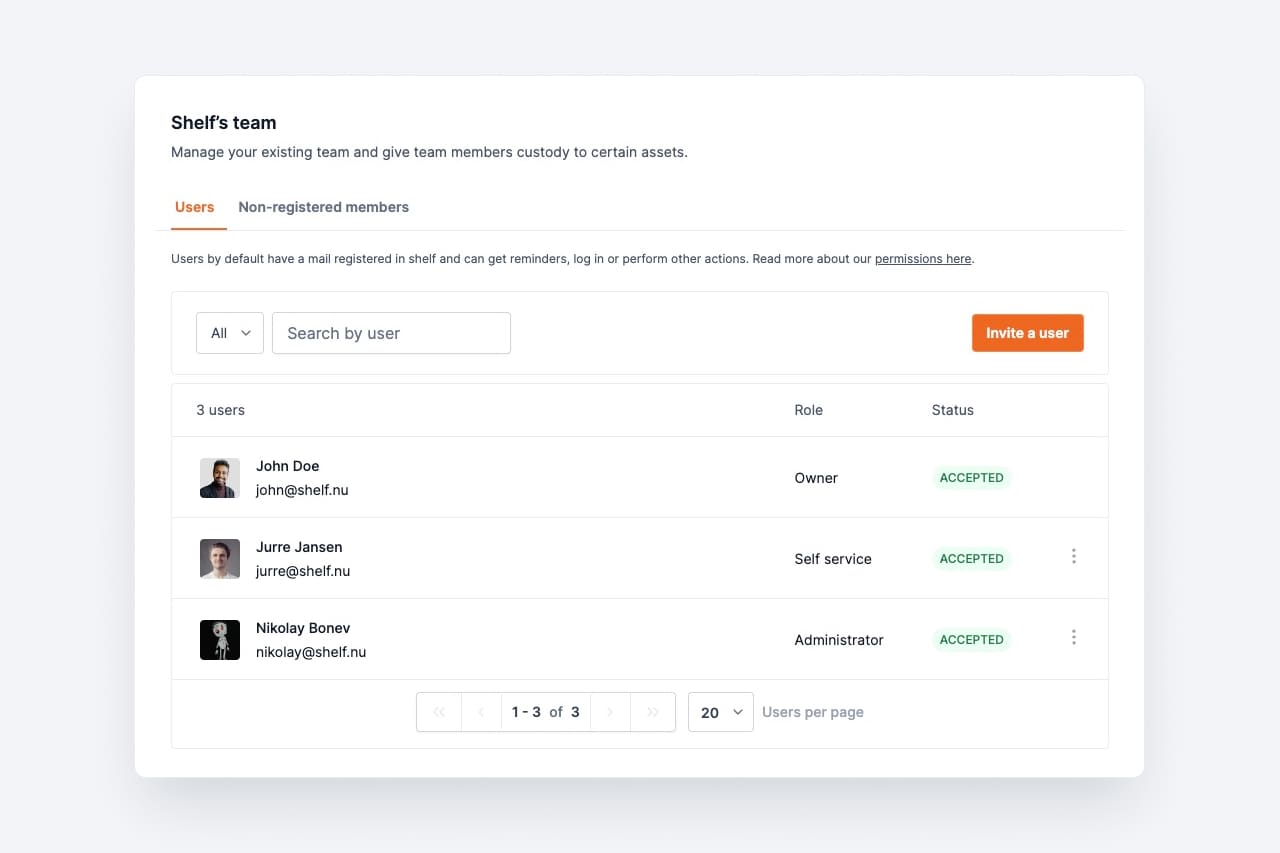
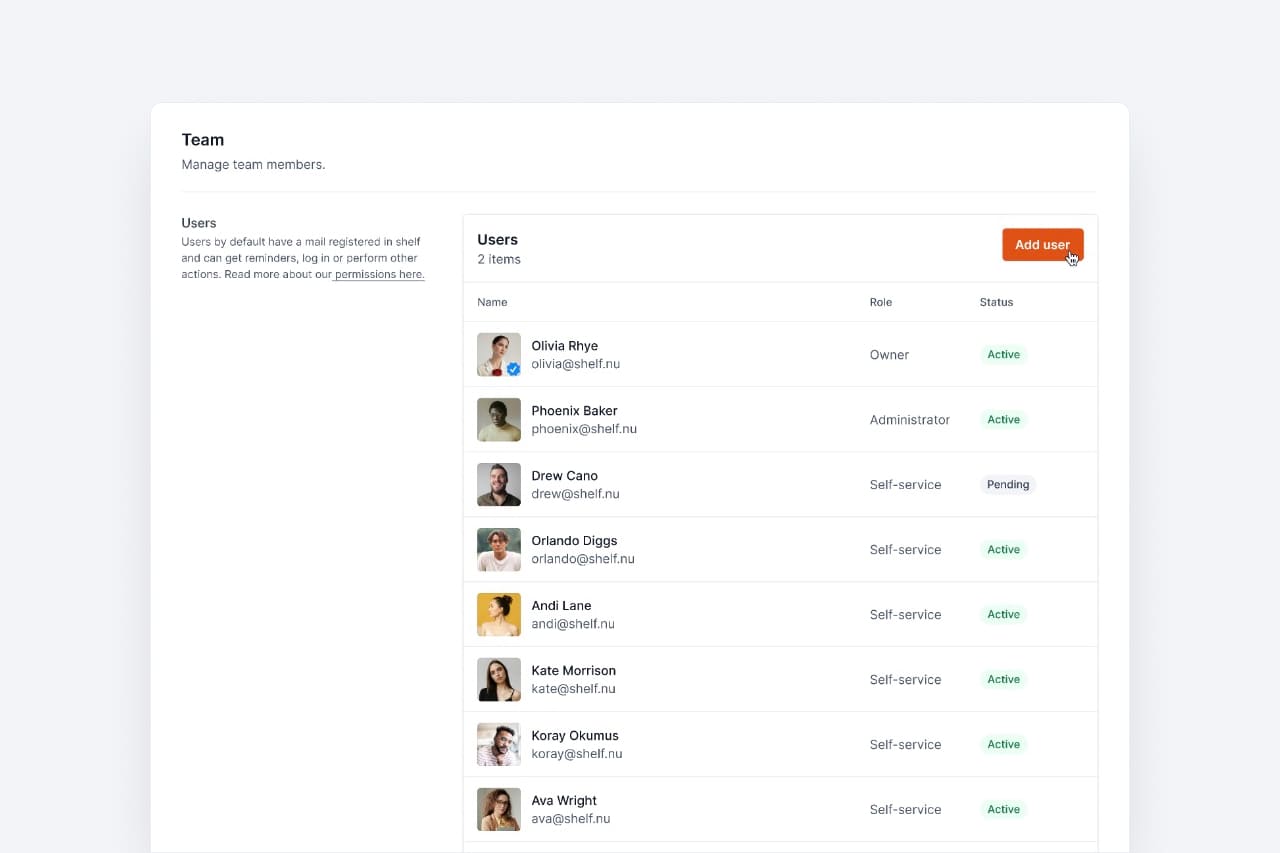
Separate tabs for registered users and non-registered members. Bulk import team members to get everyone onboarded quickly.

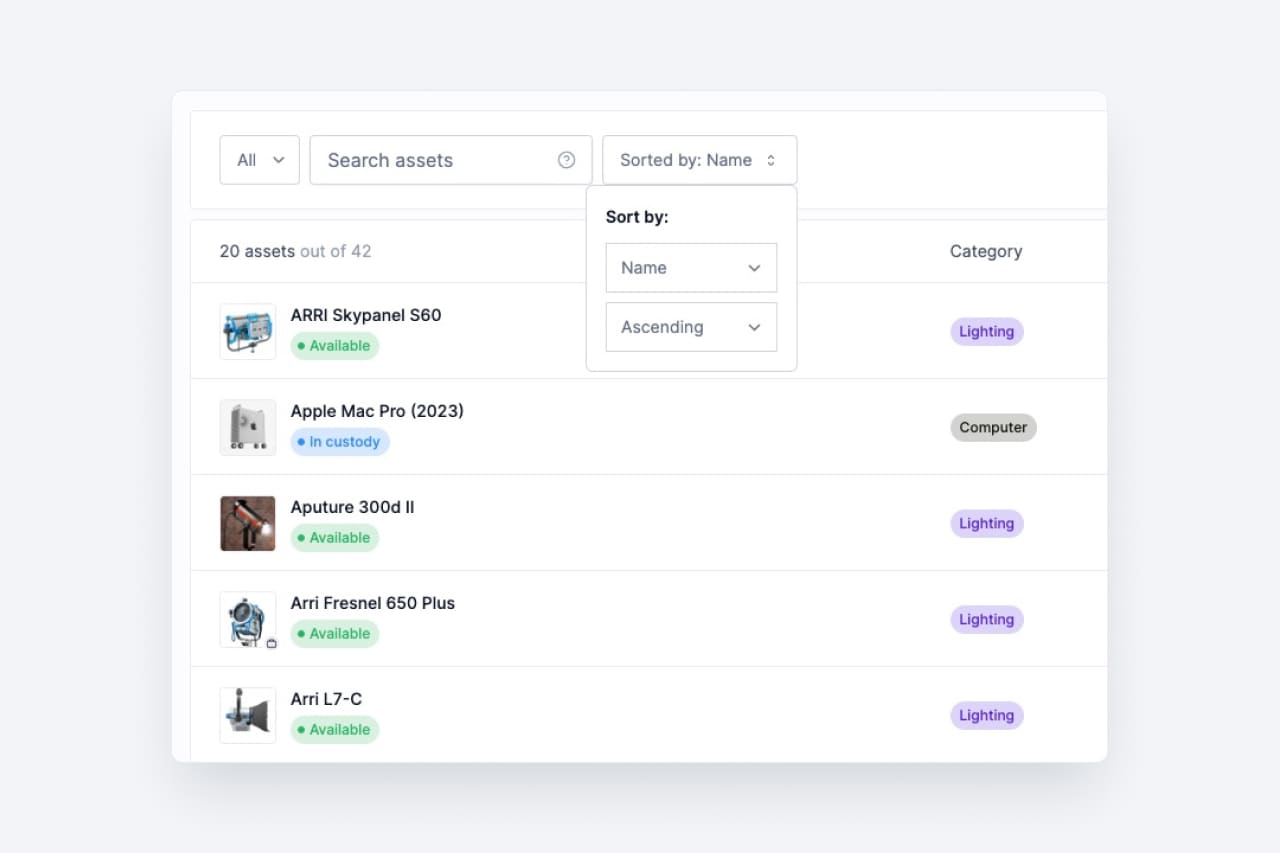
Sort your asset index by Name, Date Created, or Date Updated. Find what you need faster with flexible ordering options.

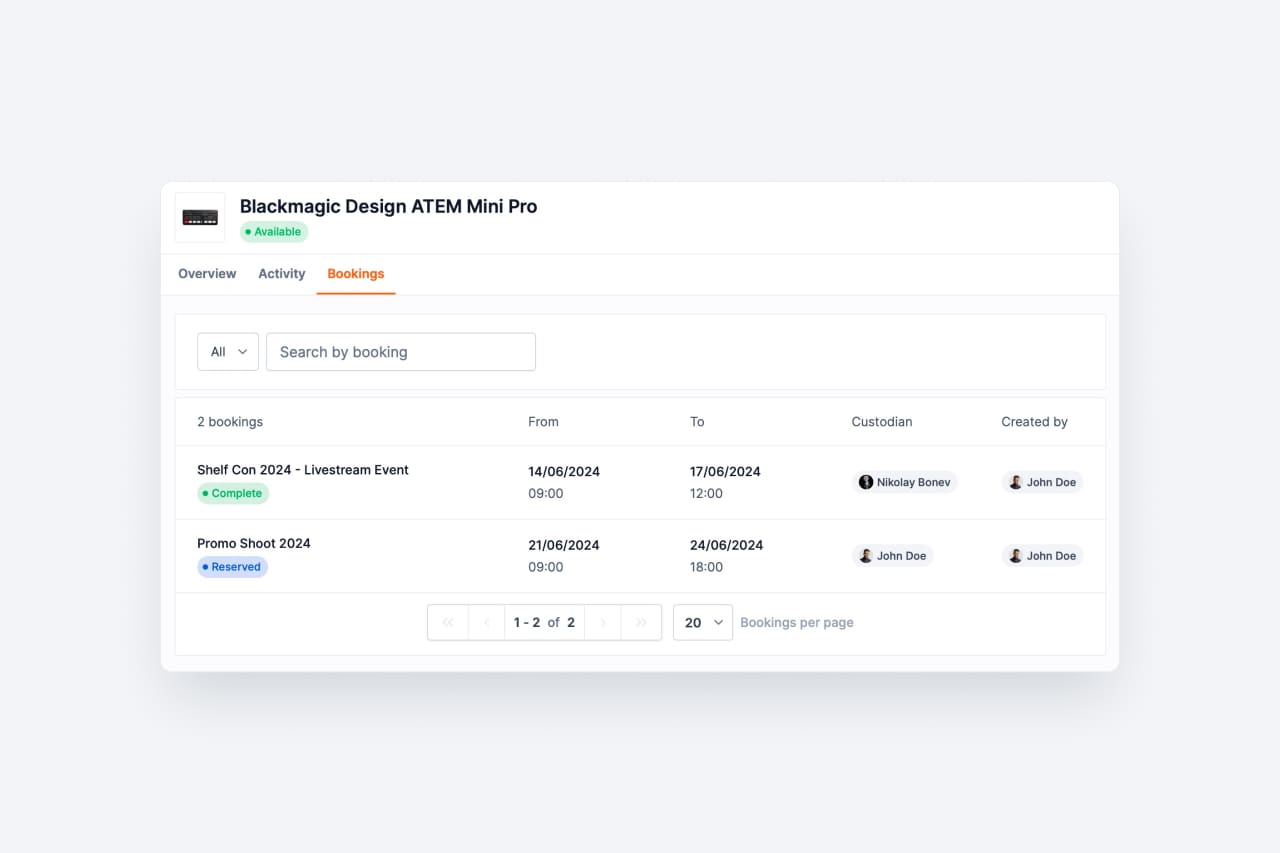
View all bookings containing a specific asset directly from the asset detail page. Instant context on where and when each item is needed.

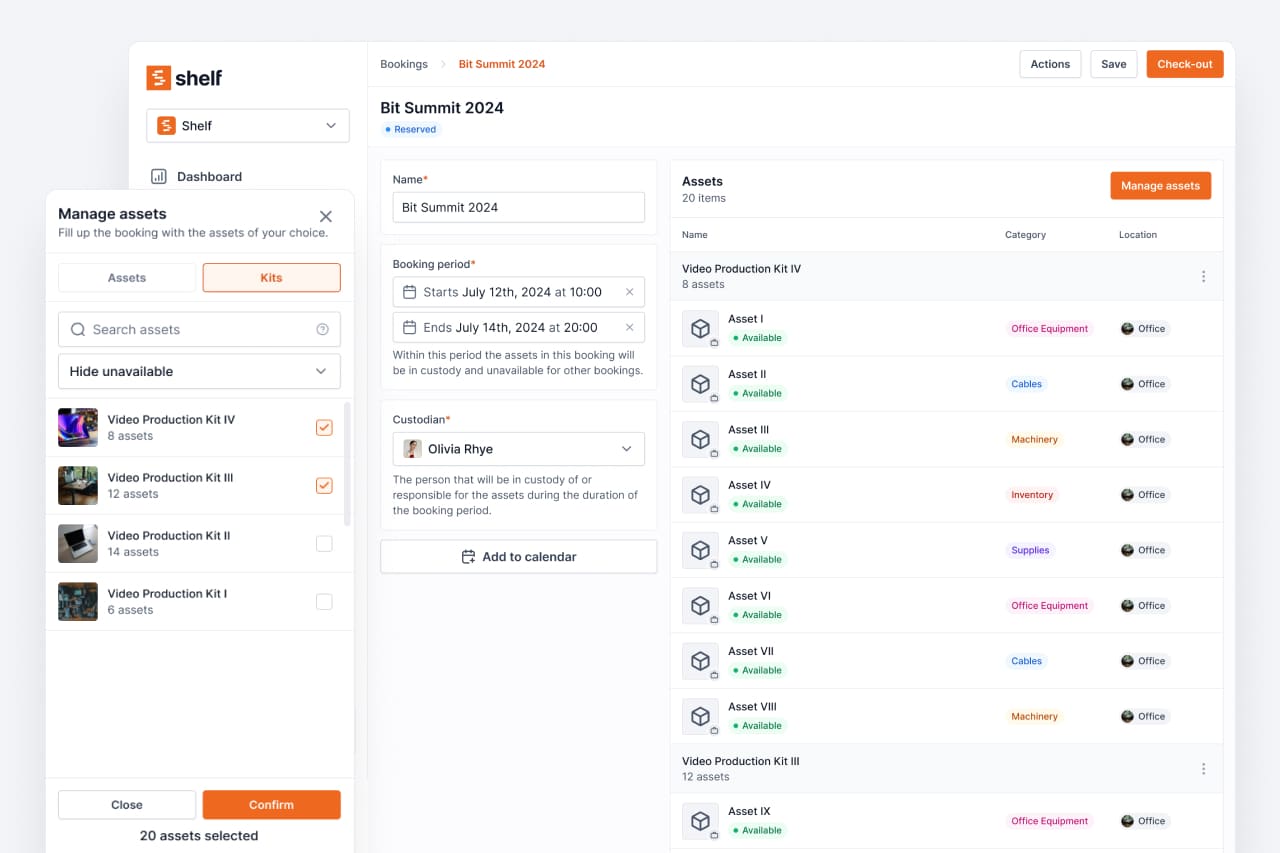
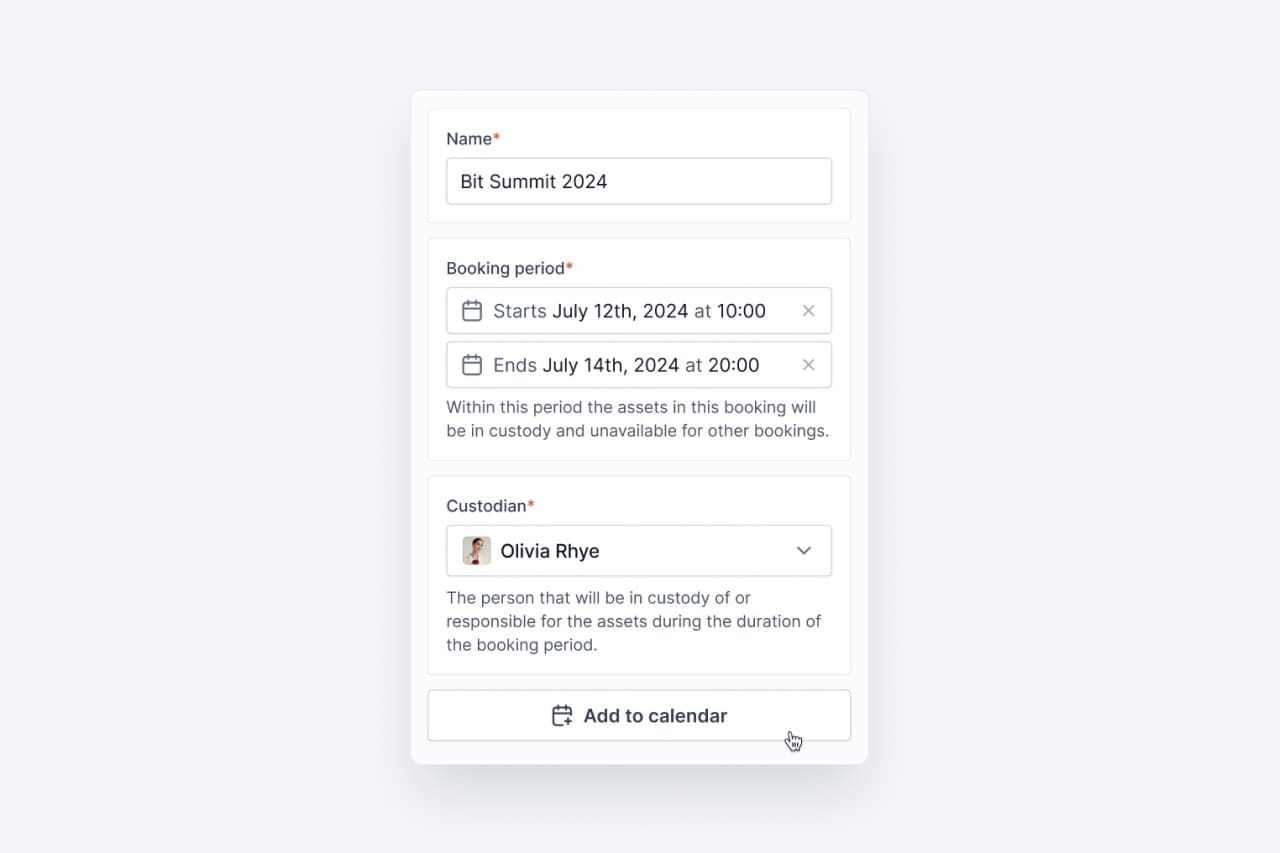
Book entire kits simultaneously to ensure all related items are reserved together. Coordinated resource reservations made simple.

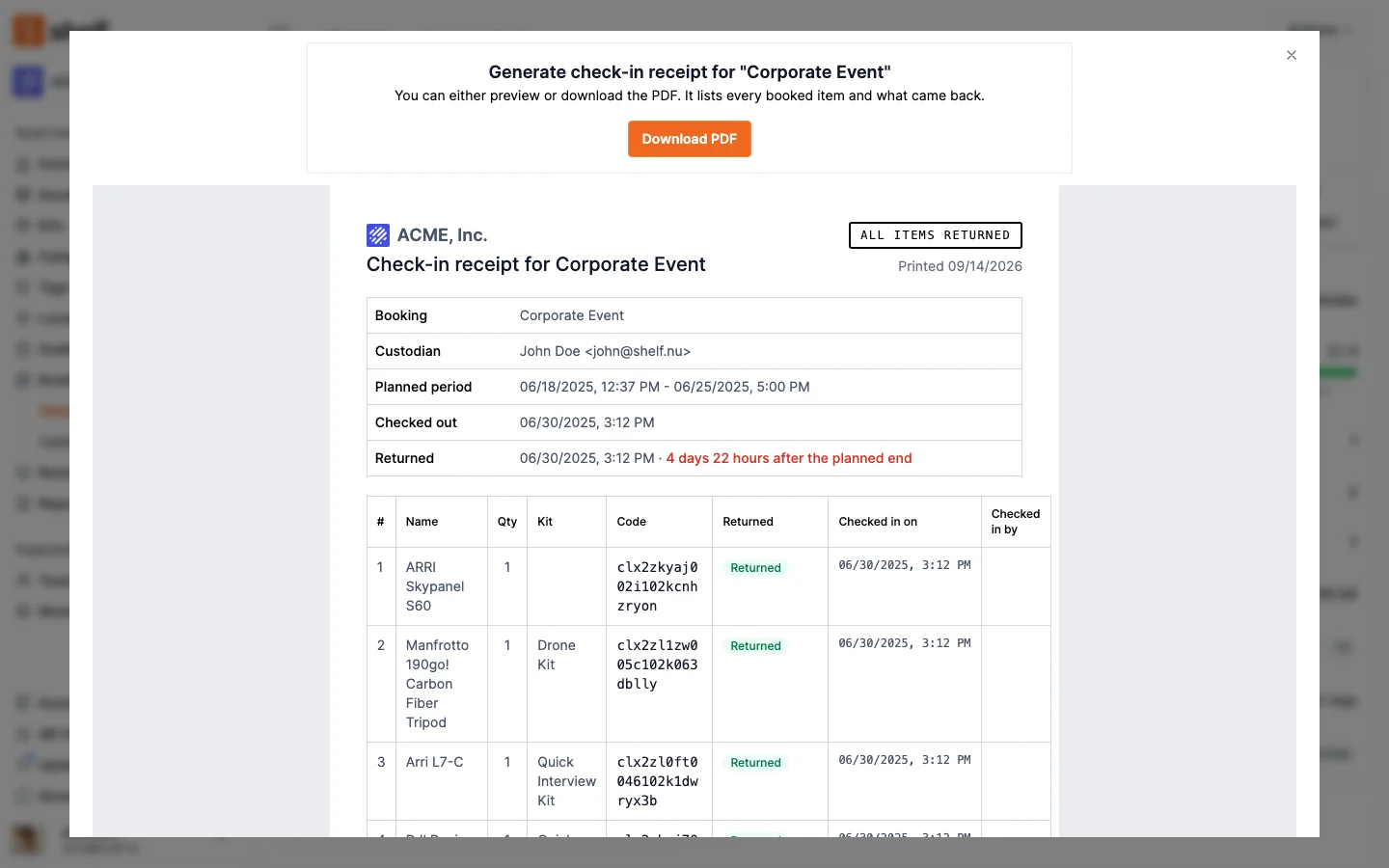
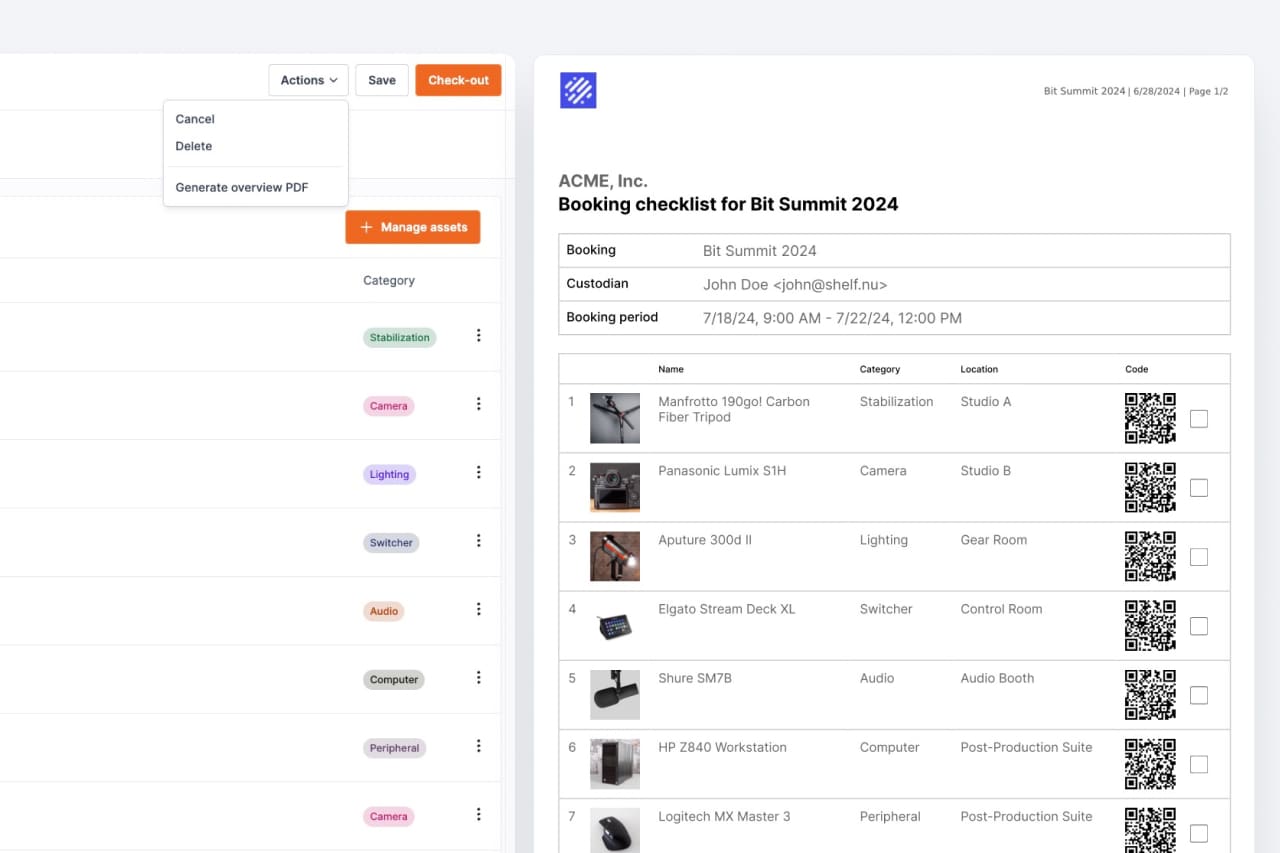
Create printable booking summaries for equipment preparation. Hand off a clean checklist to whoever is pulling the gear.

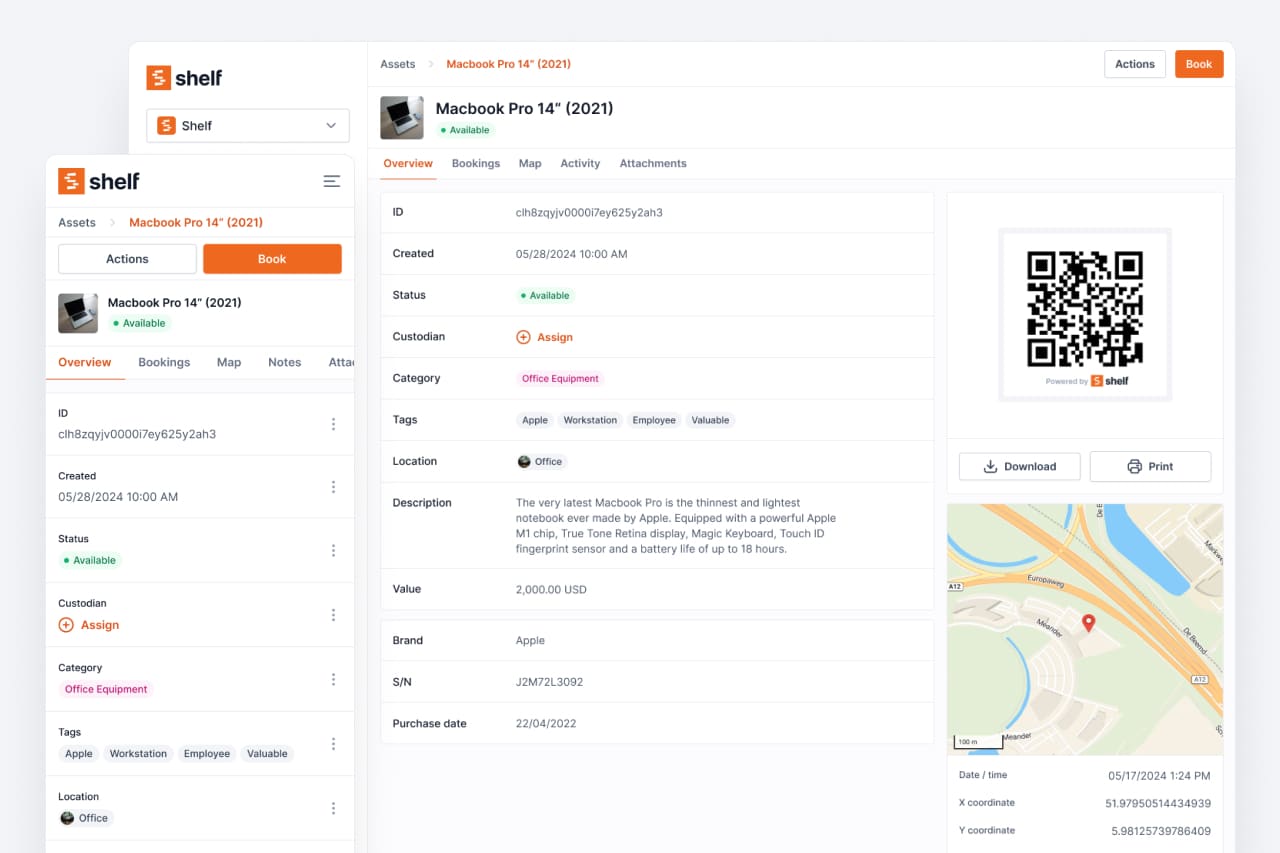
Redesigned tabbed layout for a comprehensive asset overview. Navigate between details, history, bookings, and custom fields with ease.

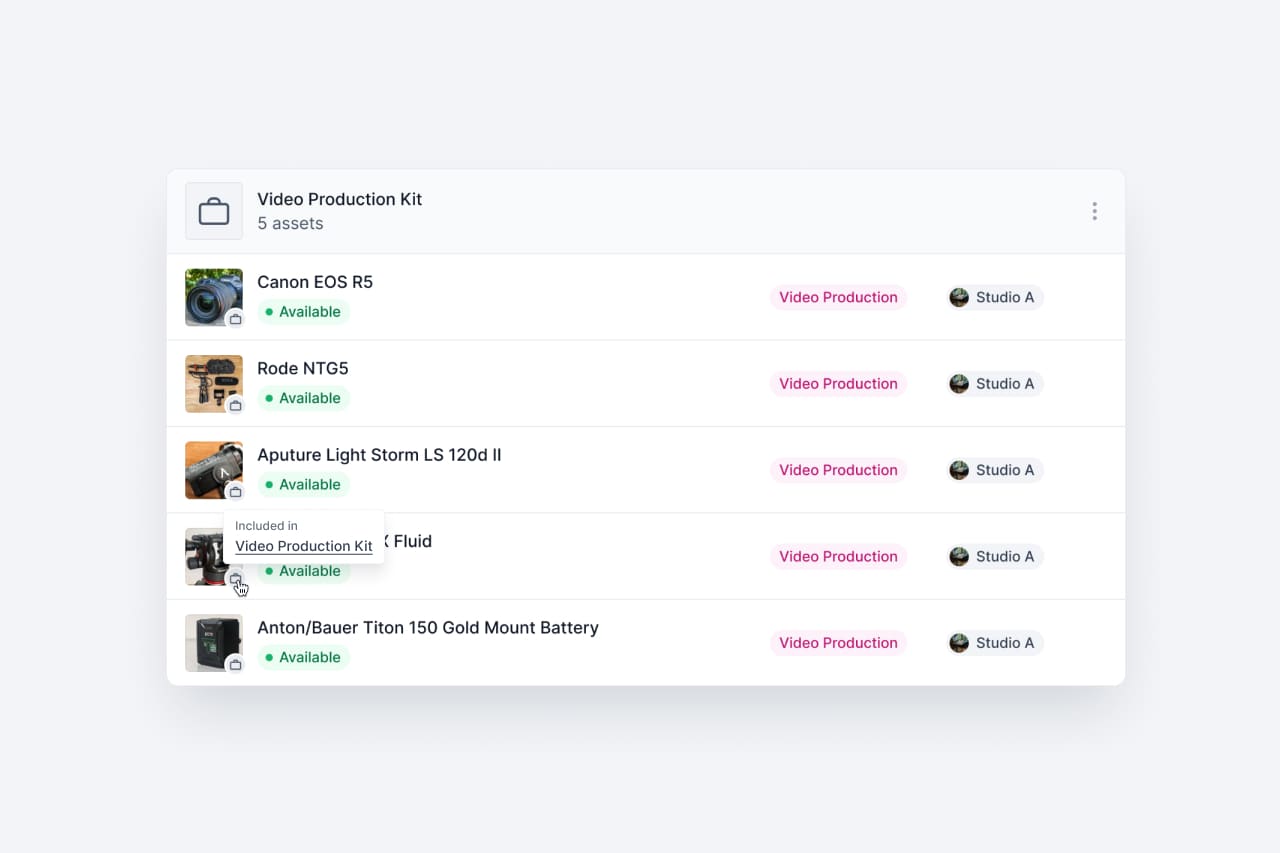
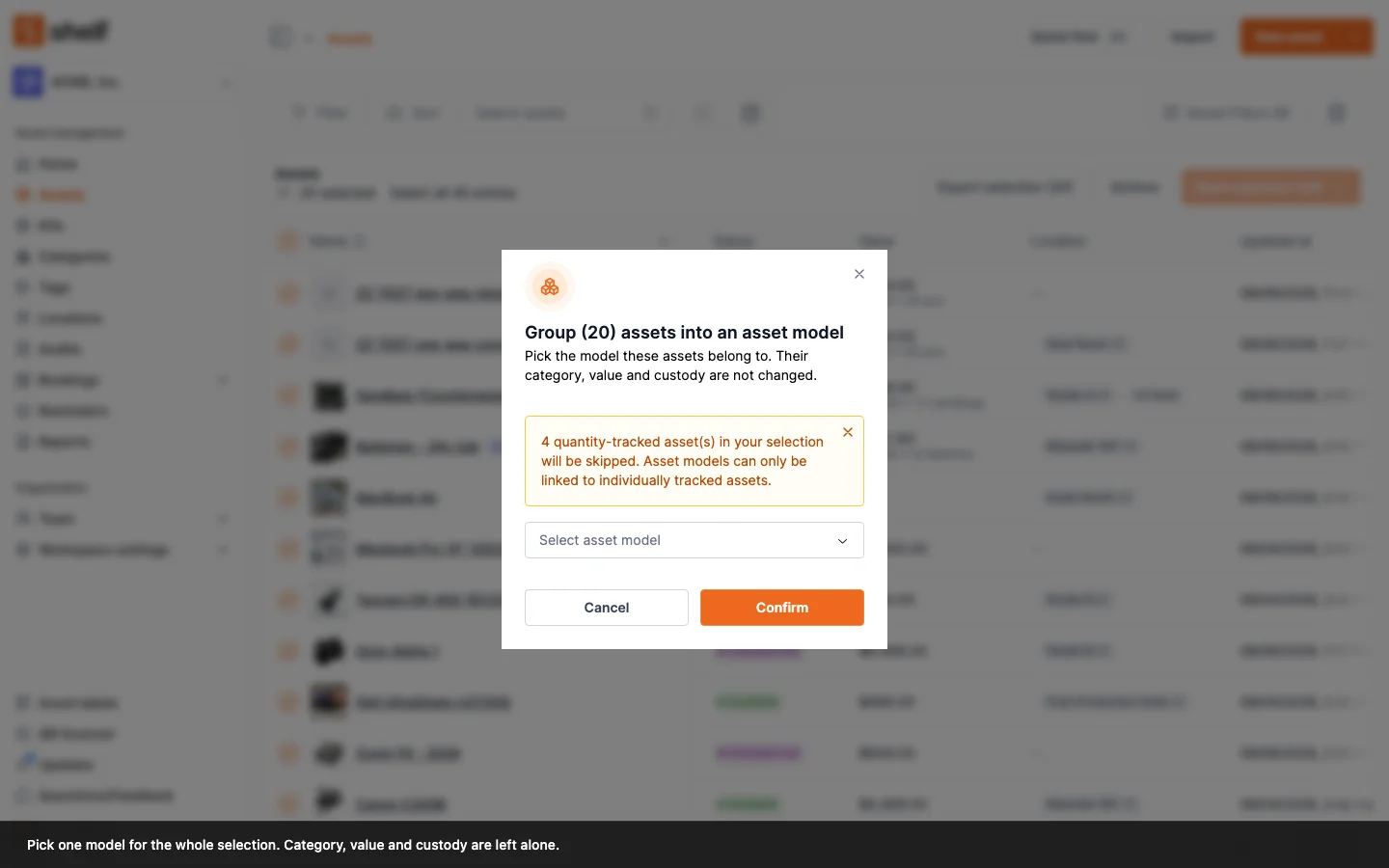
Group related assets together with customizable names, images, and descriptions. Perfect for travel kits, production rigs, or tool sets.

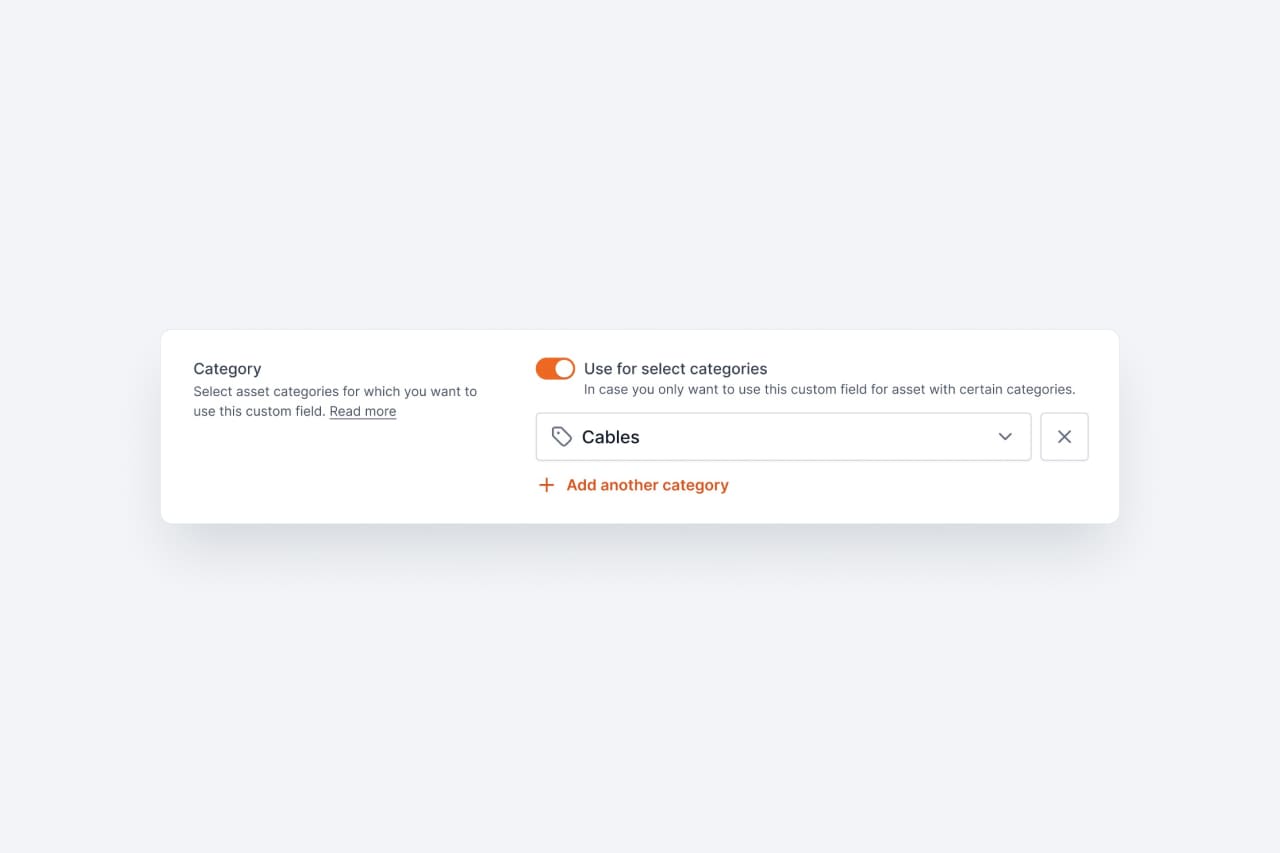
Custom fields now dynamically appear based on asset category. Different asset types automatically show the fields that matter most.

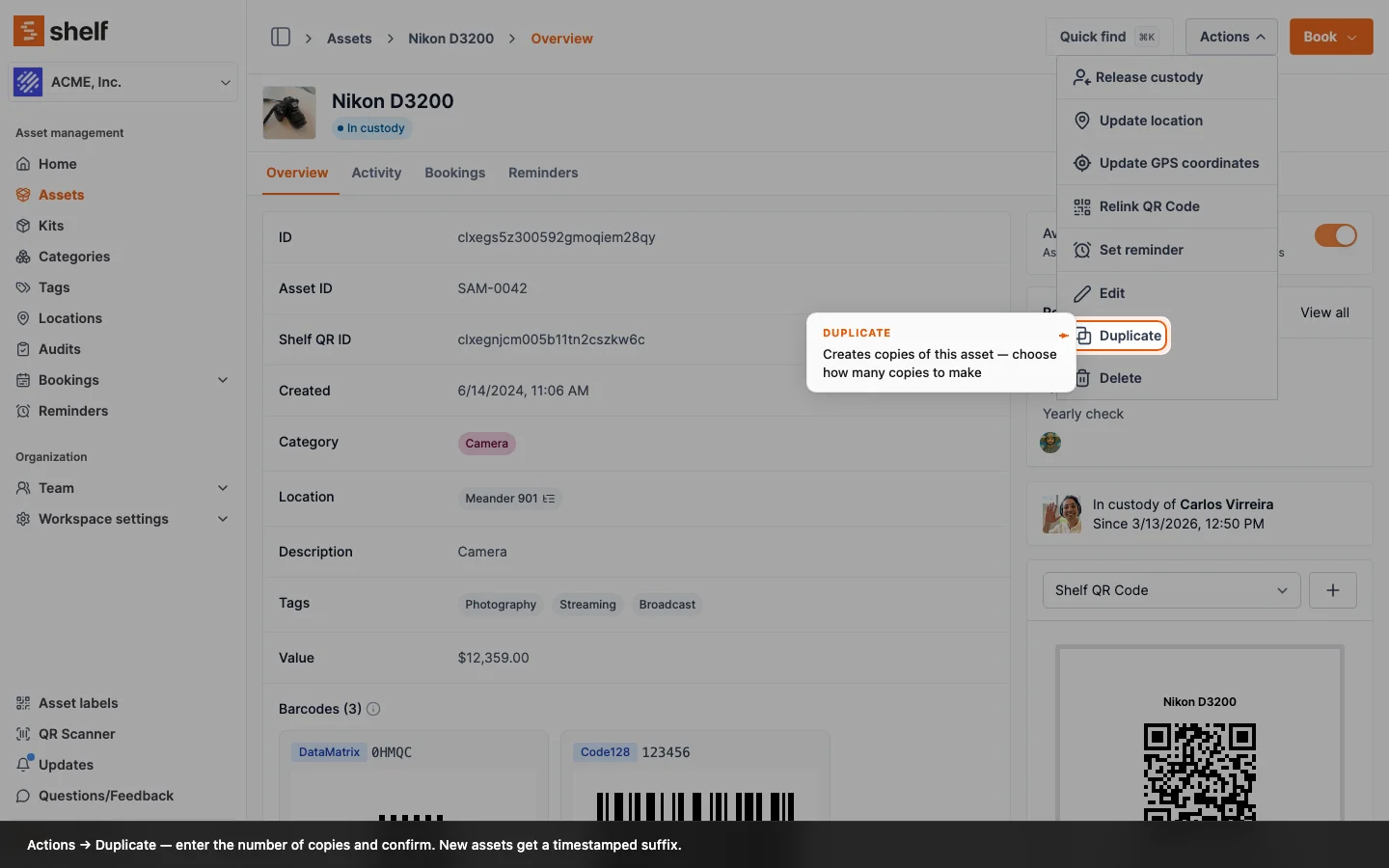
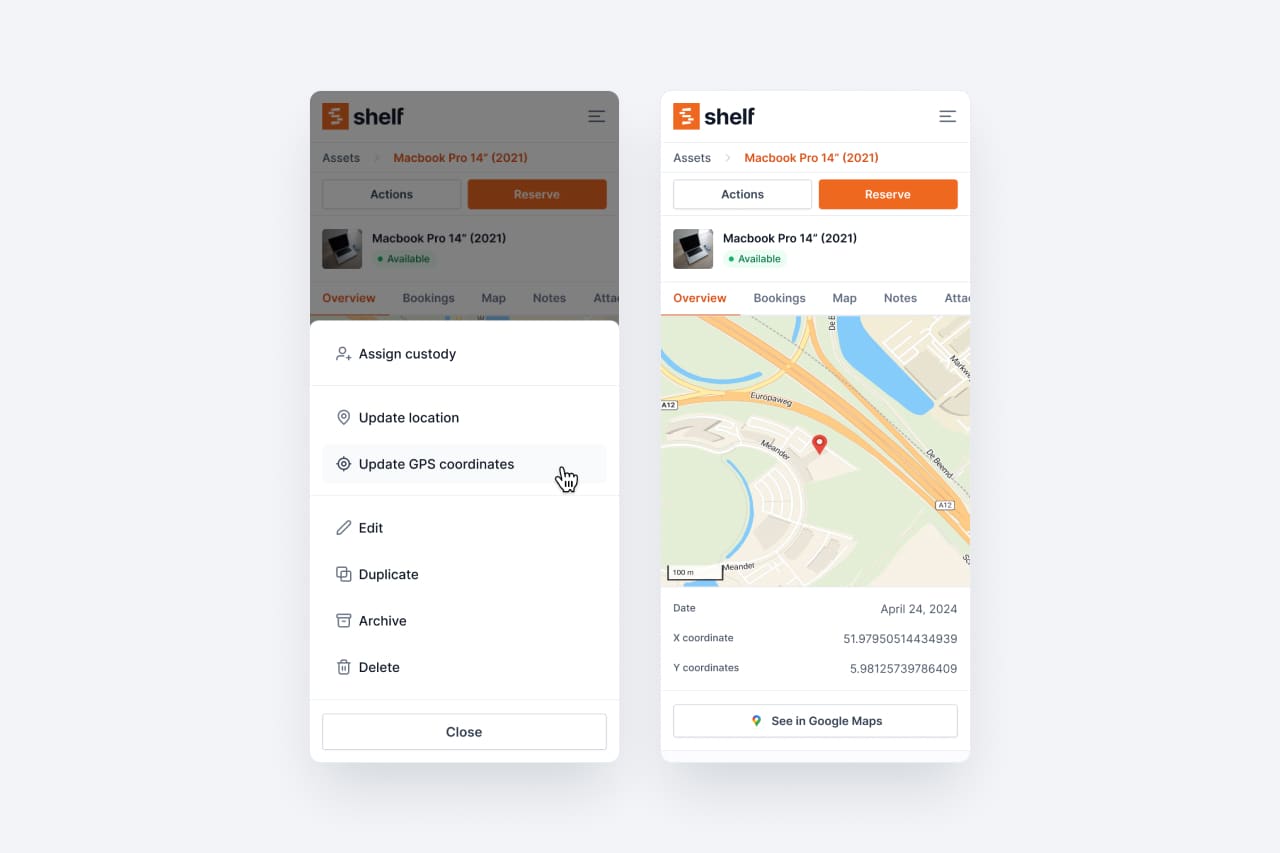
Take control of asset GPS locations with manual coordinate updates. Pin assets exactly where they are on the map.

Generate ICS files containing booking details and direct links. Sync your asset reservations with your favorite calendar app.

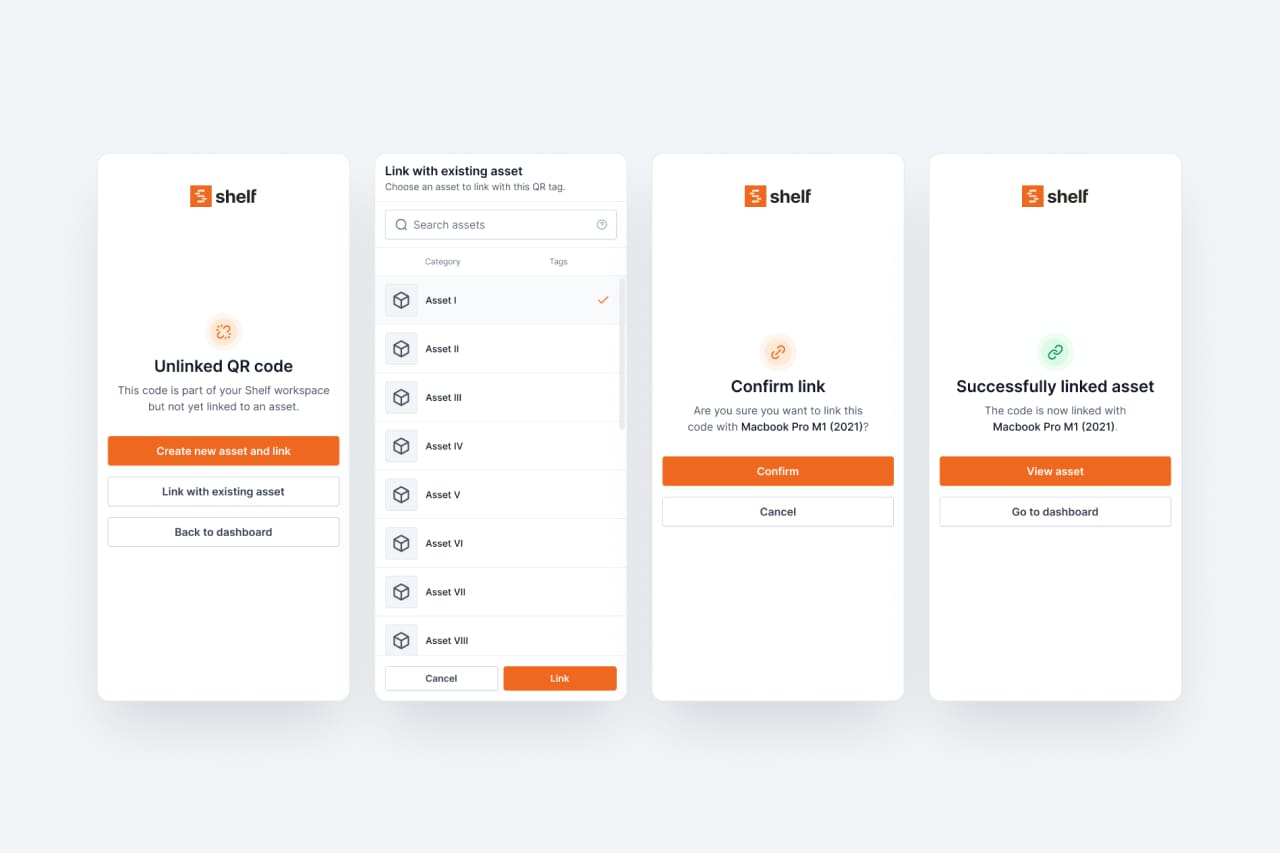
Scan unclaimed QR codes to register new assets or link them to existing ones. Streamlined onboarding for physical tags.

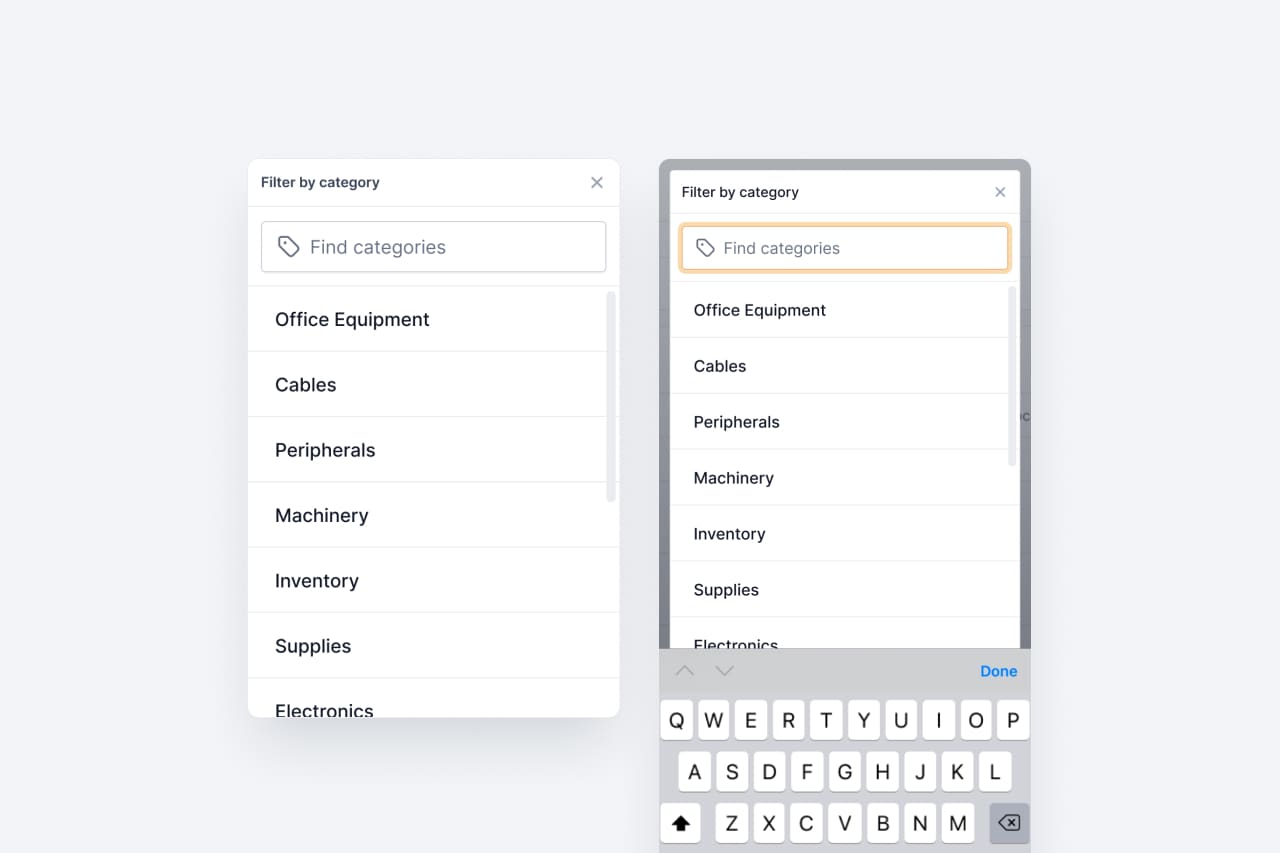
Enhanced dropdown performance and responsiveness across mobile and desktop. Faster, smoother interactions throughout the app.

Cross-platform scanner compatibility across desktop, tablet, and mobile. More reliable scanning in any environment.

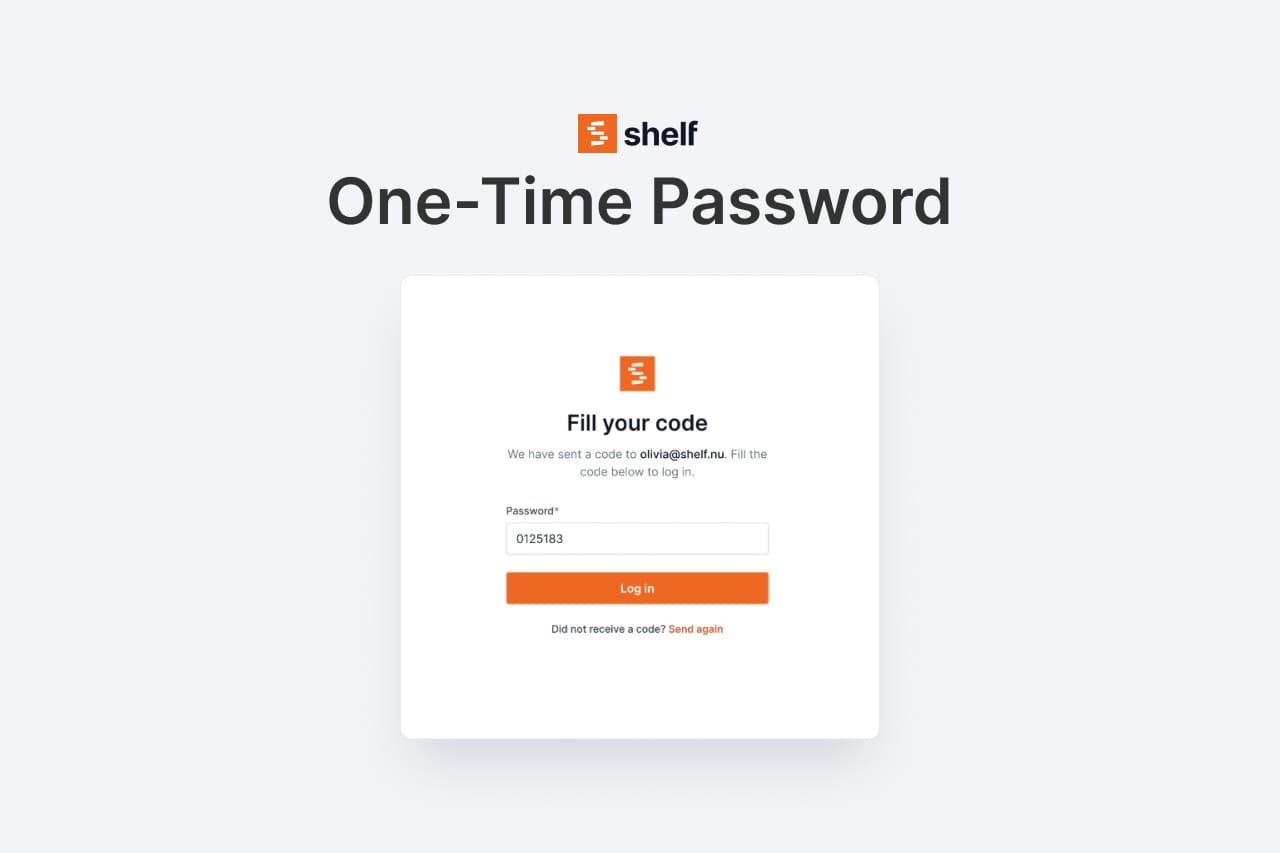
OTP-based authentication replacing Magic Links for enhanced security. Faster, more reliable sign-in experience.

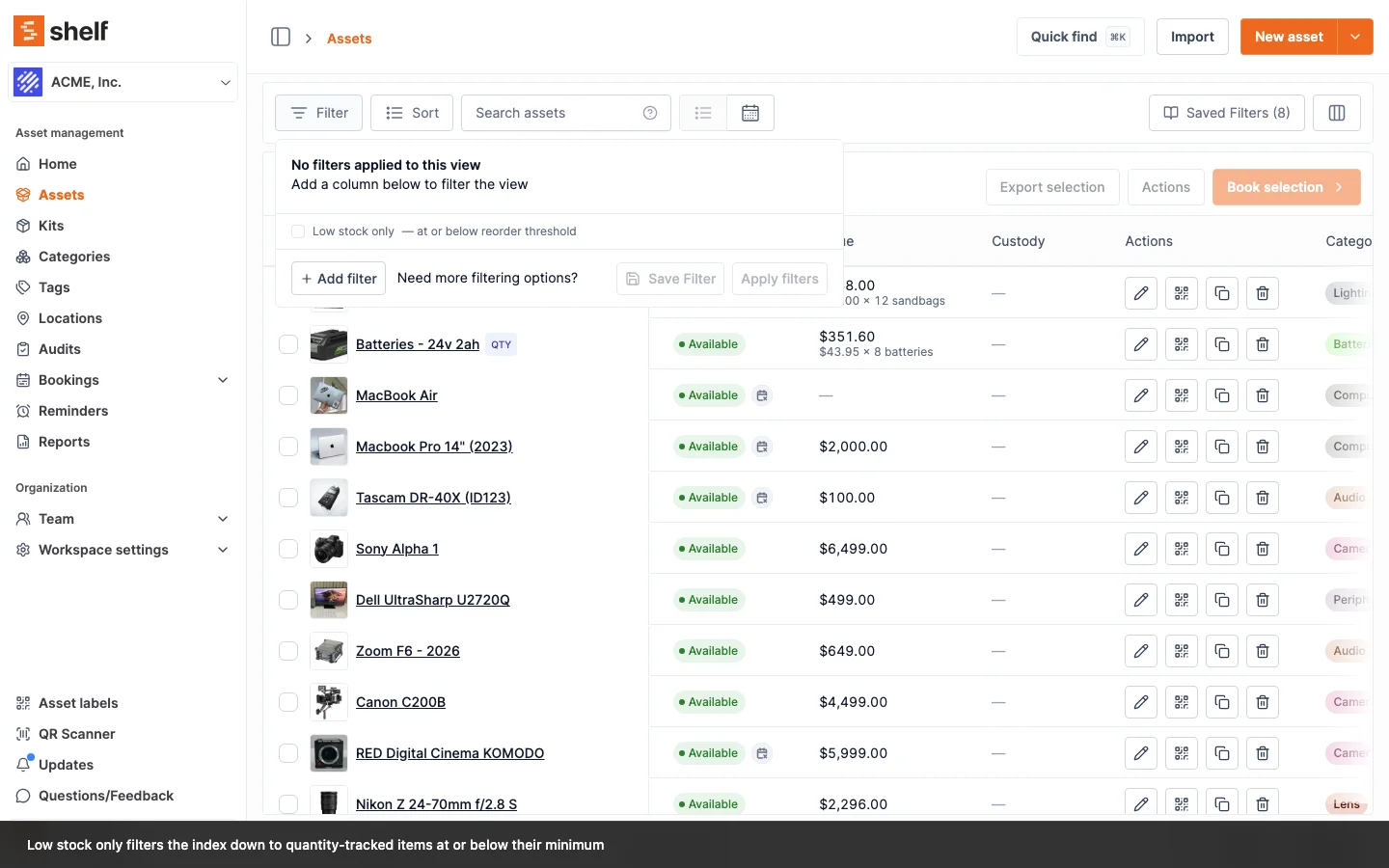
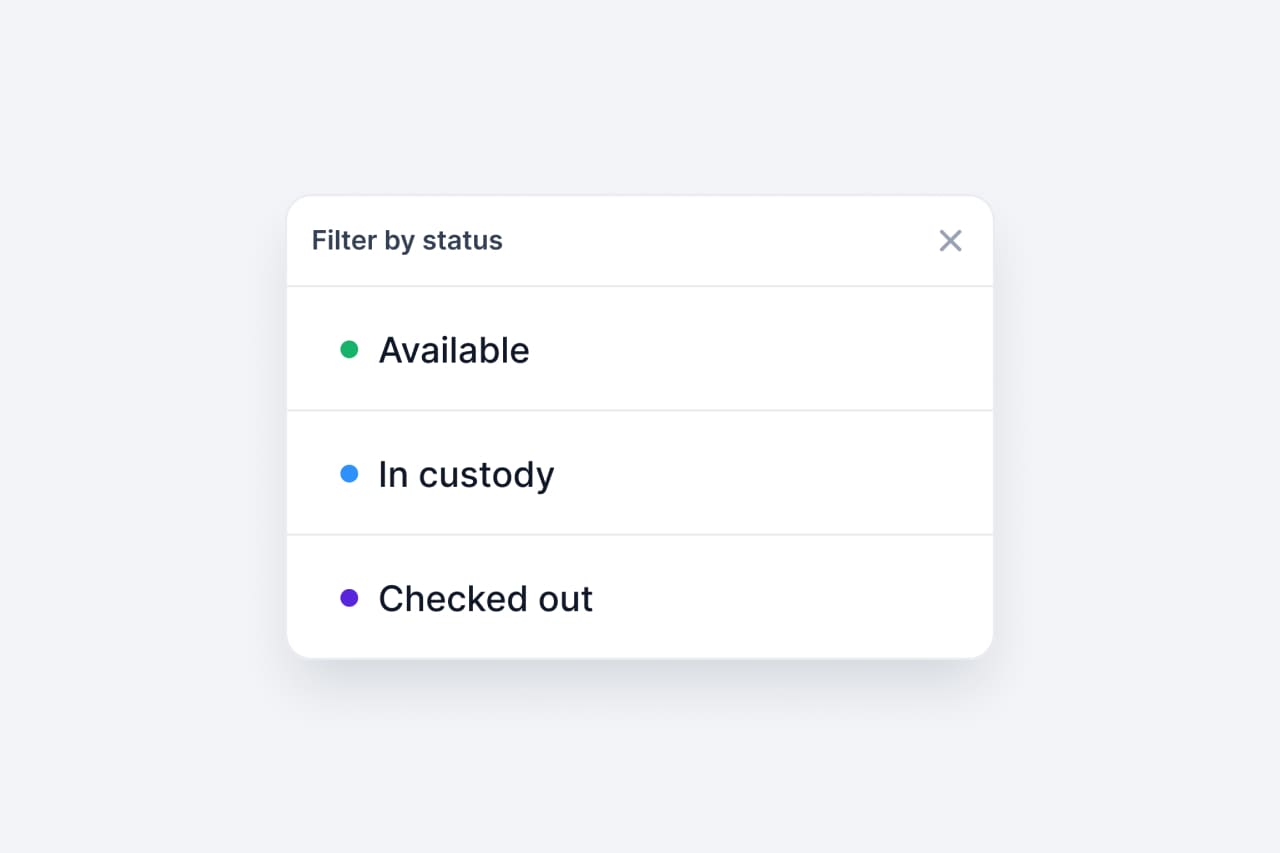
Sort and filter assets by availability, custody, and checked-out status. Zero in on the assets that need attention.

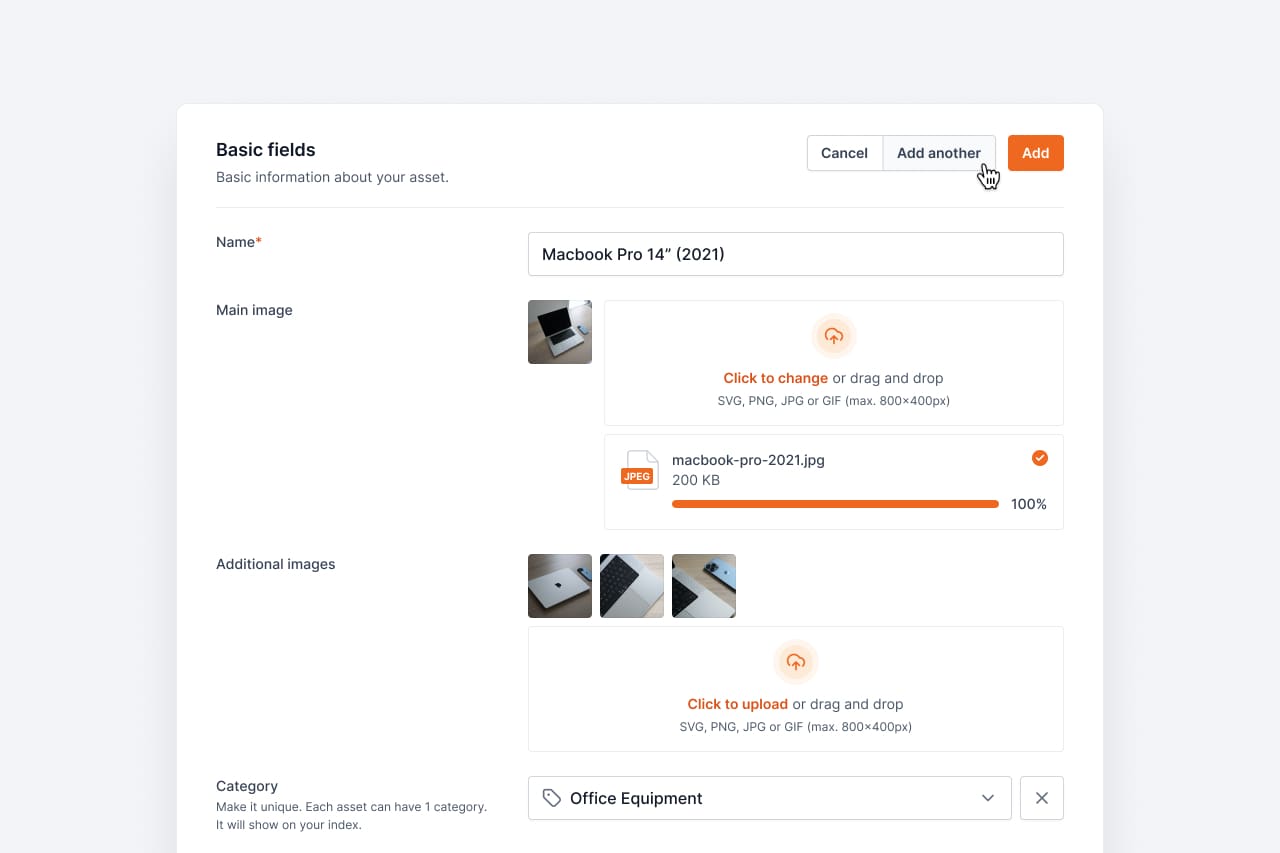
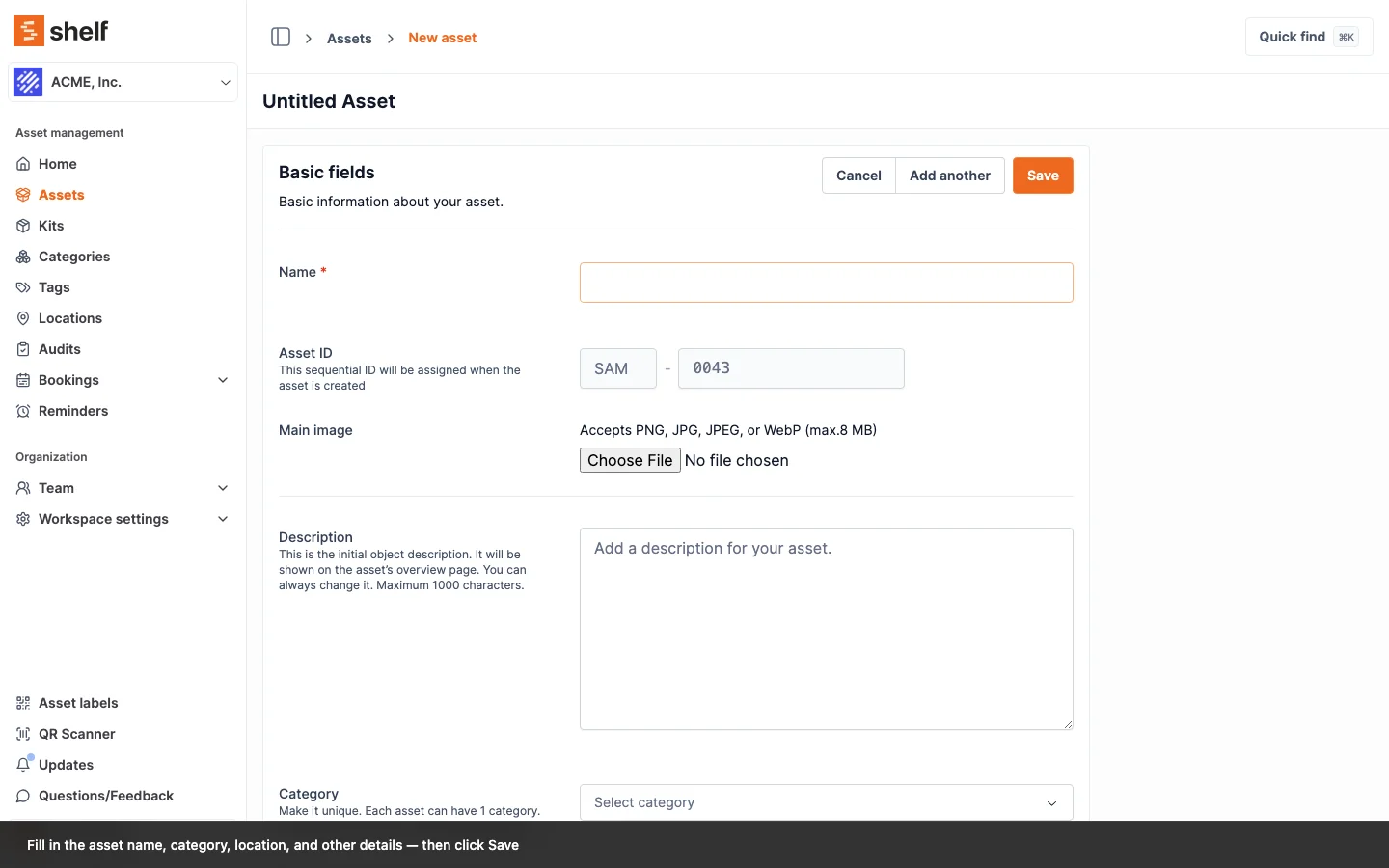
Rapidly create multiple entries without returning to the main page. A small workflow improvement that saves real time at scale.

A new limited user role focused on personal bookings and asset viewing. Give team members exactly the access they need.

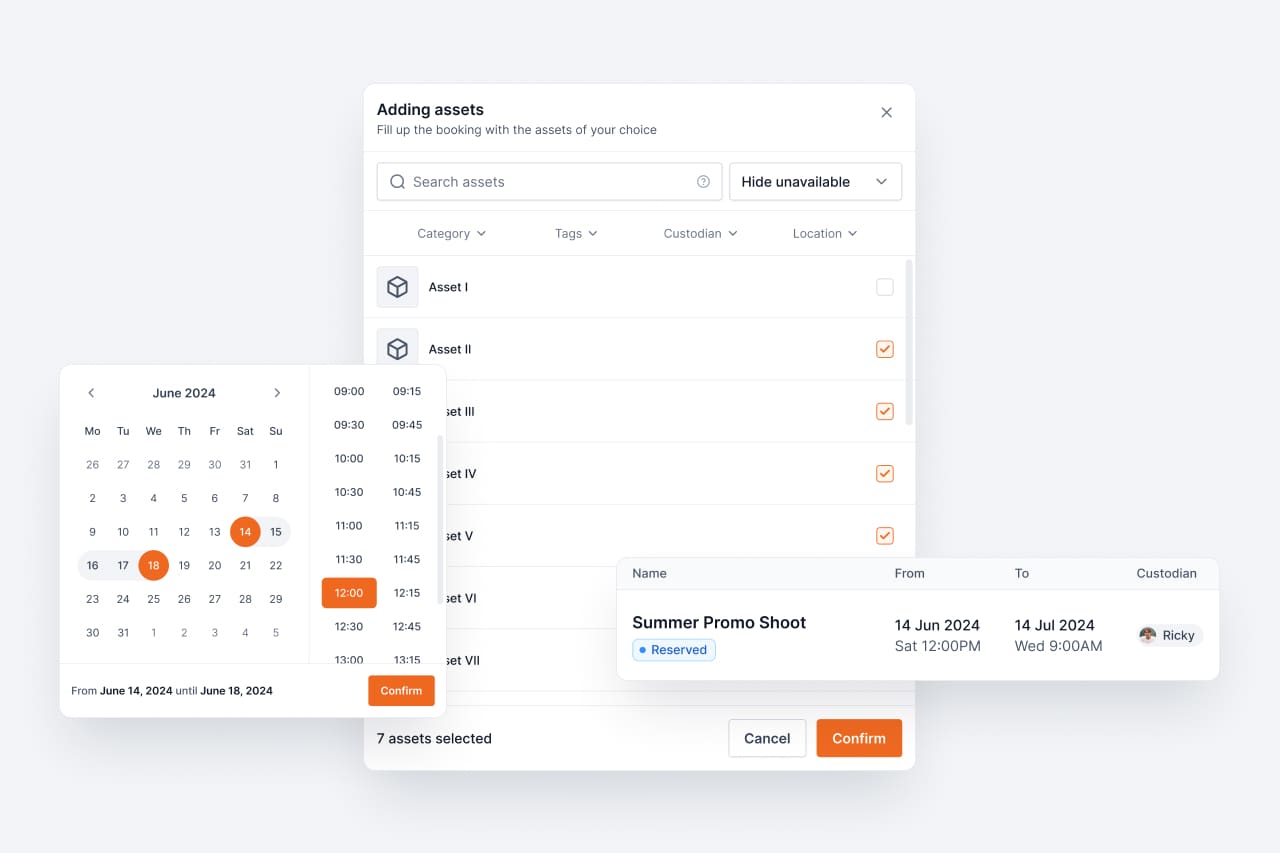
Reserve asset groups for future dates and prevent double-booking. The foundation for organized equipment scheduling.

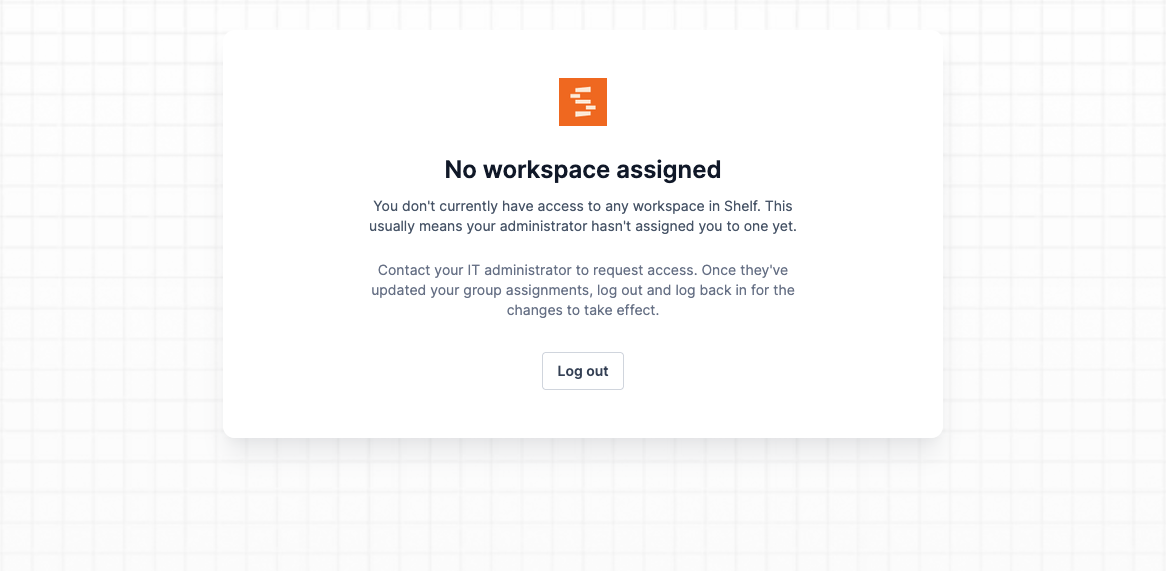
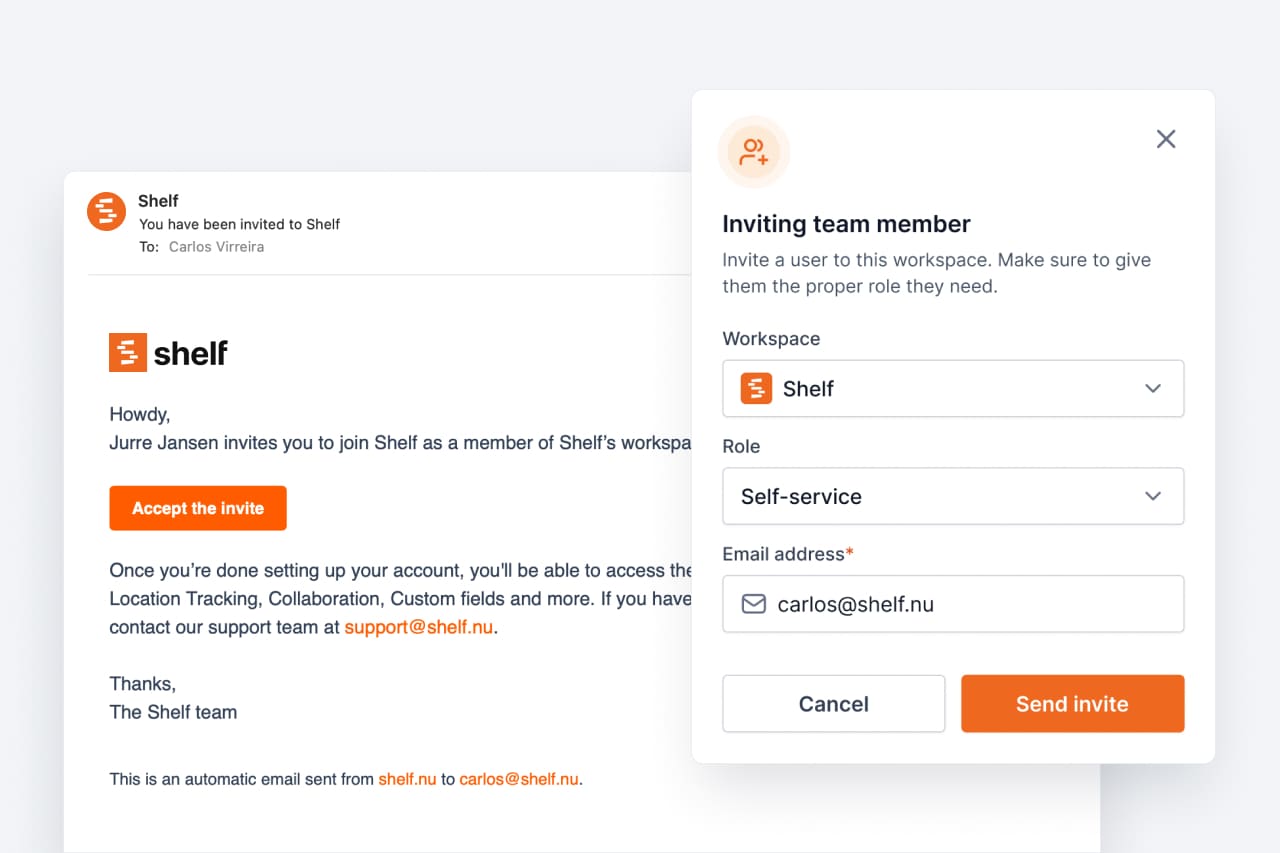
Multi-user workspaces with role-based team member access. Collaborate on asset management with the right permissions for everyone.

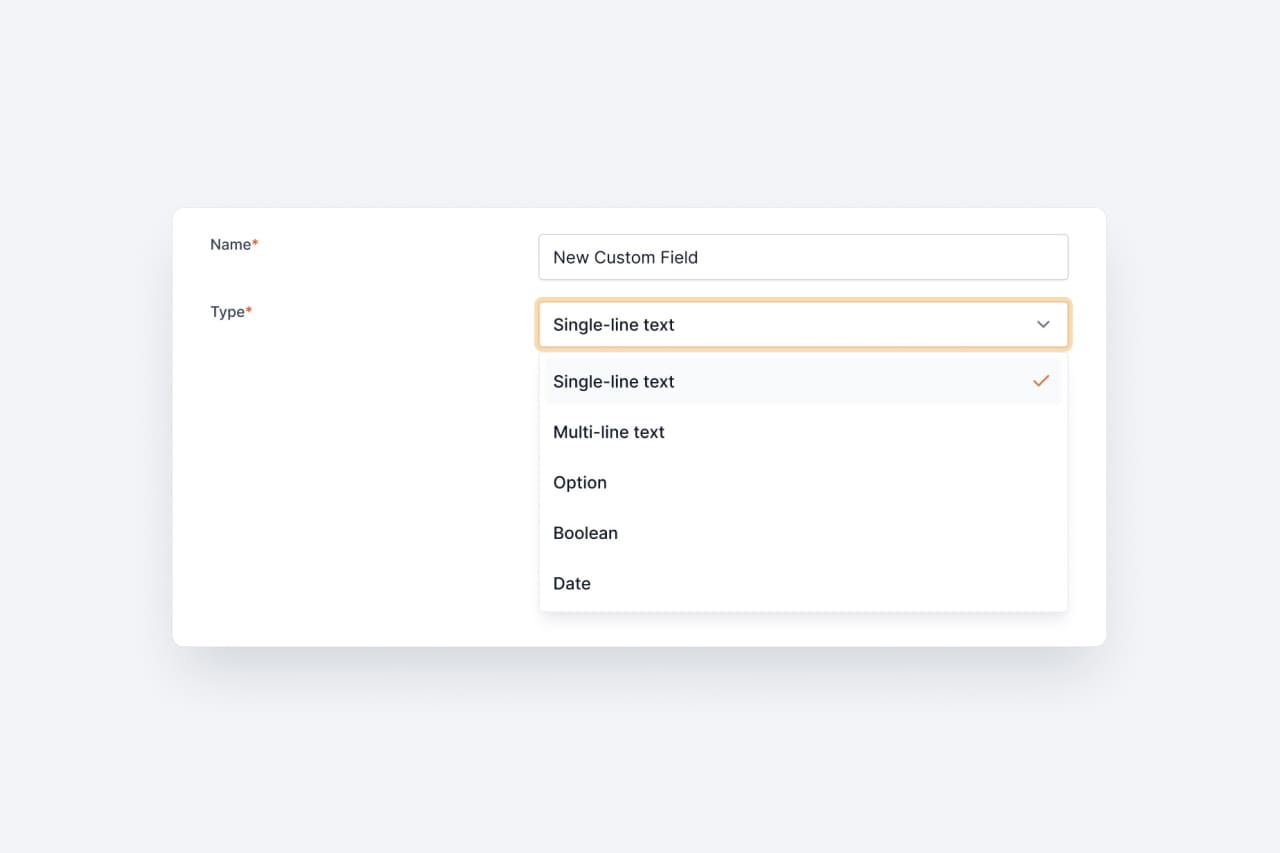
Add flexible, user-defined data fields to your assets. Track serial numbers, warranty dates, purchase prices — whatever matters to your workflow.

The initial public release of Shelf featuring categories, tags, locations, and custody assignment. The beginning of simple, powerful asset tracking.
Join thousands of teams who track their assets with Shelf.