

The Importance of QR Code Asset Management in Business


In today's fast-paced digital age, businesses need to stay ahead of the curve when it comes to managing their physical assets. One effective way to do this is through QR code asset management. In this blog post, we'll explore the benefits of using QR codes for asset management, how they work, and some best practices for implementing this solution in your organization.
What are QR Codes?
Quick Response (QR) codes are two-dimensional barcodes that store information such as text, URLs, and other data. They can be scanned quickly and easily using smartphones or tablets, making them ideal for inventory management and tracking purposes.
What is asset management and how do QR codes relate to it?
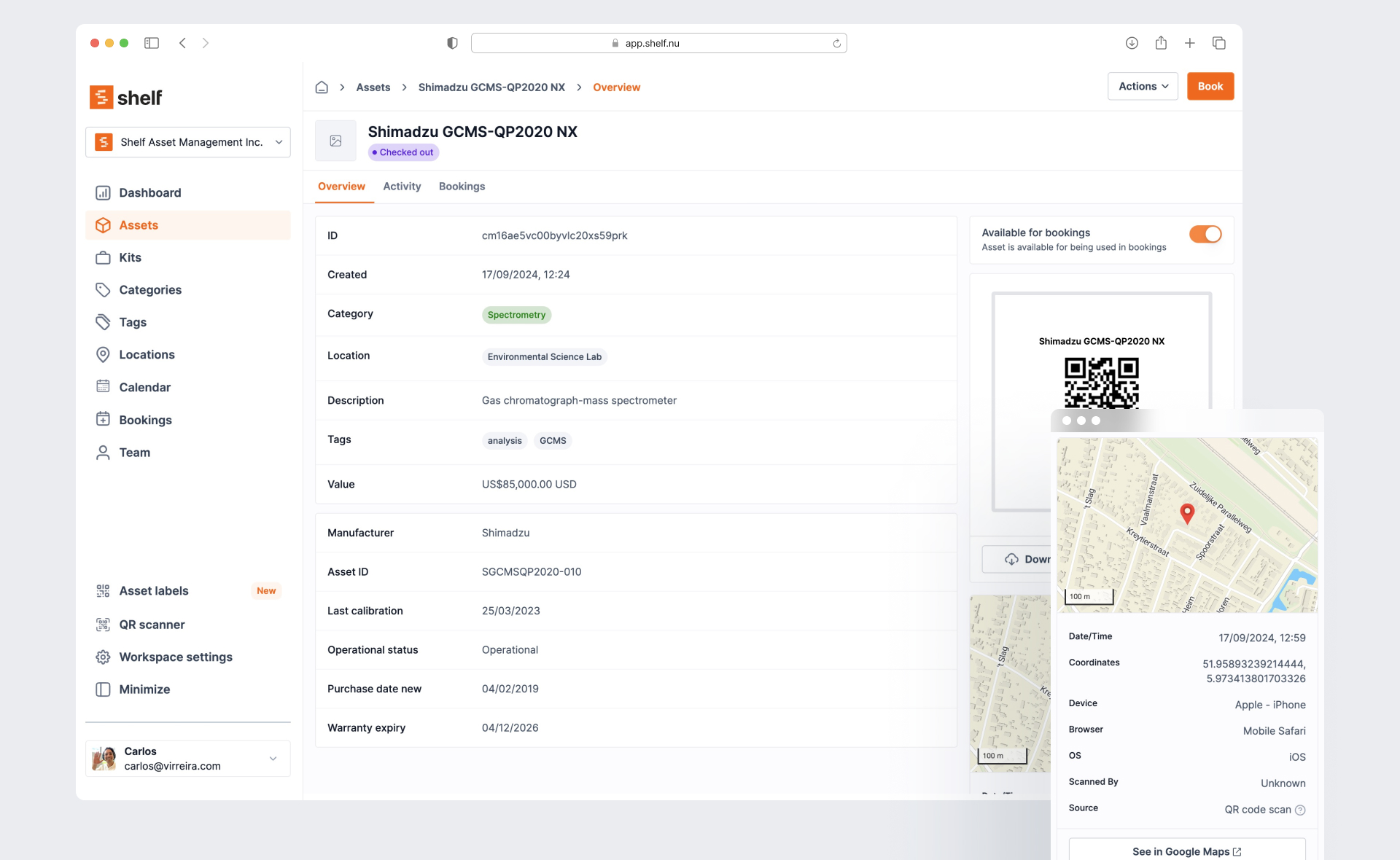
Asset management refers to the process of managing and optimizing a company's physical assets, such as equipment, vehicles, and machinery, to maximize their value and ensure they are used efficiently. It involves tracking and monitoring assets throughout their lifecycle, including procurement, maintenance, repair, and disposal. QR codes can be used to facilitate asset management by providing a quick and easy way to identify and track assets. By affixing a QR code to an asset, users can scan the code with a mobile device and access information such as the asset's ID number, description, location, and maintenance history. This enables companies to quickly locate assets, monitor their usage, and schedule maintenance or repairs when needed, improving overall asset utilization and reducing costs associated with lost or misplaced assets. In addition, QR codes can also be used to track asset movement and detect unauthorized use or tampering, further enhancing asset security and control.
Benefits of QR Code Asset Management

Efficient Tracking and Management
QR code asset management allows you to keep track of your assets efficiently, saving you time and reducing errors. With a simple scan of a QR code, you can access detailed information about each asset, including its location, description, serial number, and maintenance history. This makes it easy to identify missing items, monitor usage, and schedule maintenance.

Enhanced Security
QR codes can also enhance security by allowing only authorized personnel to access certain assets. You can set permissions and restrictions on who can scan specific QR codes, ensuring that sensitive equipment or confidential documents are protected from unauthorized access.

Cost Savings
Implementing QR code asset management can save your business money in several ways. For one, it eliminates the need for expensive software or hardware, as employees can use their personal mobile devices to scan QR codes. Additionally, it reduces the risk of lost or stolen assets, which can result in costly replacements or downtime.
How Does QR Code Asset Management Work?
Here's a step-by-step explanation of how QR code asset management works:
- Create unique QR codes for each asset: Use a QR code generator to create distinct codes for every item you want to track. Ensure that the codes are secure and cannot be hijacked by malicious parties to leak out information.
- Design Asset Tags: Define the size, requirements and materials where your asset tags will be placed. (Read all about asset tag materials here).
- Attach QR codes to assets: Stick the generated QR codes onto the assets or attach them via a tag or label.
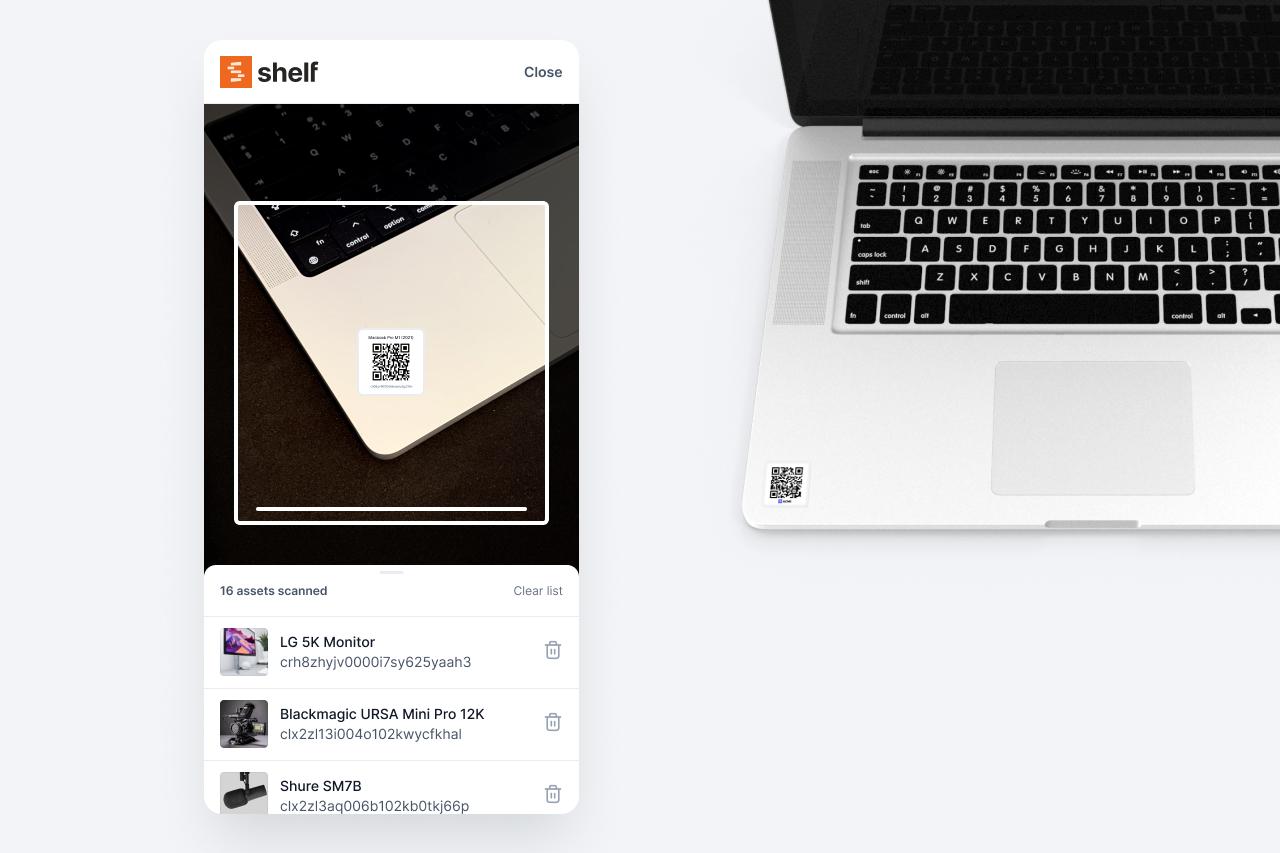
- Scan QR codes with a mobile device: Use a smartphone or tablet to scan the QR code, which will direct you to a web page or app containing the asset's details. Most mobile phones have native QR support, which makes QRs a great code type for asset management.
- Update metadata as needed: After scanning a QR code, you can edit the associated metadata to reflect changes in the asset's status, location, or condition.
Do all phones support QR code scanning via the Camera App?
| Manufacturer | Model Name | Supports QR Code Reading via Camera App |
|---|---|---|
| Apple | iPhone 8 | Yes |
| Apple | iPhone X | Yes |
| Samsung | Galaxy S9 | Yes |
| Samsung | Galaxy Note 9 | Yes |
| Pixel 3 | Yes | |
| Pixel 3 XL | Yes | |
| Huawei | Mate 20 Pro | No* |
| Huawei | P30 Pro | No* |
| Xiaomi | Mi 9 | Yes |
| Oppo | Find X | Yes |
| Vivo | Vivo X27 | Yes |
Note: The list is not exhaustive and there may be other models that support or don't support QR code reading via the camera app. Also, * denotes that the phone does not natively support QR code reading via the camera app, but may have third-party apps that can accomplish the task. If you want to get the full overview of phone native QR reader support with the camera app. Read this post.
Regularly Audit and Maintain Data
Schedule regular audits to ensure data accuracy and completeness. Verify that all assets have corresponding QR codes and up-to-date metadata, and correct any inconsistencies or errors.

Conclusion
QR code asset management offers numerous benefits for businesses, including enhanced efficiency, tighter security, and cost savings. By following best practices and investing in employee training, you can successfully integrate this solution into your organization and reap the rewards of improved asset management. Try out our QR code generator and see how it can transform your business operations today!
Ready to organize your assets?
Join thousands of teams who trust Shelf to manage their physical assets. Free forever, or try the Team plan free for 7 days.
Out in the field? Shelf Companion is free on iPhone & Android.
More from the blog
Best Equipment Management Software in 2026: An Honest Comparison
A fair, detailed comparison of 7 equipment management tools — Shelf, Cheqroom, Sortly, Snipe-IT, EZOfficeInventory, Asset Panda, and Reftab — with real pricing, honest trade-offs, and guidance by use case.

Film School Equipment Checkout Policies & Best Practices
Film schools and media programs juggle hundreds of cameras, audio kits, and lighting rigs that constantly flow between courses, sets, and student projects. Without a structured policy, even the best cage managers battle bottlenecks, lost lenses, or scheduling conflicts that derail productions. This guide consolidates proven practices from campus equipment rooms, fills gaps left by scattered institutional playbooks, and shows how Shelf’s platform helps document workflows, automate reminders, and drive accountability without resorting to guesswork.
Equipment Management Software for Universities: Streamlining Campus Resources
Learn how equipment management software for universities tracks, manages and schedules campus equipment while improving accountability and student access.