

Camera Equipment Check-Out
Track cameras, lenses, and accessories as complete kits — from the cage to the set and back. Shelf gives media teams QR check-out, conflict-free booking, and full custody tracking.
Trusted by innovative teams






























































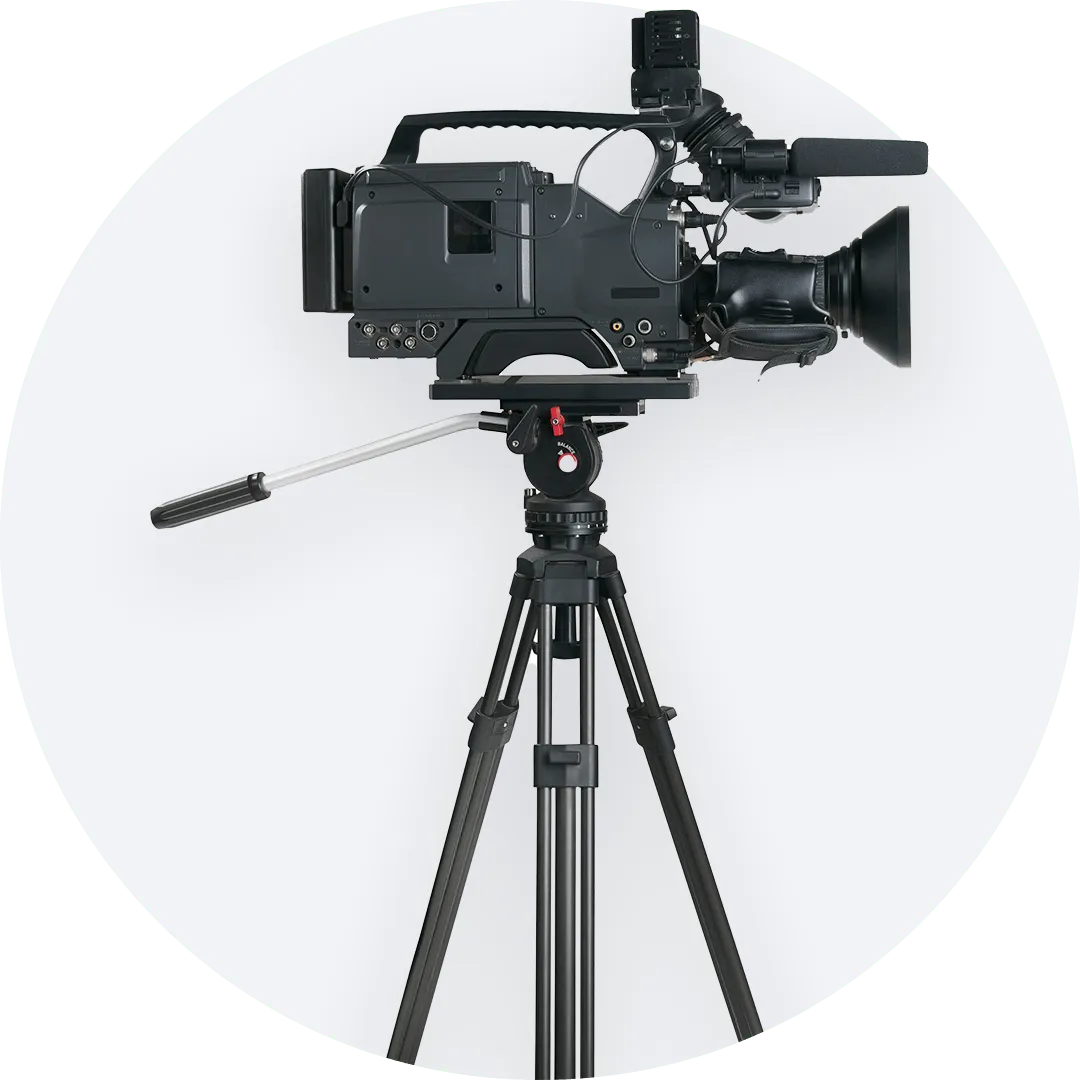
Camera equipment check-out software helps film programs and media teams manage the lending, tracking, and return of cameras, lenses, audio gear, lighting, and accessories.

What Is Camera Equipment Check-Out?
Camera equipment check-out is the workflow of issuing production gear to students, staff, or crew members—and ensuring it comes back complete. This includes cameras, lenses, microphones, lighting kits, tripods, batteries, cables, and all the accessories that make a shoot possible.
A modern check-out system replaces paper forms and spreadsheets with digital workflows: scanning, booking, custody assignment, and automatic return tracking. It keeps everyone accountable and ensures gear is ready when productions need it.
Why Teams Need Modern Check-Out Systems
Film programs and media teams face persistent challenges with equipment management:
- Missing gear: Cameras and accessories disappear without clear responsibility trails.
- Missing accessories: Batteries, cables, and lens caps get separated from their kits.
- Scheduling conflicts: Multiple productions book the same equipment for the same time slot.
- Manual forms: Paper sign-out sheets get lost, damaged, or ignored.
- Spreadsheets breaking: Manual tracking drifts out of sync and fails under production pressure.
Modern check-out systems solve these problems with real-time visibility, automatic conflict prevention, and kit-aware tracking.
How Shelf Supports Camera Check-Out
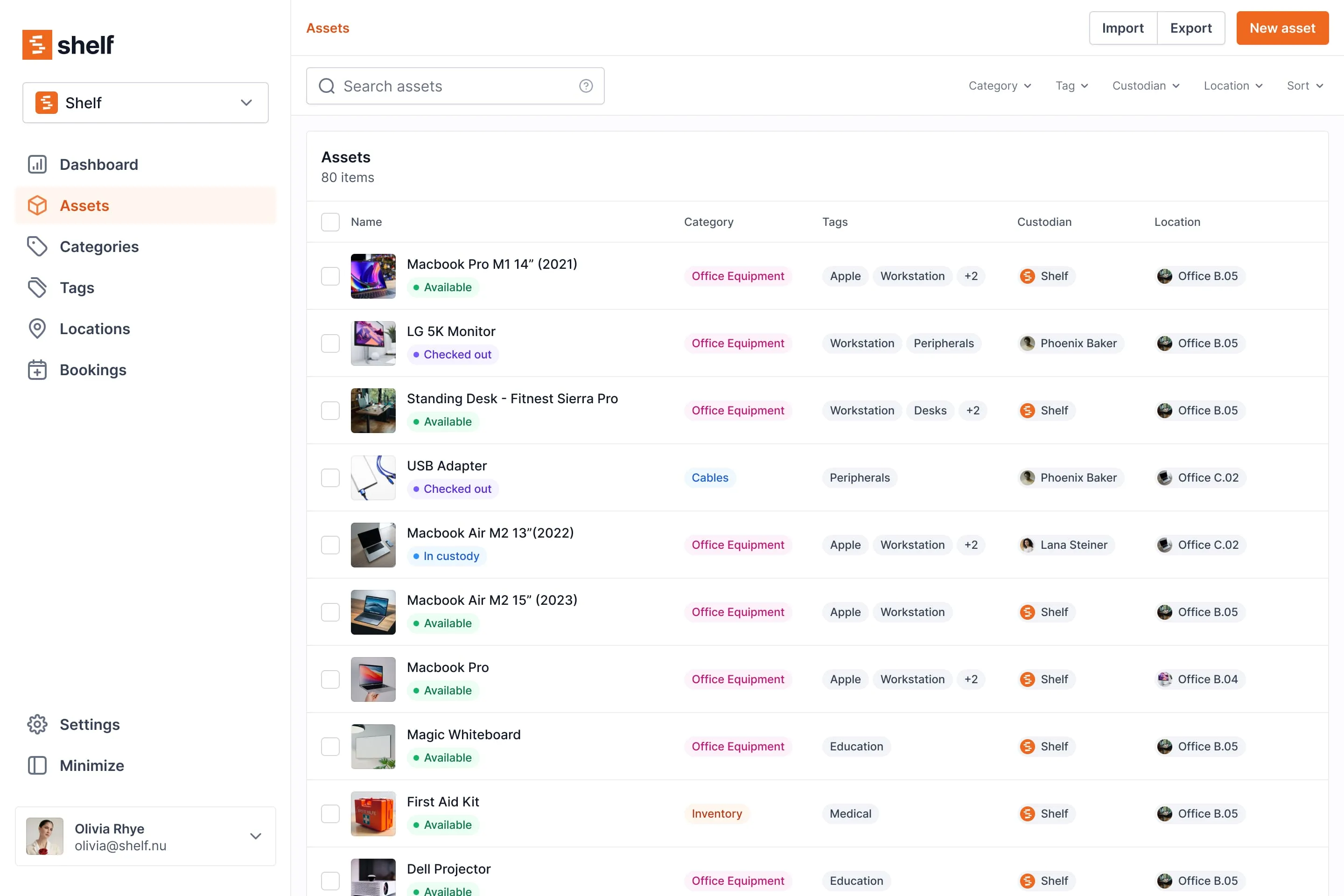
Bookings for Shoots
Reserve cameras and gear for upcoming productions. Shelf's booking system shows real-time availability, prevents double-bookings, and lets users plan ahead with confidence.
See: Bookings
QR Check-In/Out
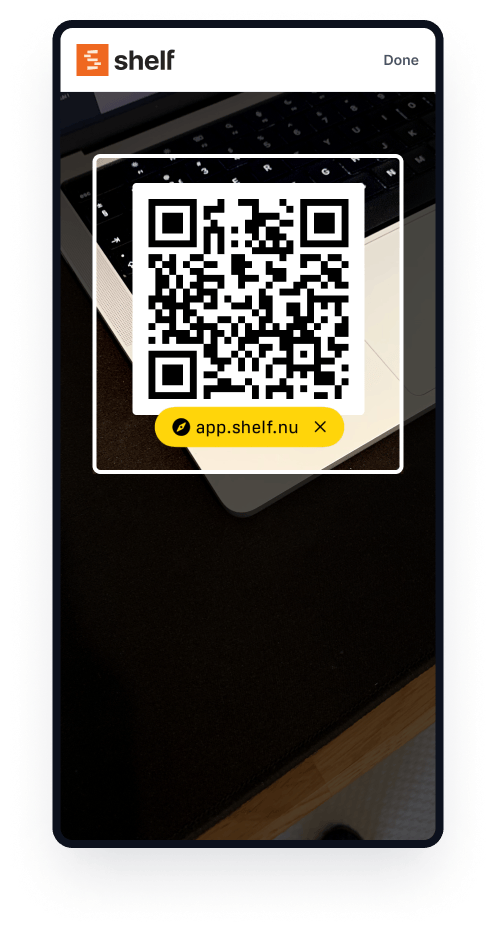
Users scan a QR code to check equipment in or out. It takes seconds, works on any phone, and requires no training. Fast adoption means immediate accountability.
Custody Chain
Shelf logs who has each piece of equipment and when it changed hands. When gear transfers between crew members or returns to the cage, the system updates instantly—providing a complete responsibility trail.
See: Custody
Kits for Accessories
Bundle cameras with their lenses, batteries, chargers, and cables. When a kit is checked out, everything goes together. Shelf flags missing components during return, ensuring nothing gets left behind.
See: Kits
Locations for Studios
Track equipment across studios, storage rooms, production offices, and field locations. When gear moves, update the location with a quick scan.
See: Location Tracking
Key Benefits
- Complete accountability with automatic custody logging
- Zero double-bookings through conflict-free scheduling
- Faster check-in/check-out via QR scanning
- No missing accessories with kit-aware tracking
- Real-time visibility into what's available and what's out
- Reduced admin overhead for equipment managers
- Usage and idle reports — Top Booked Assets, Asset Utilization, and Idle Assets as built-in reports help replace what is overused and retire what no one is booking
Common Use Cases
- Film schools and media programs: Manage camera cages, audio equipment, and lighting for student productions.
- Production companies: Track gear across shoots, crews, and locations.
- Photography labs: Handle check-out for cameras, lenses, and studio equipment.
- Corporate video teams: Manage shared production gear for internal content creation.
Case Studies
See how other teams use Shelf for camera equipment check-out:
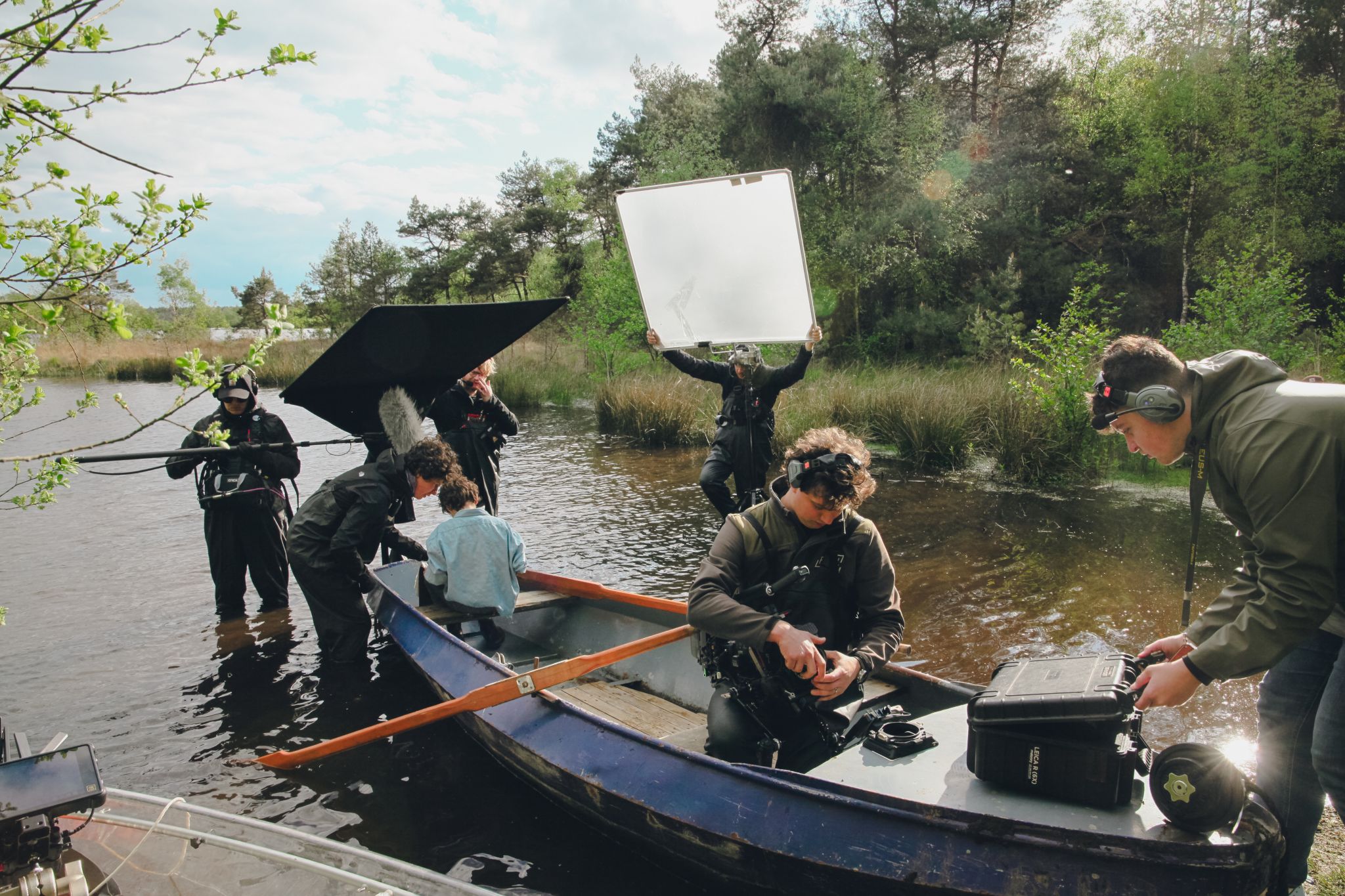
- Fabel Film — Eliminating Double Bookings — A production company that stopped scheduling conflicts and streamlined their equipment workflows.
Getting Started
- Add your equipment: Import cameras, lenses, audio gear, and accessories.
- Create kits: Bundle related items together for complete handoffs.
- Label with QR codes: Print and attach codes for fast scanning.
- Set up locations: Define studios, storage, and production areas.
- Start check-outs: Users begin booking and checking out gear immediately.
FAQs
How do students check out equipment?
Students scan the QR code on equipment with their phone, confirm the check-out, and go. When they return, they scan again to check the item back in.
Can I track missing accessories?
Yes. Kits bundle accessories with their parent items. During check-in, Shelf flags anything that's missing from the kit.
How do I prevent double-bookings?
Shelf's booking system shows real-time availability. Users only see open time slots—conflicts are prevented automatically.
Does Shelf work for multiple studios or locations?
Yes. Use locations to track equipment across studios, storage rooms, and production sites. Use workspaces to separate inventories by program or department.
Can staff override student bookings?
Administrators can manage, modify, or cancel bookings as needed. Permissions control who can book and who can override.
See it in action
Real teams using Shelf for camera equipment check-out.

Ready to organize your assets?
Join thousands of teams who trust Shelf to manage their physical assets. Free forever, or try the Team plan free for 7 days.
Out in the field? Shelf Companion is free on iPhone & Android.