

Equipment Reservations
Prevent double-bookings and streamline scheduling for shared cameras, tools, laptops, and AV gear with a modern reservation system.
Trusted by innovative teams































































Equipment reservation software helps teams schedule, book, and manage shared gear—preventing conflicts and ensuring availability when it matters most.
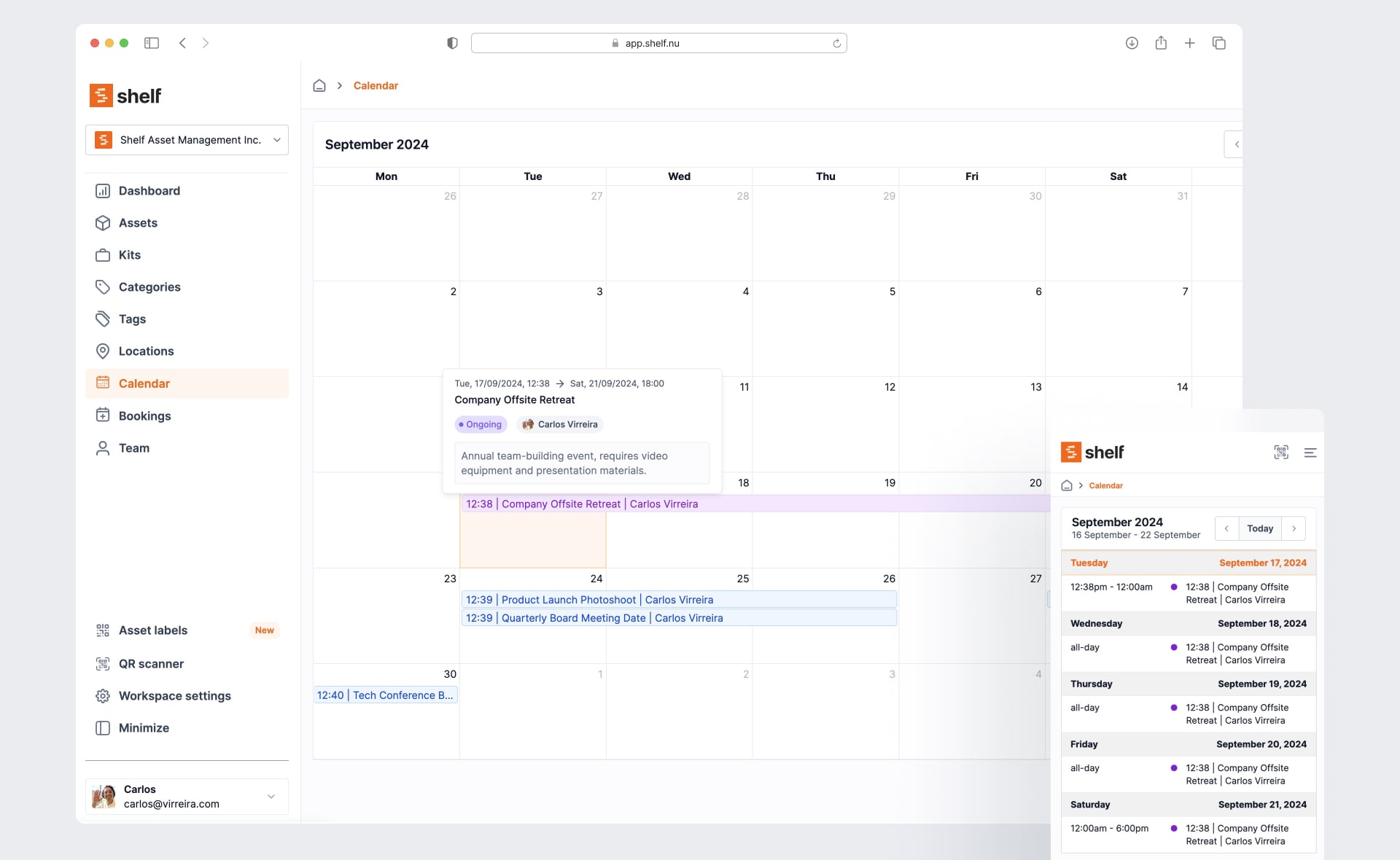
What Is Equipment Reservation Software?
Equipment reservation software provides a centralized system for scheduling shared assets. It replaces manual calendars, spreadsheets, and informal coordination with structured workflows that prevent conflicts and keep everyone informed.
A modern reservation system handles availability visibility, conflict prevention, automatic check-in/check-out, and accessory tracking—all in one place. Teams can see what's available, book equipment ahead of time, and hand off responsibility seamlessly.
Equipment Scheduling Software, Built In
Shelf works as a complete equipment scheduling tool. Teams see real-time availability, reserve gear for specific dates, and let the system block conflicting requests automatically. Whether you call it equipment scheduling software, a reservation system, or a booking tool, the workflow is the same: check what is free, claim a time slot, and hand off responsibility without double-bookings.
Unlike a shared calendar or a spreadsheet, every reservation is tied to the physical asset and its custody record, so scheduling and accountability stay in sync across teams, departments, and locations.
Why Teams Need Modern Equipment Reservations
Teams that share equipment face recurring challenges:
- Conflicting requests: Multiple people book the same camera, laptop, or projector for the same time slot.
- Spreadsheets that break: Manual tracking drifts out of sync and fails under pressure.
- Forgotten accessories: Chargers, cables, and adapters get separated from their parent devices.
- Manual coordination overhead: Staff spend time resolving conflicts instead of doing their actual work.
- Poor visibility: No one knows what's available, what's overdue, or who has what.
- Last-minute chaos: Requests pile up before events, productions, or training sessions.
Modern equipment reservation software eliminates these problems with automated scheduling, real-time availability, and unified custody tracking.
How Shelf Supports Equipment Reservations
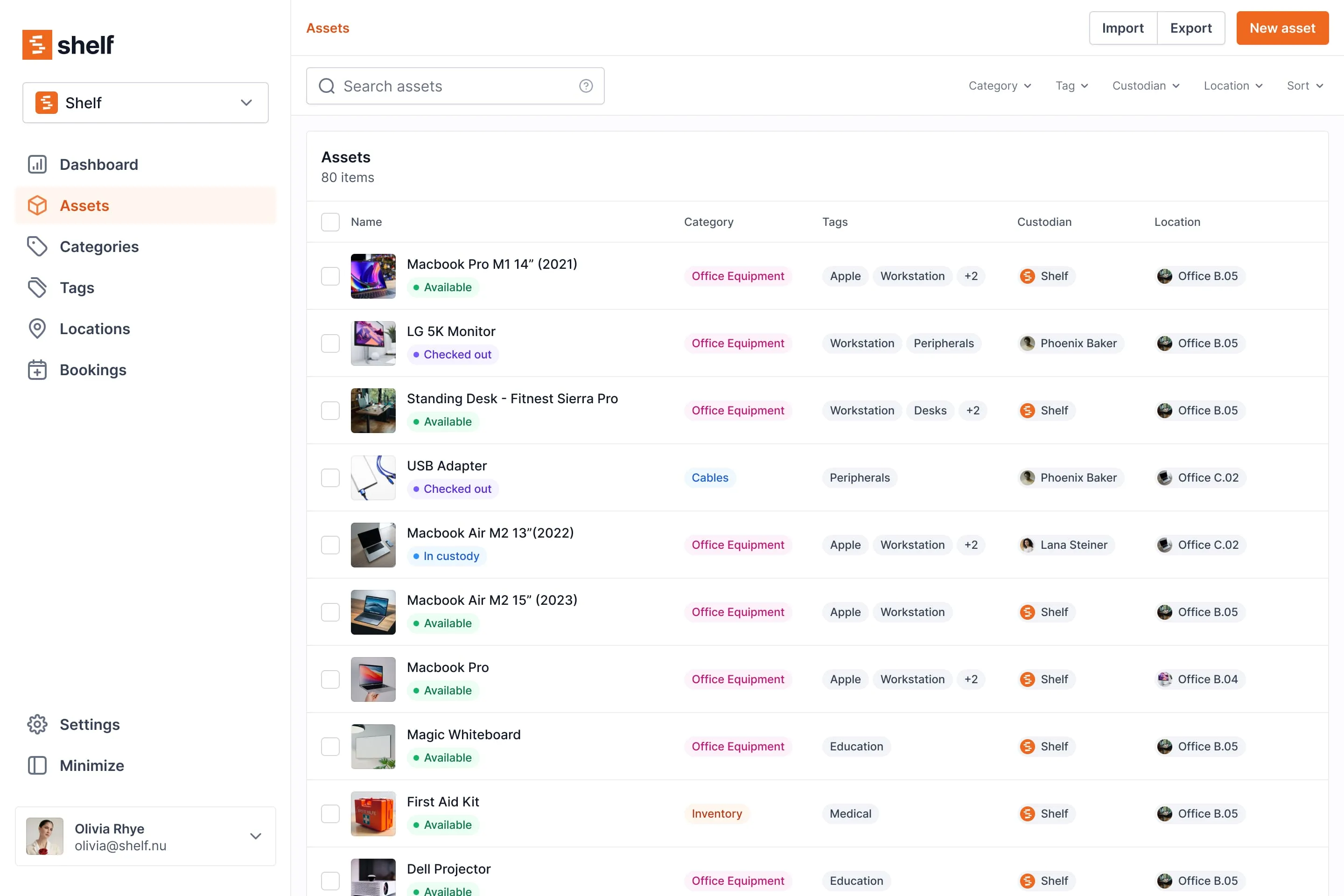
Simple, Fast Booking Interface
Shelf's availability grid shows exactly when equipment is free. Users select a time slot, confirm the booking, and move on. No back-and-forth emails, no calendar conflicts, no guesswork.
Bookings + Custody Unified
When a booking starts, custody transfers automatically. When equipment is returned, the system updates instantly. Reservations and responsibility live in the same workflow—no separate systems to maintain.
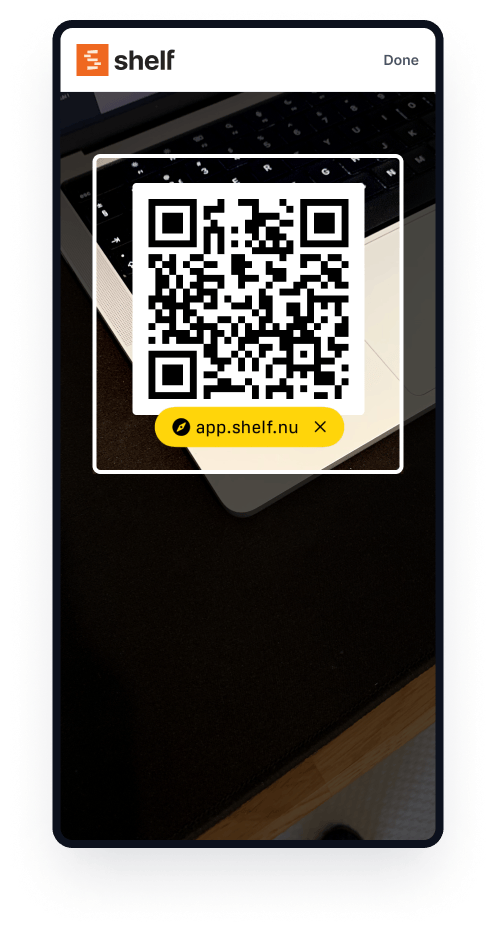
QR Check-In/Out
Users scan a QR code to check equipment in or out. It takes seconds, requires no training, and works on any device with a camera. Fast adoption, immediate accountability.
Kit-Aware Reservations
Book a camera kit and all its accessories come along. Shelf tracks what belongs together, flags missing components, and ensures complete handoffs every time.
See: Kits
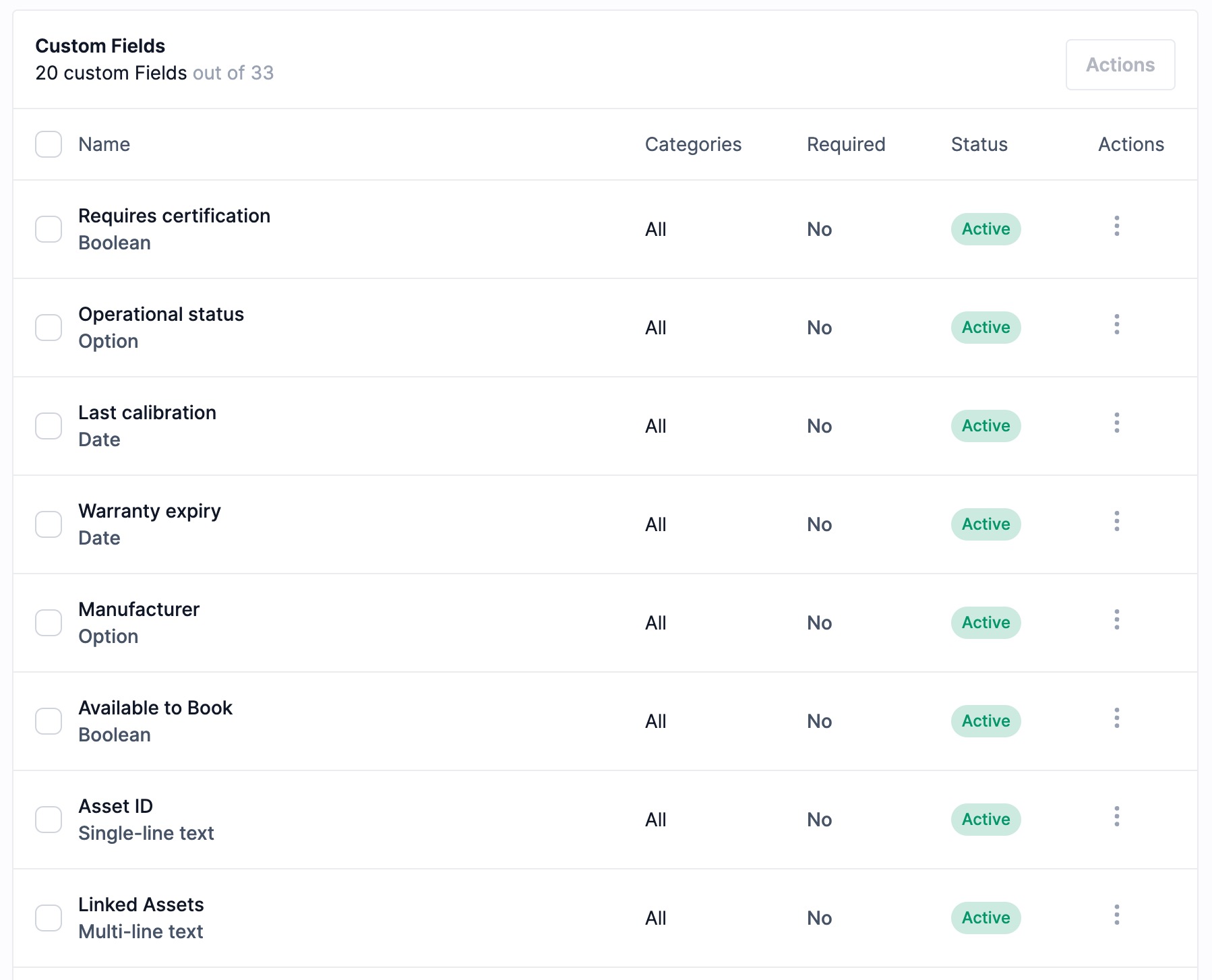
Workspaces for Departments
Separate inventories by department, program, or location. Each workspace manages its own equipment and bookings while admins retain oversight across the organization.
See: Workspaces
Granular Notification Control
Shelf gives admins full control over who receives booking email notifications — without flooding everyone's inbox.
Configure workspace-wide defaults: choose whether booking creators are automatically notified, whether all admins receive new booking alerts, and add an "always notify" list for people who need visibility across every reservation. On individual bookings, add per-booking recipients for high-priority checkouts where a department head or extra stakeholder needs to stay in the loop.
A real-time notification preview on the booking form shows exactly who will be emailed and why — before saving.
See: Booking Notification Settings
Reservations in Your Team's Calendar
Your team already lives in Outlook or Google Calendar. Shelf puts reservations there too: each member subscribes once to a live, read-only feed, and bookings appear in Google Calendar, Outlook, or Apple Calendar with the equipment list, the custodian where their role can see custody, and a link back to Shelf. Every event carries a reminder the day before the gear is due back, and the feed updates itself as bookings change. Administrators can publish a single shared calendar for the whole team.
See: Subscribe Your Calendar to Shelf Bookings
Key Benefits
- Zero double-bookings with automatic conflict prevention
- Real-time availability visible to all team members
- Faster check-in/check-out through QR scanning
- Complete accessory tracking with kit-aware reservations
- Reduced coordination overhead for staff and managers
- Clear accountability with unified booking and custody logs
- Right people, right emails with granular notification controls per workspace and per booking
- Bookings in Outlook and Google Calendar through a live feed, with a reminder before equipment is due back
- Booking analytics on demand — Booking Compliance, Top Booked Assets, Monthly Booking Trends, and Overdue Items as built-in reports, filterable by timeframe, custodian, and location, exportable to CSV and PDF
Common Use Cases
- Film and media programs: Reserve cameras, lighting kits, and audio equipment for student productions.
- AV departments: Schedule projectors, microphones, and video conferencing gear for events.
- Corporate training: Manage laptop loaners, presentation equipment, and training room assets.
- Engineering and research labs: Tool reservation for shared instruments, analyzers, and testing rigs across teams.
- Field gear operations: Book tools, safety equipment, and specialized instruments for job sites.
Case Studies
See how other teams use Shelf for equipment reservations:
- Fabel Film — Eliminating Double Bookings — A production company that stopped scheduling conflicts with Shelf's booking system.
- Eastern Michigan University — Theatre and media programs managing shared equipment across departments.
Getting Started
- Import your equipment: Add assets via CSV or manually enter items.
- Define availability rules: Set booking windows, durations, and access permissions.
- Label assets with QR codes: Print and attach codes for fast scanning.
- Invite your team: Add users with appropriate booking permissions.
- Start reserving: Team members begin booking equipment immediately.
FAQs
How does Shelf prevent double-bookings?
Shelf's booking system checks availability in real time. When a user selects a time slot, the system only shows open windows—preventing conflicts before they happen.
Can I book kits with accessories?
Yes. Kits bundle parent assets with their accessories. Booking a kit reserves everything together, and Shelf flags missing components during check-in.
Does Shelf support recurring reservations?
You can create bookings for specific time slots. For recurring needs, users can book ahead or administrators can reserve blocks of time.
How do users check equipment in and out?
Users scan the asset's QR code with their phone. The system logs the transaction instantly—no paperwork, no delays.
Can different departments have separate booking systems? Yes. Workspaces let you separate inventories and bookings by department, location, or team while maintaining centralized oversight.
Can I control who gets booking notification emails? Yes. Admins configure workspace-level defaults (notify creators, admin broadcasts, always-notify user list) and can add per-booking recipients for individual reservations. A notification preview shows exactly who will be emailed before saving.
Can reservations show up in Outlook or Google Calendar? Yes. Each member can subscribe Google Calendar, Outlook, or Apple Calendar to a live, read-only feed of their Shelf bookings. Events include the equipment, a link back to the booking, and the custodian where the member's role can see custody, plus a reminder the day before it is due back. Administrators can share one calendar for the whole team. See Subscribe Your Calendar to Shelf Bookings.
Is Shelf an equipment scheduling tool?
Yes. Shelf is an equipment scheduling tool and reservation system in one. Teams check real-time availability, schedule shared gear for specific dates, and rely on automatic conflict prevention so two people never book the same item for the same slot.
What is the difference between equipment scheduling and reservations in Shelf?
They are the same workflow. Scheduling is the act of claiming a time slot for a piece of equipment, and a reservation is the record Shelf creates for it. Because every reservation is linked to the asset and its custody log, scheduling doubles as an accountability trail.
See it in action
Real teams using Shelf for equipment reservations.

Ready to organize your assets?
Join thousands of teams who trust Shelf to manage their physical assets. Free forever, or try the Team plan free for 7 days.
Out in the field? Shelf Companion is free on iPhone & Android.