

11 Tips for Implementing Asset Tracking Software


Asset tracking software can be incredibly beneficial for professionals who need to manage and protect their valuable equipment. By implementing the right system, you can save time, streamline your workflow, and stay organized. Here are some essential tips to make the most of your asset tracking software.
Tips for implementing Asset Tracking Software
- Do Your Research: Before selecting an asset tracking system, research the market and compare different products to find the one that best suits your needs. Look for features such as asset tracking, data analysis, and reporting capabilities, and make sure the system has an intuitive and user-friendly interface. Consider the scalability of the system, as well as its security features.
- Make a List of Your Assets: Once you have selected an asset tracking system, make a comprehensive list of all the assets you want to track. Include details such as make and model, serial number, cost, and purchase date. This information will be used to populate the asset tracking system.
- Create an Inventory System: Use the asset tracking system to create categories for different types of assets and add detailed information about each item. This will help you quickly find what you're looking for and keep track of the current status of each asset.
- Integrate with Other Systems: Many asset tracking systems offer the ability to integrate with other systems. This can be particularly useful if you use multiple software programs for your work. By integrating the asset tracking system with the other systems, you can streamline your workflow and improve efficiency.
- Regularly Monitor Assets: Regularly check the assets in your inventory to stay organized and ensure that all of your assets are accounted for. Use the asset tracking system to check the status of each asset and make sure it is up-to-date.
- Secure Your Assets: Look for a system with advanced security features, such as encryption, authentication, and access control. This will help protect your assets from unauthorized access and potential theft.
- Customize the System: Consider customizing the asset tracking system to your unique workflow. For example, if you frequently rent equipment, can the system track rental dates and fees? If you have a team of assistants, can they access the system and update asset status in real-time?
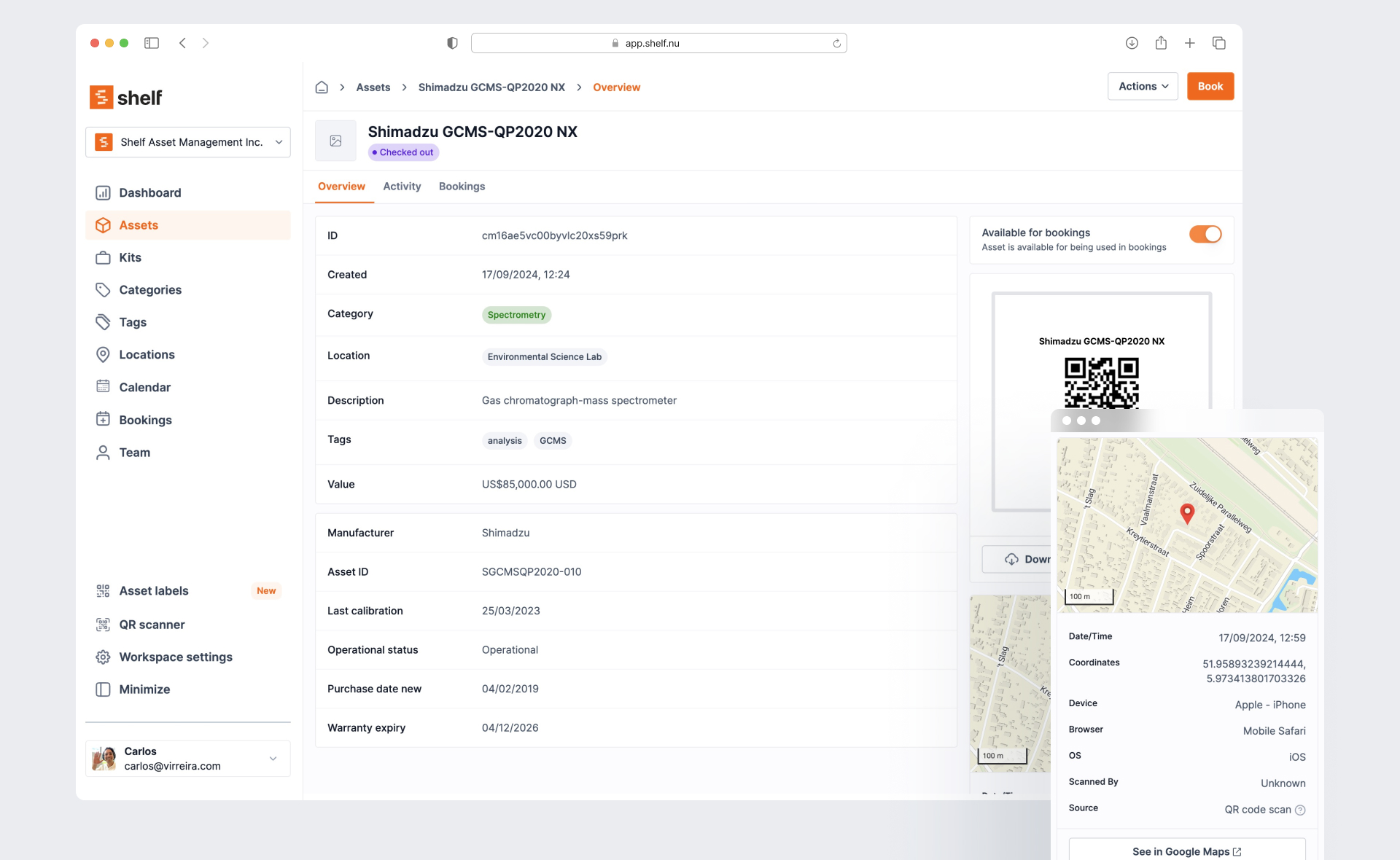
- Utilize Mobile Access: Look for a system with mobile access, so you can update asset status and check inventory from anywhere, at any time.
- Consider Maintenance and Repair: Keep track of maintenance and repairs needed for your assets within the asset tracking system. This will help you schedule maintenance and avoid equipment failure, which could result in lost revenue or missed opportunities.
- Use Analytics to Make Informed Decisions: Take advantage of data analytics capabilities to identify trends in equipment usage and make informed decisions about equipment investments, rental opportunities, and future purchases.
- Train Your Team: Ensure that your team is trained on the asset tracking system and understands the importance of keeping asset information up-to-date. This will help prevent lost or stolen equipment, which can be costly for your business.
By following these tips, photographers and videographers can optimize their use of asset tracking software and improve their overall efficiency and organization.
Ready to organize your assets?
Join thousands of teams who trust Shelf to manage their physical assets. Free forever, or try the Team plan free for 7 days.
Out in the field? Shelf Companion is free on iPhone & Android.
More from the blog
Asset Panda Pricing in 2026: Plans, Minimums and What It Really Costs
Asset Panda no longer lists prices on its website. Here is every figure we could source and date: its last public price list, third-party reports, seat minimums, extra users, onboarding, and worked totals for three real team shapes.
Asset Register Template (Excel) and Equipment Inventory List
A free fixed asset register template in Excel with straight-line depreciation formulas, plus an equipment inventory list in Excel and CSV that imports into Shelf. What a register must contain, how to fill it in a day, and when a spreadsheet stops being enough.

Asset Tags: Types, Materials, Numbering and Placement
What an asset tag is and what it must carry, tag types and materials compared, a numbering format with check digits, where to put tags on laptops, cameras, tripods, tools, chairs and vehicles, and what government property tags require.