

Create Audits Straight from Locations and Kits
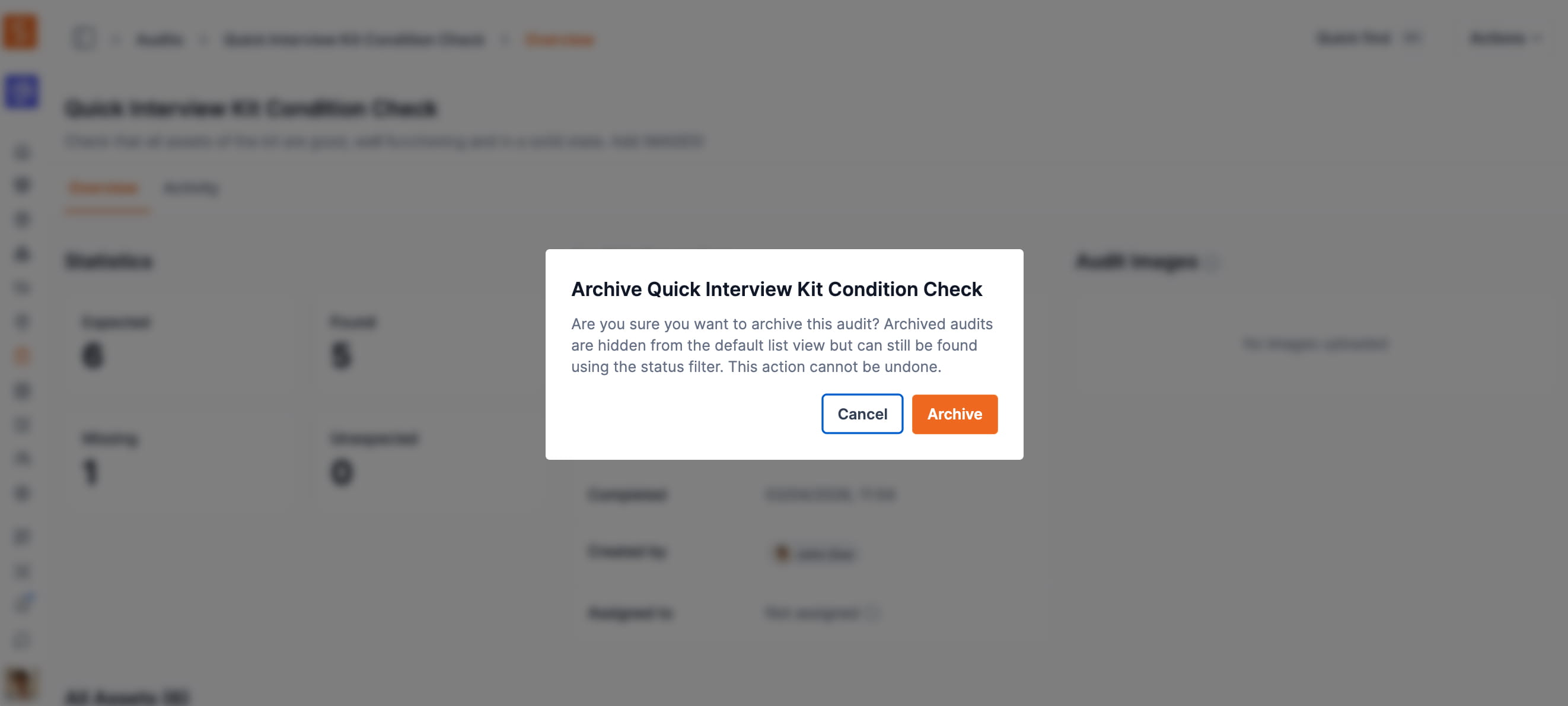
Bulk-select locations or kits, choose Actions → Create audit, and Shelf builds one audit covering the union of every asset in your selection — no need to rebuild the scope by hand.
Starting an audit no longer means rebuilding the scope inside the New Audit dialog every time. You can now kick one off directly from your list pages.
On the Locations page or the Kits page, tick one or more rows, open the Actions dropdown, and choose Create audit. Shelf creates a single audit covering the union of every asset across the selected locations or kits — perfect for a room-by-room sweep or for confirming that kit contents are complete. If you select all with a search or filter active, only the matching rows are included, and you still name the audit (and optionally assign it) before it's created.
This rounds out the audit entry points: you can start from the Assets list in advanced mode, or straight from selected locations or kits. Creating audits this way uses the same permission as the New Audit button, so anyone on your team who can already create audits can use it.
Ready to organize your assets?
Join thousands of teams who trust Shelf to manage their physical assets. Free forever, or try the Team plan free for 7 days.
Out in the field? Shelf Companion is free on iPhone & Android.