

Inventory value now counts every unit of a quantity-tracked asset
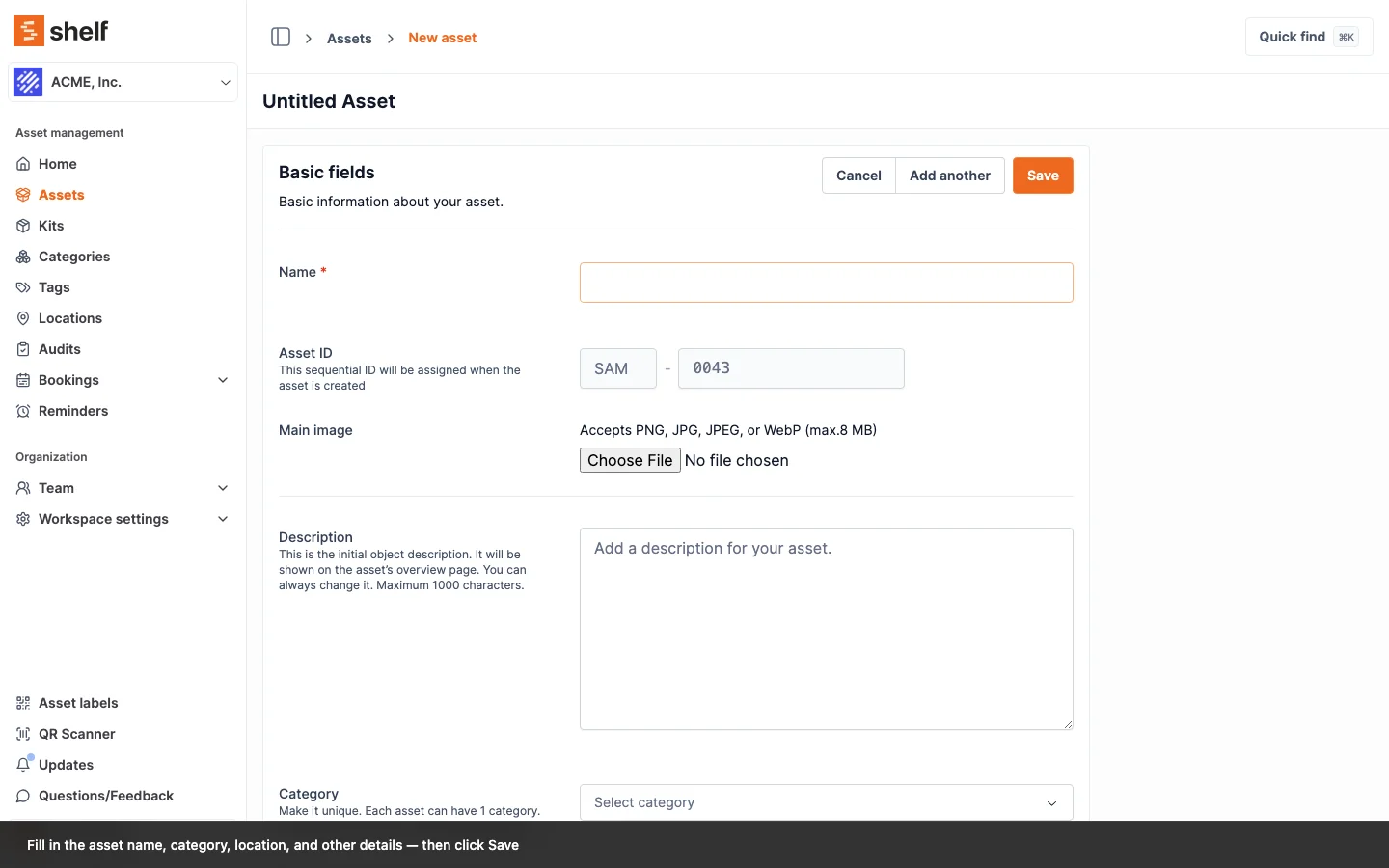
Total value now multiplies an asset's per-unit value by a quantity everywhere value is summed, and each screen counts the units it is actually about: stock on the dashboard, kit units on a kit, booked units on a booking.
The value you set on an asset has always been its per-unit value. Now that assets can be tracked by quantity, Shelf multiplies that per-unit value by the quantity on hand to get the pool's true total worth — a box of 100 cables at €2 each counts as €200, not €2.
Quantity-aware totals now reach every place value is summed, and each one counts the units it is actually about. The dashboard inventory-value tile and the Asset Inventory, Asset Distribution and Idle Assets reports count your full stock. A kit's total counts the units that kit holds. A booking's total, including the pull-list PDF, counts the units booked for those dates. The Custody Snapshot report counts what each custodian is holding, and value at risk on Overdue Items counts what is still out. A standard CSV export carries both numbers: Value stays per-unit and Total value is quantity-aware. An import-ready export carries only the per-unit price, so the file goes back through the importer without inflating anything.
Individually tracked assets are unchanged. With a quantity of one, per-unit and total are the same number. See Quantity-Tracked Assets and Consumables for the full breakdown.
Ready to organize your assets?
Join thousands of teams who trust Shelf to manage their physical assets. Free forever, or try the Team plan free for 7 days.
Out in the field? Shelf Companion is free on iPhone & Android.