

Start a Team Trial From the Pricing Page, and See Who Pays for Each Workspace
The Team trial button on the pricing page now carries your choice through signup, and the Subscriptions page lists every workspace you belong to with its plan and who pays for it.
Two changes to how plans show up in Shelf, one for new accounts and one for everyone.
The Team trial you picked is the Team trial you get
Clicking Start Free Trial on the Team plan on the pricing page used to take you to a plain signup form. Once your account was ready, Shelf asked again whether you wanted a Personal or a Team workspace, as if you had never chosen.
Now the signup page confirms the choice in one line under the heading: "You're starting a Team trial. 7 days, no credit card." After you enter the code from your email and finish onboarding, Shelf skips the second question and opens the plan page with the Team trial first. If you change your mind, the link under the plans, Continue with a free Personal workspace instead, does the same as choosing Personal.
A signup without a plan in the link works exactly as before. People who join through a workspace invitation still land in that workspace.
Every workspace's plan, in one table
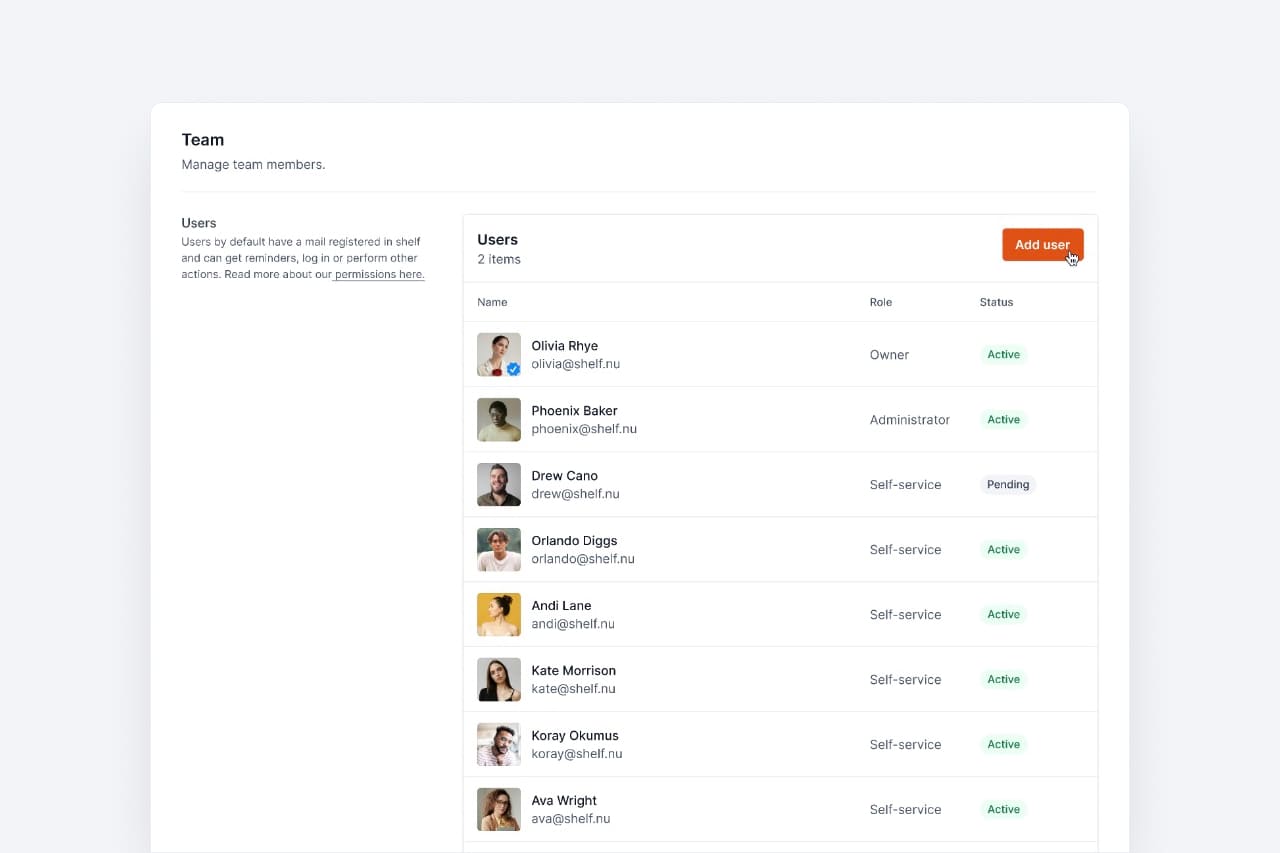
The Subscriptions page (open it from the menu under your name) now starts with Your workspaces' plans. It has one row for each workspace you belong to, with its Plan, Your role, and Paid by.
A workspace's plan comes from its owner's subscription. So an Administrator in a paid Team workspace used to open this page and read that they were on the free version. The table now shows the Team plan and the owner who pays for it. For other people's workspaces, it shows only the plan name and the owner's name. Their prices, invoices, and add-ons stay private. A free workspace reads No one under Paid by.
Below the table, Billed to you lists only what you pay for yourself. If you work in someone else's paid workspace and pay for nothing, it offers two options: Start your own Team workspace and Upgrade your personal workspace. If you sign in through SSO, you have no personal workspace in Shelf, so only the first option appears.
Ready to organize your assets?
Join thousands of teams who trust Shelf to manage their physical assets. Free forever, or try the Team plan free for 7 days.
Out in the field? Shelf Companion is free on iPhone & Android.