

Asset Tags for Laptops and Computers: Types, Placement, and How to Find the Tag Number


An asset tag on a laptop is a durable label with a unique ID number, usually printed as a QR code or barcode, that links the device to its record for inventory tracking, loss prevention, and lifecycle management.
This guide is for the people who hand out and collect computers: IT teams in companies, and device managers in K-12 districts and universities running laptop or 1:1 Chromebook programs. It covers which tag to buy, where to put it, how to read the asset tag that lives in a computer's firmware, and a numbering format that still works after a device is wiped and re-imaged.
Asset tag, serial number, or service tag?
A laptop can carry three different identifiers. They are not the same thing.
- Serial number. Set by the manufacturer at the factory. You cannot change it. Dell calls its version the Service Tag, and it is what Dell support asks for.
- Asset tag (firmware). An optional text field in the computer's BIOS or UEFI. Your organization writes its own ID there. Windows reads it as
SMBIOSAssetTag. - Asset tag (label). The sticker you put on the outside. It carries the same ID as your register and, ideally, the same ID as the firmware field.
When someone searches for a "Dell asset tag lookup", they usually want one of two things: the Dell Service Tag (the serial, for warranty) or the asset tag their own IT team assigned. The sections below show how to read both.
Which type of asset tag to use on laptops
Most laptop programs use printed QR or barcode labels. RFID and tamper-evident labels solve narrower problems.
| Tag type | Cost per tag | Scan tool | Durability on a laptop | Best for |
|---|---|---|---|---|
| QR code label | Lowest. Prints on any label printer, or order pre-printed. | Any phone camera, or a scanning app | Good on laminated polyester. Plain paper wears quickly on a laptop that travels. | Most IT and school fleets. One scan opens the device record. |
| Barcode label (Code 128, Code 39) | Lowest. Same printers and stock as QR. | Handheld barcode scanner or a phone app | Same as QR. Long 1D codes need a wider flat surface. | Teams that already own handheld scanners or a barcode system. |
| RFID tag | Highest. Each tag holds a chip, and you need RFID readers. | Handheld or fixed RFID reader | Good, but standard tags can fail on metal. Metal laptops need tags rated for metal. | Bulk counts of carts, closets and server rooms without line of sight. |
| Tamper-evident label (VOID or destructible) | Higher than plain labels | Same as the code printed on it (QR or barcode) | High. Removal leaves a visible pattern or breaks the label. | Theft-prone devices and shared or loaner pools. |
Two practical notes. First, you can combine types: a tamper-evident label can carry a QR code. Second, pick the code your scanning tool reads. Shelf generates a QR code for every asset. With the Alternative Barcodes add-on on the Team plan, it also reads the Code 128, Code 39, EAN-13 and DataMatrix labels you already have. Shelf does not read RFID tags, so if RFID bulk counts are a hard requirement, Shelf is not the right tool for that part of the job.
Where to put the asset tag on each device
The rule of thumb: put the tag where you can scan it without unplugging, opening or flipping the device in daily use, and where hands, cases and stickers will not rub it off. Never cover the manufacturer's serial number or regulatory label.
| Device | Best spot | Avoid | Why |
|---|---|---|---|
| Laptop (staff) | Underside, near the front edge | Rubber feet, vents, service panel screws | Protected from wear. Still easy to scan when you collect the device. |
| Laptop (audited often) | Lid exterior, in a corner, plus a second tag underneath | Lid center (logos, stickers, cases) | You can scan a closed laptop on a cart or in a bag without picking it up. |
| Chromebook (student) | Underside, plus a small tag on the lid corner | Keyboard deck, palm rest | Students peel lid stickers. The underside copy survives. |
| Desktop tower | Top or front of the case | The rear, the removable side panel | Cables block the rear. Side panels get swapped during repairs. |
| All-in-one / monitor | Back of the panel, near the stand, or the stand neck | Front bezel, the vent area | Visible during audits, invisible to the user. |
| Dock / hub | Top surface | Bottom (docks get flipped and dragged) | Docks move between desks. A visible tag makes them easy to find. |
Before you stick anything on, clean the spot with isopropyl alcohol and let it dry. Laptop finishes are often textured or coated, and adhesive fails on dust and skin oil faster than on anything else.
Photos of each placement will be added to this guide. Until then, the table above is the reference.
How to read the asset tag stored in firmware
Many business laptops have an asset tag field in BIOS or UEFI. If your team or reseller filled it in, you can read it from the operating system without looking at the sticker. This is also how you find the asset ID on a laptop whose label is missing.
Windows
Open PowerShell and run:
Get-CimInstance Win32_SystemEnclosure | Select-Object SMBIOSAssetTag
Microsoft documents SMBIOSAssetTag as the asset tag number of the system enclosure, read from the Asset Tag Number field of the SMBIOS "System Enclosure or Chassis" structure. If the result is empty, nobody has set the field.
On older Windows builds you may see this command instead:
wmic systemenclosure get smbiosassettag
Microsoft has deprecated the WMIC tool and, as of its August 2026 update, lists WMIC as removed on Windows 11 version 24H2 and later. Use the PowerShell command on current machines.
To read the manufacturer serial number (the Dell Service Tag on Dell machines), run:
Get-CimInstance Win32_BIOS | Select-Object SerialNumber
Linux
Run:
sudo dmidecode -s chassis-asset-tag
chassis-asset-tag is one of the keywords dmidecode -s accepts. It reads the same SMBIOS field Windows reads. Run it with sudo: by default dmidecode reads /dev/mem, which needs root. sudo dmidecode -s system-serial-number returns the serial.
macOS
Macs have no BIOS asset tag field. The hardware report shows the serial number but no asset tag. Use the serial number as the hardware key and keep your asset tag in your register or device management tool. In Terminal:
system_profiler SPHardwareDataType
Look for the line Serial Number (system). Apple also shows the serial in Apple menu > About This Mac, and it is printed on the underside of the Mac.
Chromebook
Chromebooks do not use a BIOS asset tag. Managed Chromebooks carry an Asset ID in the Google Admin console instead.
- Set it in Admin console: go to Devices > Chrome > Devices, click the device's serial number, and edit the Asset ID in the Custom fields section.
- Set it at enrollment: turn on the Asset identifier during enrollment setting, and the person enrolling the device is asked for the asset ID and location.
- Read it on the device: press Alt + V on the sign-in screen of an enrolled Chromebook to see the Asset ID and the ChromeOS version, or open
chrome://policy.
Dell, Lenovo and HP: where the asset tag field lives
Each manufacturer gives you a way to write your asset tag into firmware, so it survives a disk wipe.
Dell
Dell PCs have an asset tag field that you can check in BIOS setup and set with Dell Command | Configure. From the command line:
cctk --asset=Computer1
Dell's documentation sets two limits: an asset tag can be at most 10 characters, and it should not contain spaces. After you set it, Dell recommends checking the value in BIOS setup.
The Dell Service Tag is a different value. It is Dell's serial number, and Dell's own guide reads it with the Windows command for Win32_BIOS SerialNumber shown above.
Lenovo
On ThinkPads, Lenovo stores asset data in an Asset Information Area. Lenovo's Windows Utility to Read and Write Asset ID Information (WinAIA) writes it:
WinAIA.exe -set "USERASSETDATA.ASSET_NUMBER=ABC 123"
Lenovo's readme notes that USERASSETDATA.ASSET_NUMBER is what Windows returns as SMBIOSAssetTag. The same tool stores owner, department, location, purchase date and warranty fields. Check the readme's model list before you deploy: it covers a long list of ThinkPad models, not every Lenovo PC.
HP
HP calls the field Asset Tracking Number. HP's BIOS Configuration Utility (BCU) reads and writes it:
BiosConfigUtility.exe /getvalue:"Asset Tracking Number"
BiosConfigUtility.exe /setvalue:"Asset Tracking Number","12345678"
HP BIOS also lists a separate Ownership Tag field. If a BIOS setup password is set, BCU needs the password file that HP's password utility creates.
A numbering format that survives re-imaging
Re-imaging wipes the operating system, the hostname and anything stored on the disk. It does not touch the sticker, the firmware asset tag or your register. So the asset tag should be the one ID that never changes, and everything else (hostname, user, location) points back to it.
A format that works for most fleets:
TYPE - SITE - YEAR - SEQUENCE
| Printed on the label | Written to firmware | Meaning |
|---|---|---|
LT-NY-26-0042 | LTNY260042 | Laptop, New York office, received 2026, number 42 |
CB-HS-25-1187 | CBHS251187 | Chromebook, high school, received 2025, number 1187 |
DK-BE-26-0007 | DKBE260007 | Dock, Berlin office, received 2026, number 7 |
The firmware version drops the hyphens, so it stays within Dell's 10-character, no-spaces limit. Use the received or purchase year, not the current year. The year never changes, even when the device moves sites.
What never to encode in an asset tag:
- Names. People leave, devices get reassigned, and a student's name on a label is personal data on public display.
- Prices. A visible price tells a thief which devices are worth taking.
- Departments or rooms that change. Track the current location in your register, not in the ID.
- The serial number. You already have it. Duplicating it makes the tag longer for no gain.
If you want a hostname convention on top of this, see PC naming conventions for system admins. A common pattern is to build the hostname from the asset tag, so a re-imaged machine gets the same name back.
In Shelf, every asset also gets an automatic sequential ID (SAM-0001, SAM-0002 and so on), and you can keep your own format in a text custom field. Both are searchable, so a damaged label never means a lost record.
Asset tags in school 1:1 Chromebook programs
School devices take more abuse than office laptops, and the tag does more work. It has to survive a school year in a backpack, and it has to get a lost device back to the right building.
What to print on a student device tag:
- The asset ID, as text and as a QR code or barcode
- The school or district name
- An "If found, return to" line with the school's front office phone number
What not to print:
- Student names or student ID numbers. Assignment changes every year, and names on devices expose student data. Keep the assignment in your register.
- Passwords, Wi-Fi keys, or account details of any kind.
A setup that works for 1:1 programs:
- Tag every device before enrollment, using the format above.
- Enter the same ID as the Asset ID in Google Admin console, at enrollment or afterwards.
- Record who has each device in your asset register when you hand it out. In Shelf this is custody: scan the tag and assign it to a person, then release custody when it comes back.
- At the end of the year, check every returned device against the register. Anything not checked in is still out, and the register tells you with whom.
For tag materials, numbering and placement on other equipment, see the asset tags guide. For QR labels specifically, see QR code asset tags.
Printing and ordering asset tags
You have three routes.
- Design and print your own. The free Shelf asset label designer makes QR asset labels and exports PNG, SVG and PDF. No signup needed. Print on laminated polyester stock for laptops; paper labels will not last.
- Order pre-printed tags. The Shelf store sells pre-printed QR asset tags. When a tag arrives unassigned, you scan it and choose to link it to a new or existing asset in your workspace.
- Use your existing labels. If your laptops already carry barcodes from another system, the Alternative Barcodes add-on on the Shelf Team plan lets you keep them instead of re-tagging.
Shelf's Free plan is for a single user and includes unlimited assets, QR scanning and custody. That is enough to tag a fleet and see who holds what. Bookings and multiple users are on the Team plan. The free Shelf Companion app on iPhone and Android scans tags in the field.
Frequently asked questions
What is an asset tag?
An asset tag is a label with a unique ID, usually a QR code or barcode, that you attach to a piece of equipment so you can link it to a record of what it is, where it is and who has it. On computers, the term also means the asset tag field in BIOS or UEFI, where IT can store the same ID in firmware.
How do I check a laptop's asset tag?
Look for your organization's label on the underside or the lid first. To read the asset tag stored in firmware on Windows, run Get-CimInstance Win32_SystemEnclosure | Select-Object SMBIOSAssetTag in PowerShell. On Linux, run sudo dmidecode -s chassis-asset-tag. If the result is empty, nobody has set the firmware field, and you should check your asset register by serial number.
How do I find the asset ID on a laptop?
On a Windows or Linux laptop, use the commands above. On a managed Chromebook, press Alt + V on the sign-in screen, or open chrome://policy, to see the Asset ID your administrator set in Google Admin console. On a Mac there is no firmware asset tag field, so find the serial number with system_profiler SPHardwareDataType and look it up in your register.
How do I find a laptop's asset number?
The asset number is the ID on your organization's asset tag label. If the label is missing, read the firmware asset tag (Windows SMBIOSAssetTag, Linux chassis-asset-tag, HP "Asset Tracking Number", Lenovo USERASSETDATA.ASSET_NUMBER). If that is empty too, search your asset register by the serial number. On Dell machines, the Service Tag is the serial number, not your asset number.
Sources
All checked on 5 October 2026.
- Microsoft Learn, Win32_SystemEnclosure class (SMBIOSAssetTag property)
- Microsoft Learn, Win32_BIOS class (SerialNumber property)
- Microsoft Learn, Get-CimInstance
- Microsoft Learn, Deprecated features in the Windows client (WMIC entry, August 2026 update)
- dmidecode(8) manual page (
-skeywords) - Apple Support, Find your Mac model name and serial number
- Google ChromeOS Enterprise Help, View ChromeOS device list and details (Asset ID field, Alt + V, chrome://policy)
- Google ChromeOS Enterprise Help, Enroll ChromeOS devices (asset ID at enrollment)
- Dell, Using Dell Command | Configure to set the asset tag information
- Dell, How to locate your system Service Tag using Windows PowerShell
- Lenovo, Windows Utility to Read and Write Asset ID Information, readme
- HP, BIOS Configuration Utility (BCU) User Guide
Ready to organize your assets?
Join thousands of teams who trust Shelf to manage their physical assets. Free forever, or try the Team plan free for 7 days.
Out in the field? Shelf Companion is free on iPhone & Android.
More from the blog
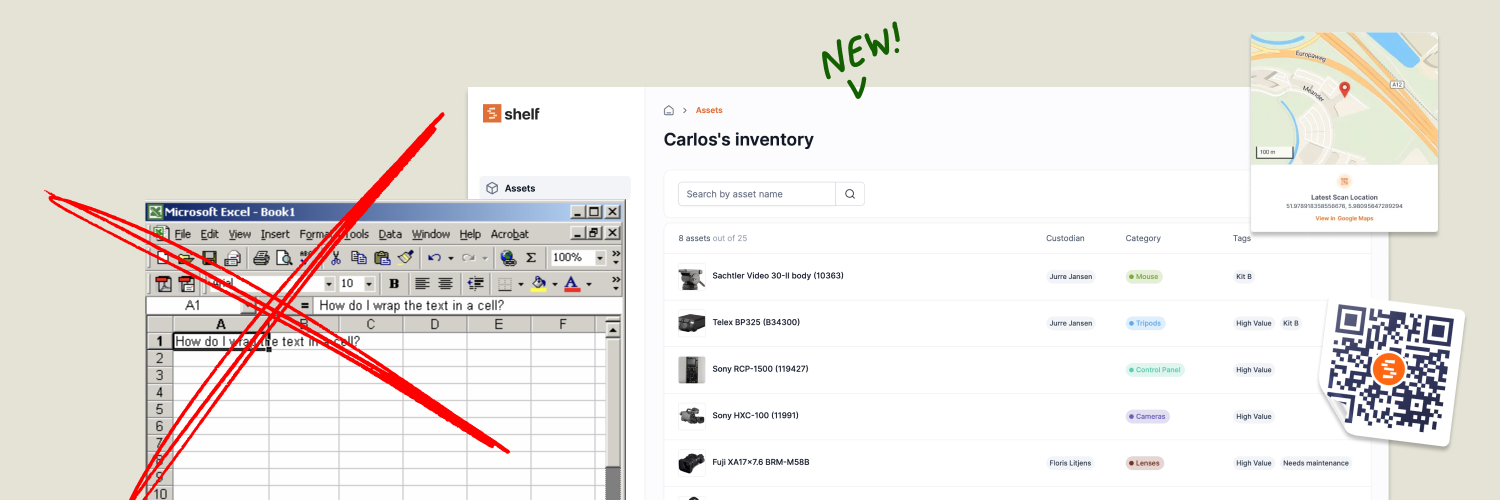
Shelf (short) demo August 2023
Managing assets efficiently is a critical aspect of any organization's operations, and in today's digital age, having a streamlined system in place is more crucial than ever. In this comprehensive webinar, we delve into the powerful features and functionalities of Shelf, an innovative asset management tool designed to simplify and enhance asset tracking, monitoring, and utilization.

Best Practices for Preventive Maintenance and Repair
The importance of preventive maintenance and repair cannot be overstated. Not only do these activities help protect the value of physical assets, but they also reduce the likelihood of costly breakdowns and repairs. To ensure that your assets remain in top condition, it’s essential to have a preventive maintenance and repair plan in place.
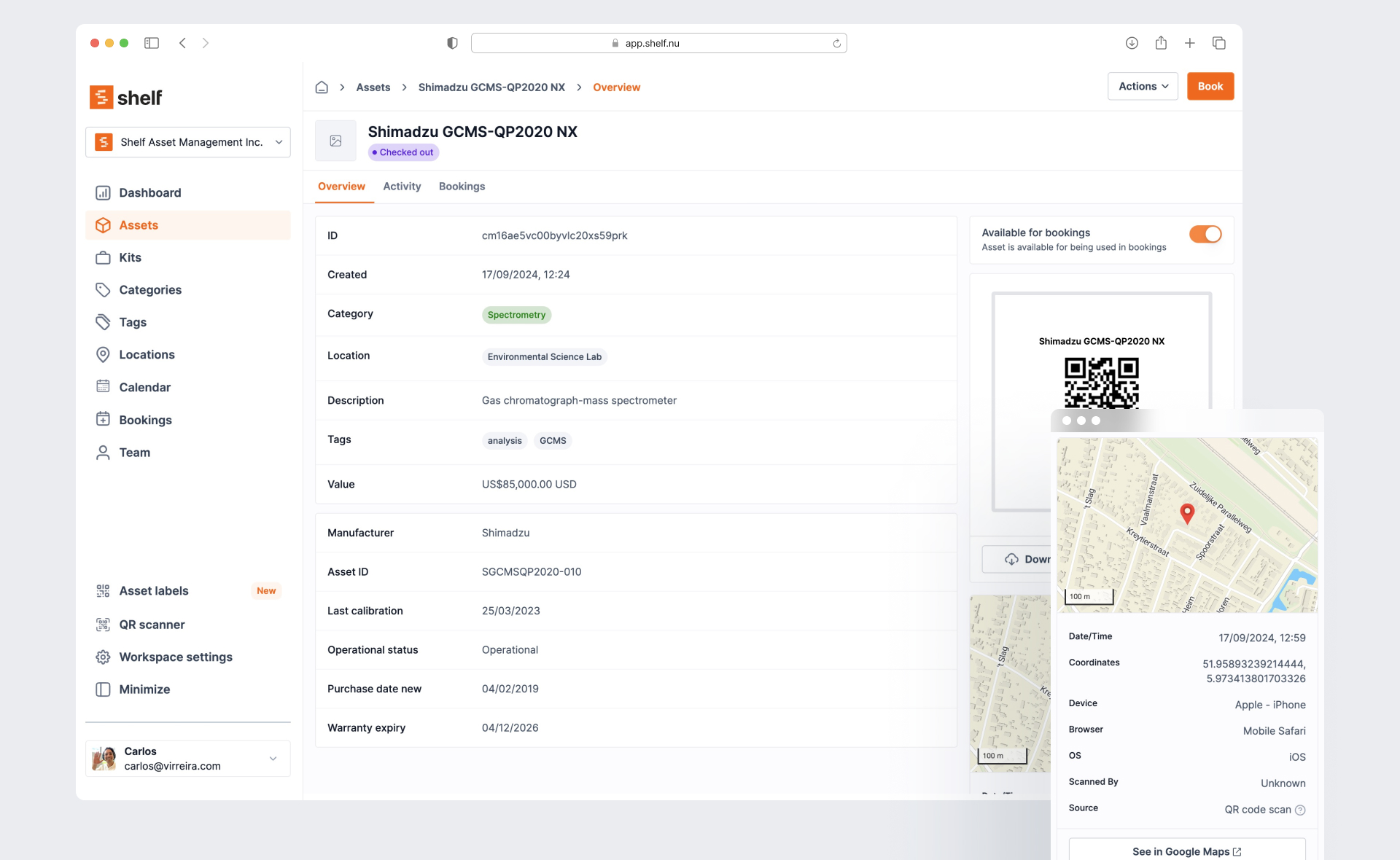
Asset Panda Pricing in 2026: Plans, Minimums and What It Really Costs
Asset Panda no longer lists prices on its website. Here is every figure we could source and date: its last public price list, third-party reports, seat minimums, extra users, onboarding, and worked totals for three real team shapes.