

Early Check-in and Check-out of Bookings
Shelf lets you check assets in or out earlier than scheduled, and keeps the period that was originally agreed alongside the one the booking really ran, so reporting still measures against the plan.

How Early Check-in/Check-out Works
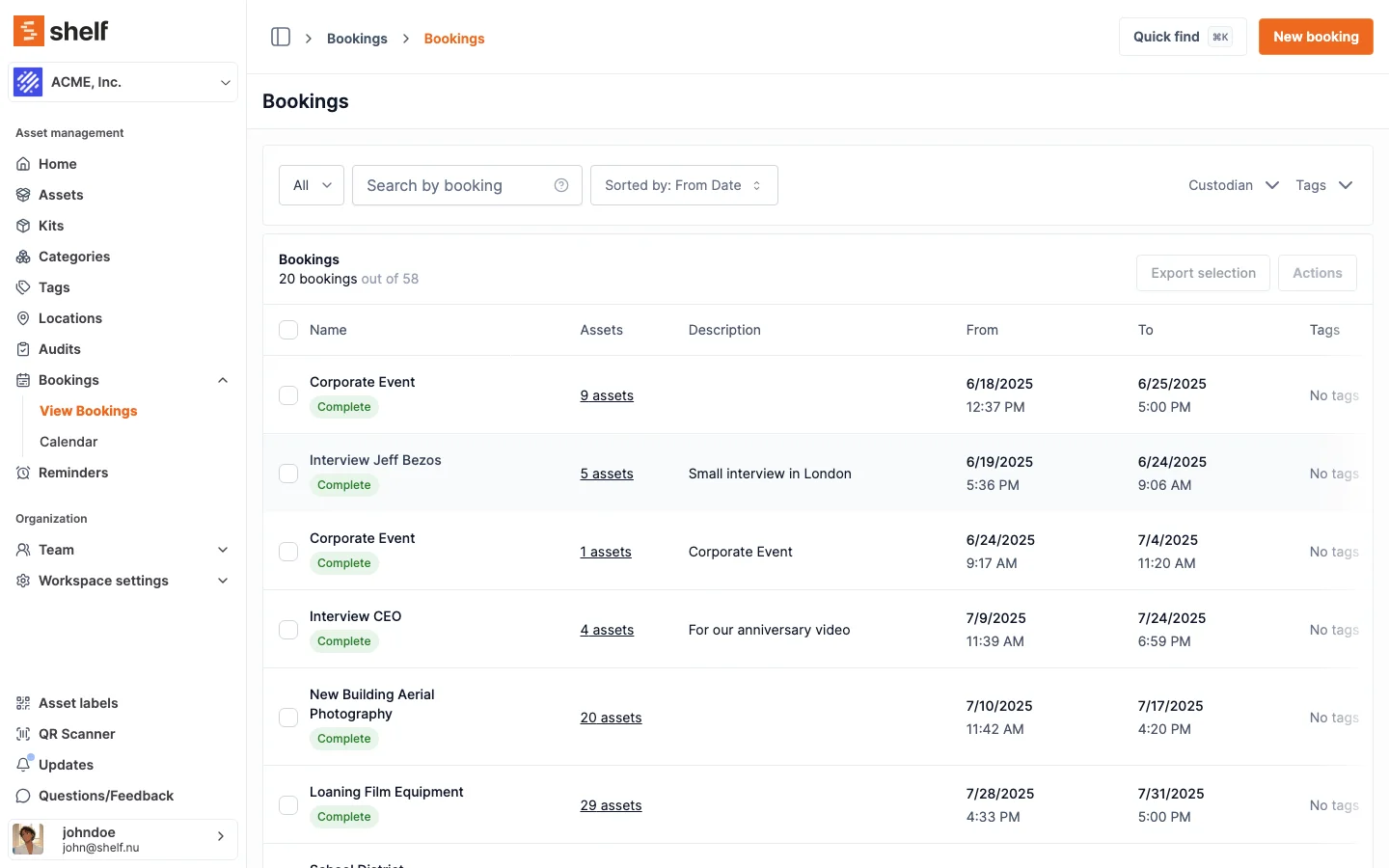
Early Check-out
When checking out assets before the scheduled start date:
- A warning message appears notifying you that the booking start date will be adjusted to the current time
- You can choose to:
- Cancel the action
- Adjust the date (updating the booking start date to now)
- Proceed without adjusting dates
Early Check-in
When checking in assets before the scheduled end date:
- You receive a warning that the booking end date will be adjusted to the current time
- Options include:
- Cancel
- Adjust the date (updating the booking end date to now)
- Proceed without changing dates
The Planned Period and the Actual Period
Every booking carries two periods, and adjusting the dates at check-out or check-in never overwrites the first one.
| What it holds | When it is written | |
|---|---|---|
| Planned period | The dates that were agreed | Creating the booking, and editing it while it is still a draft. Fixed once it is reserved |
| Actual period | The dates the booking really ran | Extending the booking, checking in a booking that is Overdue, and the date adjustments offered at early check-out and early check-in |
The planned period is frozen from the moment the booking is reserved. Nothing that happens afterwards moves it: not an early check-in, not an early check-out, and not an extension.
One path onto the actual end date is not a choice anyone makes. Checking in a booking that is already Overdue always moves its end date to the moment it came back, with no dialog and no option to decline, because the booking has to record when the gear actually returned. That is the ordinary way an actual end date comes to differ from a planned one, and it is why the Booking Compliance report reads the planned end rather than the live one. The early check-out and early check-in adjustments below are the ones you are asked about.
Where to Read Both Periods
- The booking CSV export carries four date columns: Planned start date, Planned end date, Actual start date and Actual end date. See exporting booking information.
- The booking's PDF overview adds an Original period row underneath the booking period, and only when the two differ.
The booking page itself shows the actual period. If you need the agreed dates alongside it, use the PDF overview or the CSV export.
Important Notes
- While a booking is still a draft, editing its dates moves both periods together. The planned period only becomes fixed once the booking is reserved.
- Scheduled reminders and overdue notifications follow the actual dates, not the planned ones. Adjust the end date at check-in and the reminders follow it.
- The Booking Compliance report measures returns against the planned end date, so an early return is on time and a booking extended past its deadline is still recorded as a late return. Overdue Items uses the actual end date, because it answers what is late right now.
Use Cases
This feature helps when:
- Equipment is no longer needed for the full originally scheduled period
- Equipment must be returned early for urgent requests
- Tracking actual versus planned usage for reporting and analytics
The ability to track both original and adjusted periods provides transparency for resource planning and utilization analysis.
Ready to try Shelf?
Put what you're learning into practice. Free plan available — no credit card required.