

Check-In Settles Only What Went Out, in Kits Too
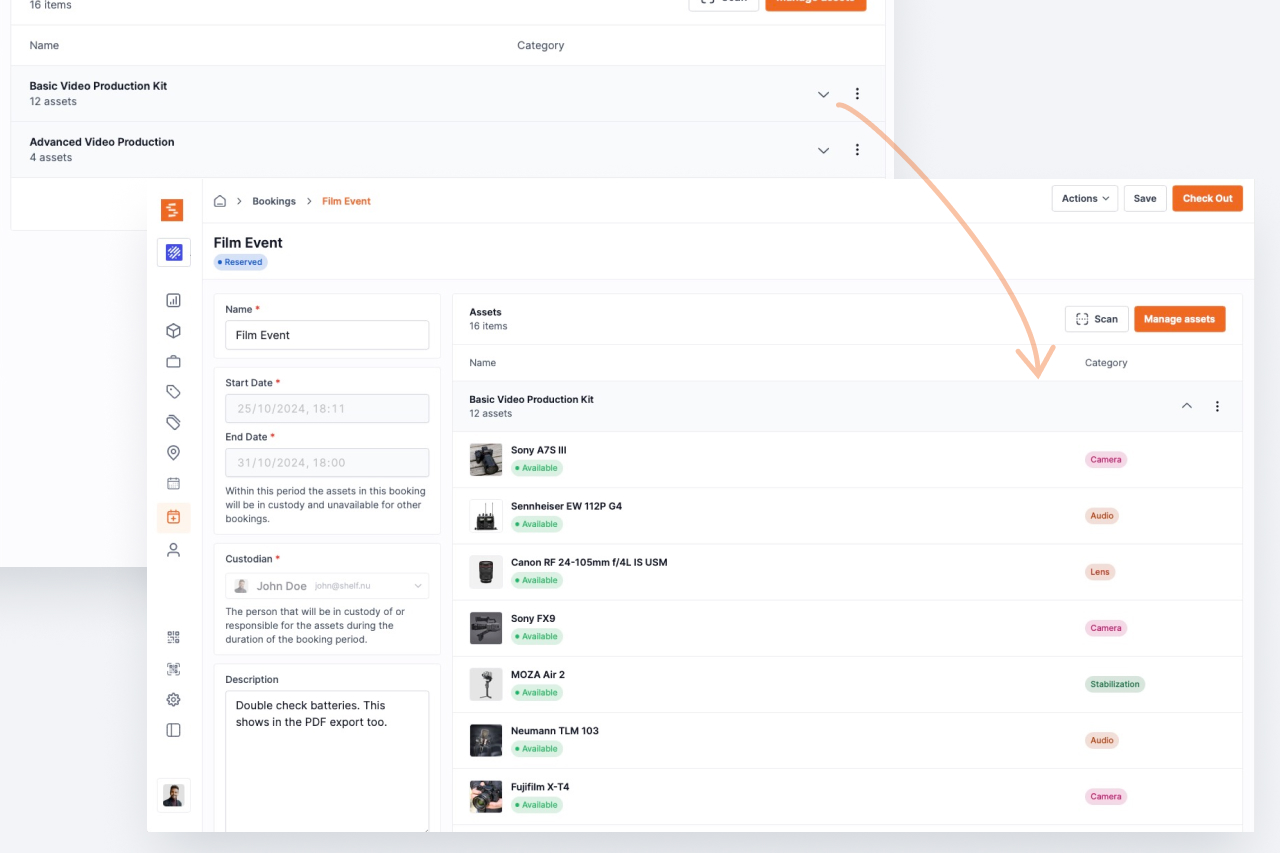
Units of a quantity-tracked asset marked consumed, lost or damaged at check-in now leave the kit that carried them, and the one-click check-in no longer consumes units of a used-up line that never left the shelf.
Two corrections to how a booking check-in settles quantity-tracked stock.
Units used up out of a kit leave the kit. A pool can sit inside a kit, and the kit's slice goes out and comes back with the kit's bookings. When units of that slice came back marked consumed, lost or damaged, the stock dropped but the kit kept claiming them, and so did the kit's location. The next edit of that membership was then refused with "You're trying to assign more of this asset than are available." Now those units leave the kit's membership in the same check-in, the kit's placement of them goes with them, and bookings that have not started yet are capped at what the kit now holds, with a note on each. A membership that reaches zero is removed the way a member is removed.
The one-click check-in consumes only what is still out. Closing a booking with the Check in button used to apply a used-up (one-way) line's default to its whole booked quantity, including units that never left the shelf on a booking that was only partly handed over. It now consumes only the units still out, and nothing from a line that never left. A scan check-in of a used-up pool with none of its units out is refused: Cannot check in "Gaffer tape": none of its units are out on this booking.
Both apply to check-ins from the web and from the Shelf Companion app, since the rule lives on the server.
Ready to organize your assets?
Join thousands of teams who trust Shelf to manage their physical assets. Free forever, or try the Team plan free for 7 days.
Out in the field? Shelf Companion is free on iPhone & Android.