

Shelf Companion: Your Code, Your Holder, and a Camera That Wakes Up
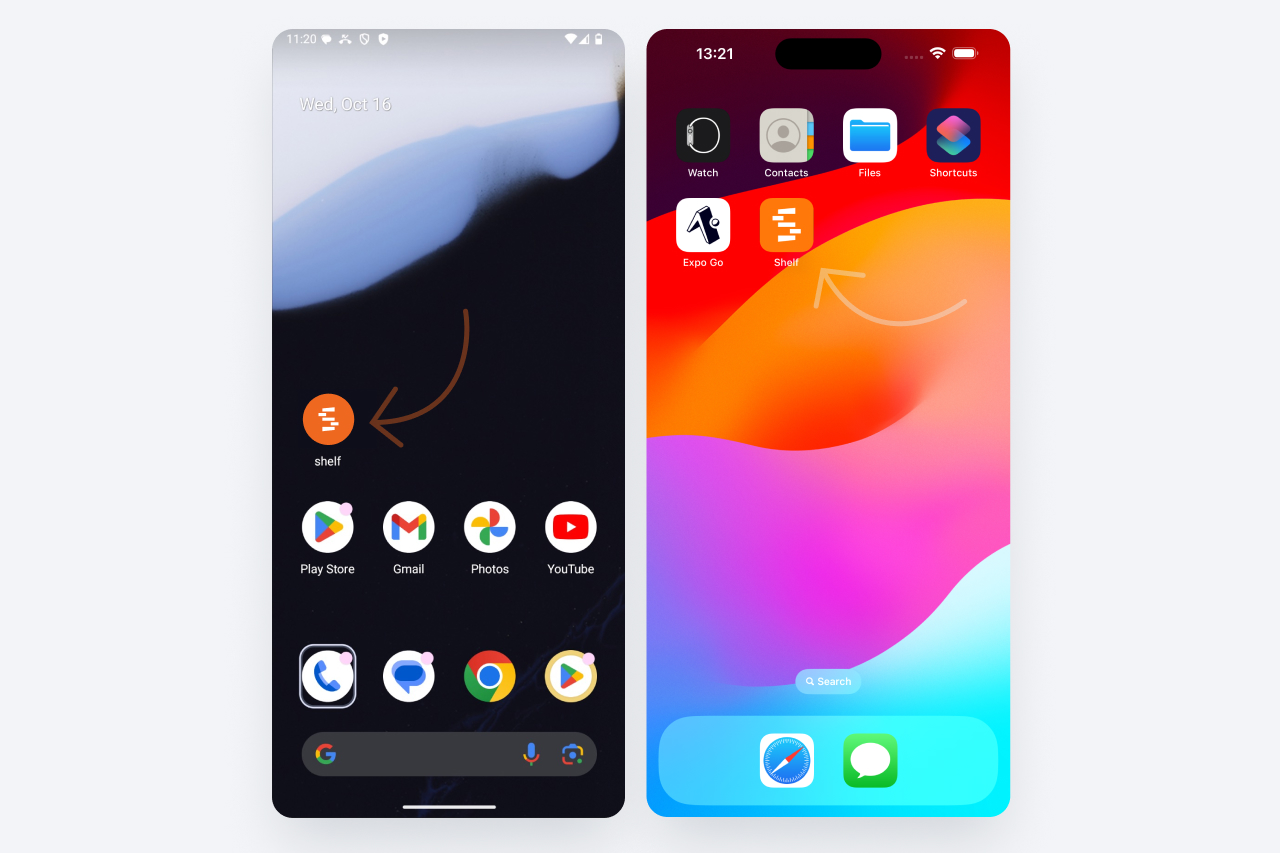
A phone update brings the workspace's own code to asset and kit screens, names who holds an asset through a booking, wakes the paused camera on any tap, and stops a failed save from throwing your numbers away.
An over-the-air update went out to Shelf Companion on iPhone and Android on 21 September 2026. The version number stays 1.5.0 — the app picks an update like this up in the background when you open it and uses it the next time you open it, so there is nothing to fetch from the store.
The code your workspace actually labels things with
Asset and kit screens now carry a Codes card that leads with the identifier your workspace chose in its code display preference — the Shelf QR, the SAM ID, or one of the item's registered barcodes — instead of always leading with the Shelf QR. An item that overrides the workspace choice for itself wins over it, and when there is more than one code the card's selector switches between them.
If the preferred code cannot be shown because the item does not carry one, the card says so plainly: "Your workspace prefers Code 128 but this item has no Code 128." The app never words that itself; the server, which knows the preference, sends the sentence.
Asset list rows print the same resolved code under the name, so a row can be matched against a physical label without opening it. Registered barcodes need the barcodes add-on.
Who is holding it, and through what
An individually tracked asset that is out on a booking now names its holder on the detail screen: an In Custody Of row, a Via Booking row, and a Since row. It is the phone's form of the custody card the web asset page has always shown. Tap the booking row to open it, where your role may open that booking. Who sees these rows follows the workspace's custody visibility rules.
A camera that wakes on any tap
The scanner pauses itself after about thirty seconds without a scan. Waking it used to take a tap on the small play button, because the strips across the top and bottom of the view swallowed everything else. Now a tap anywhere that is not a control brings the camera straight back.
Enter code moved with it. The manual-entry field opens in the strip at the top of the camera view with the keyboard already up, so one tap is enough to start typing. It used to open at the bottom, where the keyboard covered it.
A failed save no longer costs you the numbers
The sheets that take numbers — adjust quantity, the check-in disposition split, and Manage Placements — closed the moment you tapped save. A save the server then refused took your numbers with it. They now stay open with the error and everything you entered still in place, ready to correct and send again.
Kits counted as kits
The button on a booking's selection has always counted a wholly picked kit as one thing — Check Out 1 Kit & 1 Asset. The question underneath it counted the kit's members, so the same pick asked "Check out 4 selected assets?". Both now speak the same language: "Check out 1 kit and 1 asset?", then "1 kit and 1 asset checked out. The rest is still reserved." This holds on the booking screen and in the scanner's check-out and check-in drawers.
A kit the current mode cannot act on now shows no tick box at all, the way an asset in that state already did — a kit that is already out while you Select to Check Out, or one that is not out yet while you Select to Check In. The row keeps its place, so the list stays lined up, and tapping it still opens the kit.
Smaller things
- Check out what is ready. Reserved model units nobody has assigned yet no longer refuse a check-out on the phone. Check Out All, Select to Check Out and both scanners name the open units and ask you to confirm, then send out what is ready and leave the reservations open. This matches the same change on the web.
- A readable date picker on iPhone. The inline picker follows the app's own Settings ▸ Appearance rather than the phone's, so a mismatched pair is no longer dark-on-dark or white-on-white. Android was already readable and is unchanged.
Ready to organize your assets?
Join thousands of teams who trust Shelf to manage their physical assets. Free forever, or try the Team plan free for 7 days.
Out in the field? Shelf Companion is free on iPhone & Android.